Beyond traditional rendering
Gendo brings AI-native rendering to modern architectural workflows — faster, more flexible, and without hardware constraints.
Compared with tools like Enscape
"We've cancelled our Enscape license — Gendo is now our go-to for fast visuals."

Matt Salmon
Director, Salmon Planning
The shift from real-time rendering
to AI-native workflows
Traditional tools (e.g. Enscape)
- Built around hardware performance
- Slower iteration cycles
- Manual scene adjustments
- Per-seat licensing models
Gendo (AI-native)
- Cloud-powered rendering
- Instant iteration via prompts
- No hardware dependency
- Built for speed and exploration
A closer look
How the two approaches differ across the capabilities that matter.
| Capability |
 |
Enscape |
|---|---|---|
| Rendering speed | Seconds via AI | Real-time, GPU-dependent |
| Hardware requirements | None — cloud-based | High-end GPU required |
| Style exploration | Prompt-based, unlimited | Limited presets |
| CAD compatibility | SketchUp, Revit, any export | SketchUp, Revit, Rhino, ArchiCAD |
| Team collaboration | Real-time multiplayer canvas | Per-seat, no shared workspace |
| Iteration workflow | Chat-based refinement | Manual scene adjustments |
| Material swapping | AI-powered, one click | Manual library selection |
| Output resolution | Up to 4× upscale | Native resolution |
| IP protection | Designs never used for training | Local processing |
| Pricing model | Free tier available | Per-seat subscription |
10×
Faster iteration
60%
Lower cost
No GPU
Required
Live Canvas
One canvas for every design decision
Render, iterate, swap materials, and collaborate — all in a single workspace.
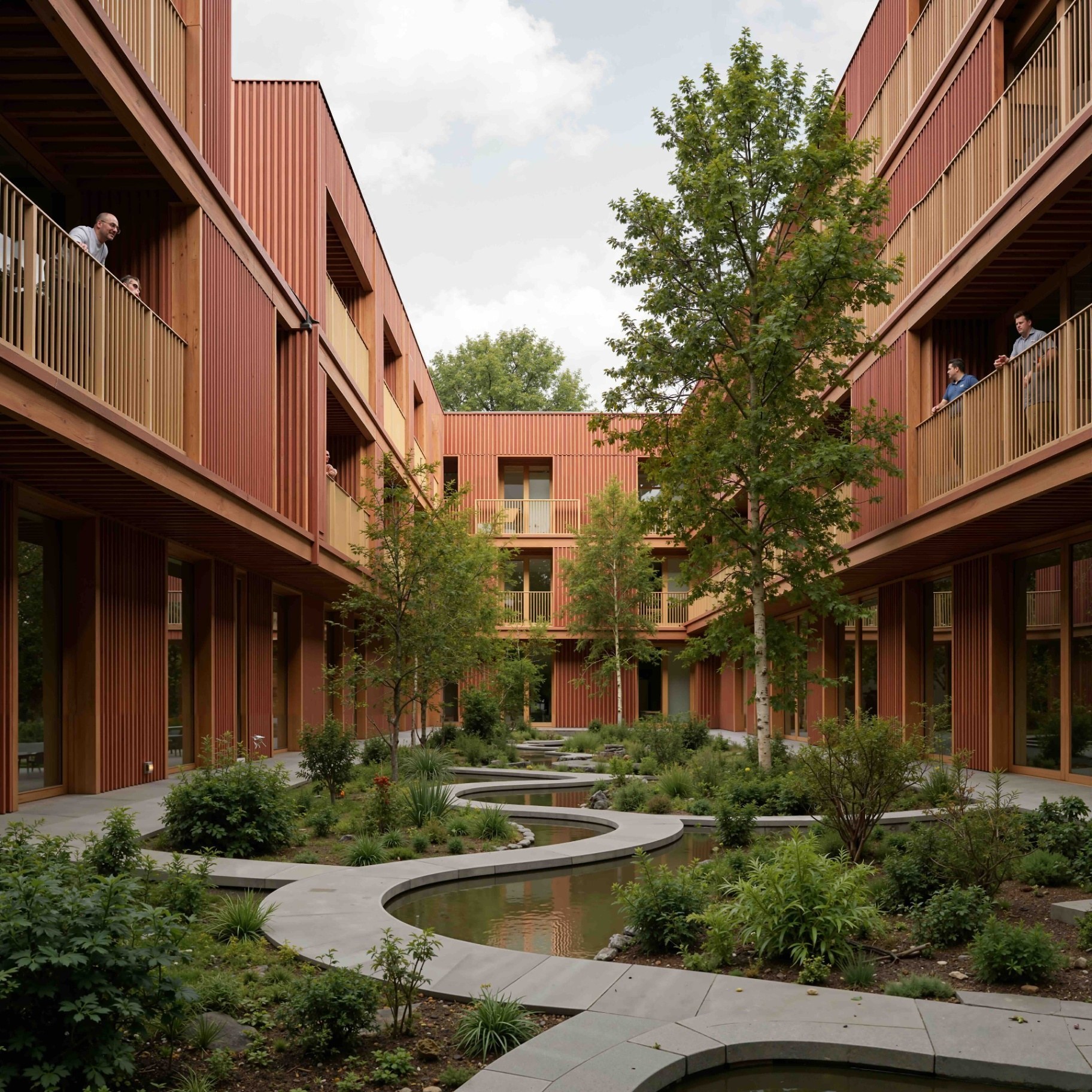
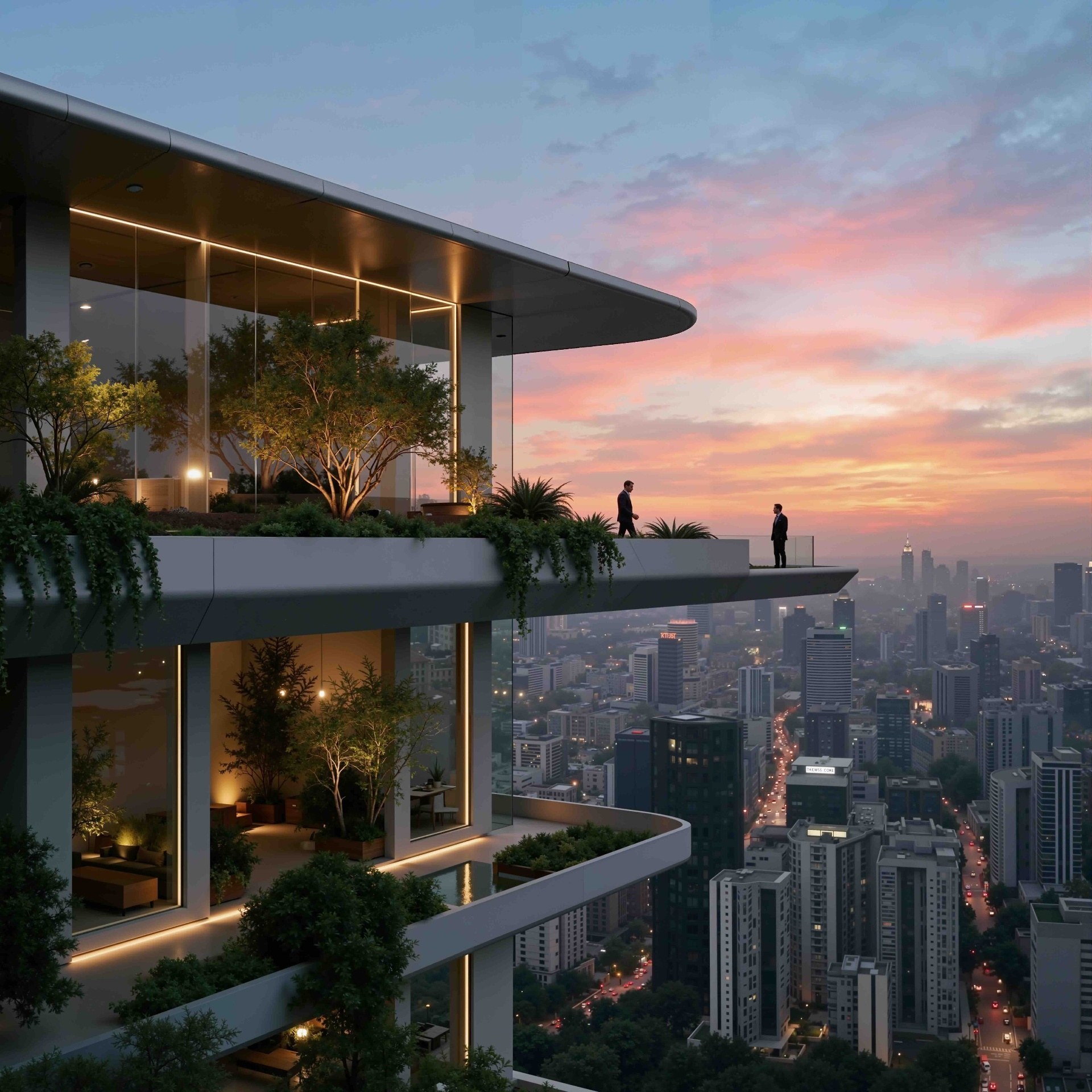
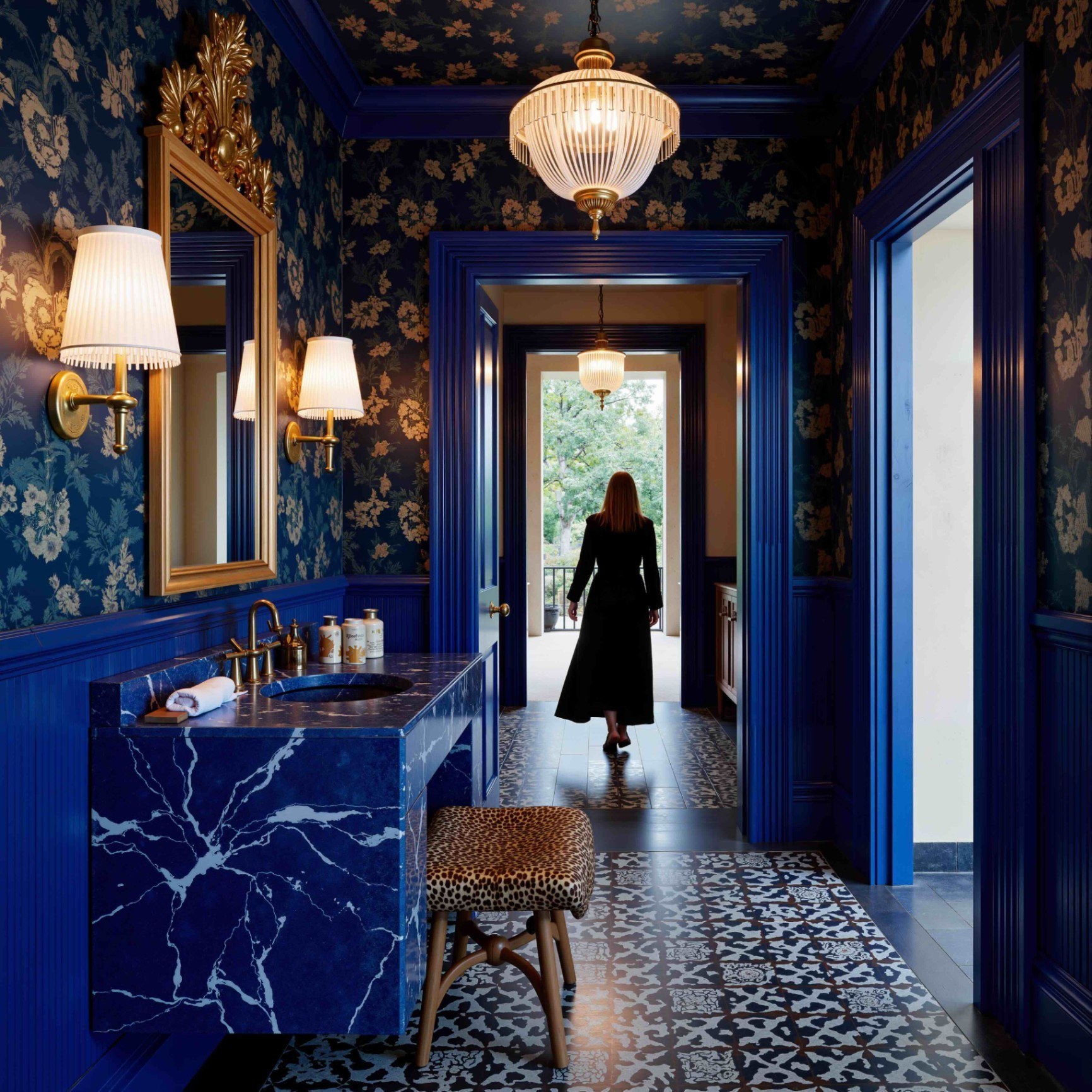
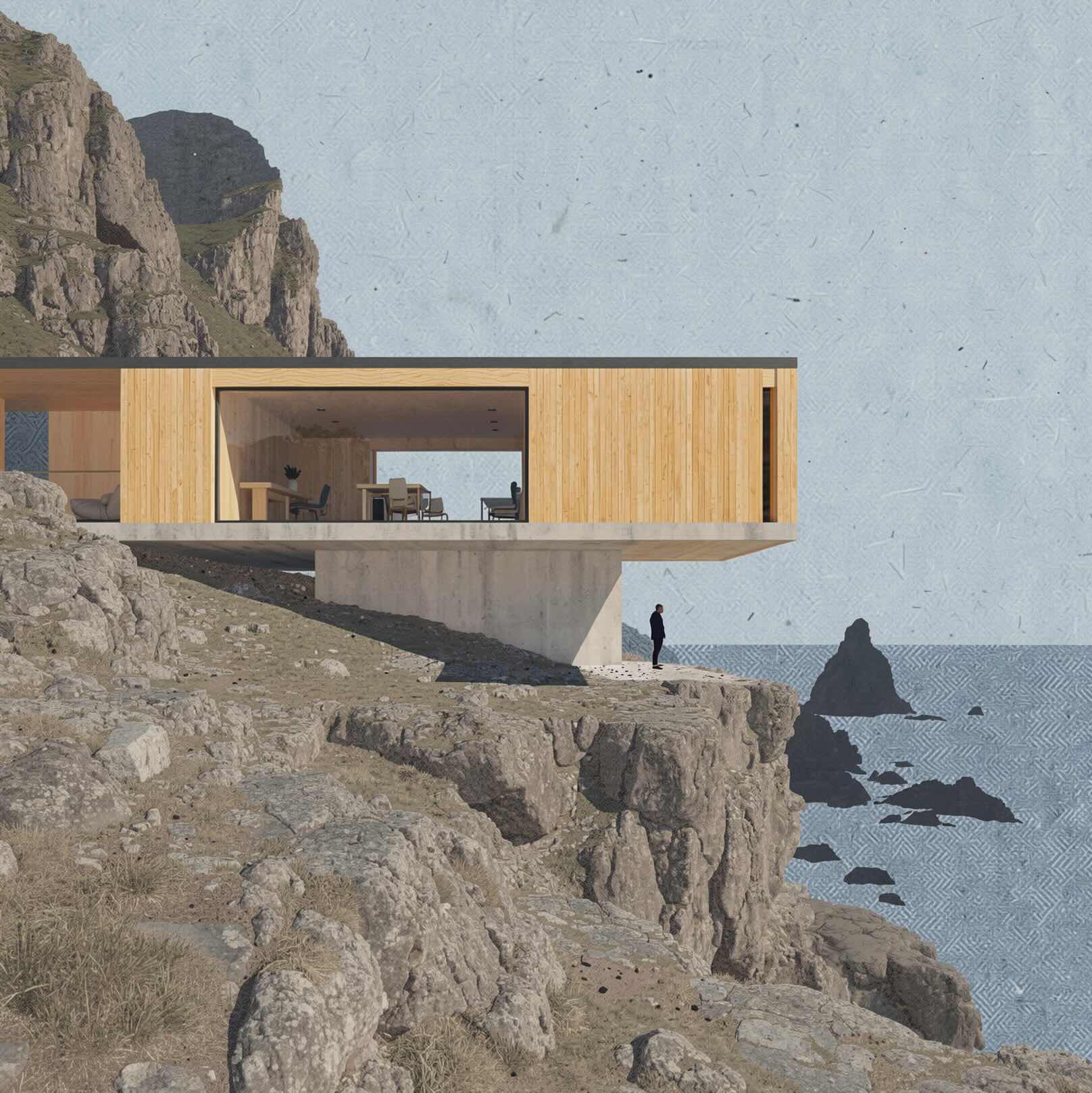
Made with Gendo
From model to presentation-ready in seconds
Built to fit your existing workflow
No new tools to learn. No hardware setup. Works with your current stack.
Upload your model
SketchUp exports, Revit views, grey models — Gendo works with your existing outputs.
Describe your desired style
Use natural language to set mood, materials, and atmosphere.
Generate instantly
AI renders in seconds, not hours. No GPU required.
Refine in seconds
Chat-based iteration preserves geometry while exploring variations.
Why teams are moving beyond traditional rendering
Speed
From hours to seconds. Generate presentation-ready visuals without waiting for hardware to catch up.
Creative control
Explore styles instantly with prompts. Watercolour, photorealistic, diagrammatic — all from one base model.
Efficiency
No hardware bottlenecks, no GPU upgrades. Work from any machine, anywhere.
From the Studio Floor
Trusted by architects who ship.
"We no longer use Enscape. Gendo has fully replaced it in our workflow thanks to the quality it delivers."
Matt Salmon
Director, Salmon Planning
"Gendo has become an essential part of our visualisation workflow. The time savings are significant, but the real value is how it helps clients connect with the design."
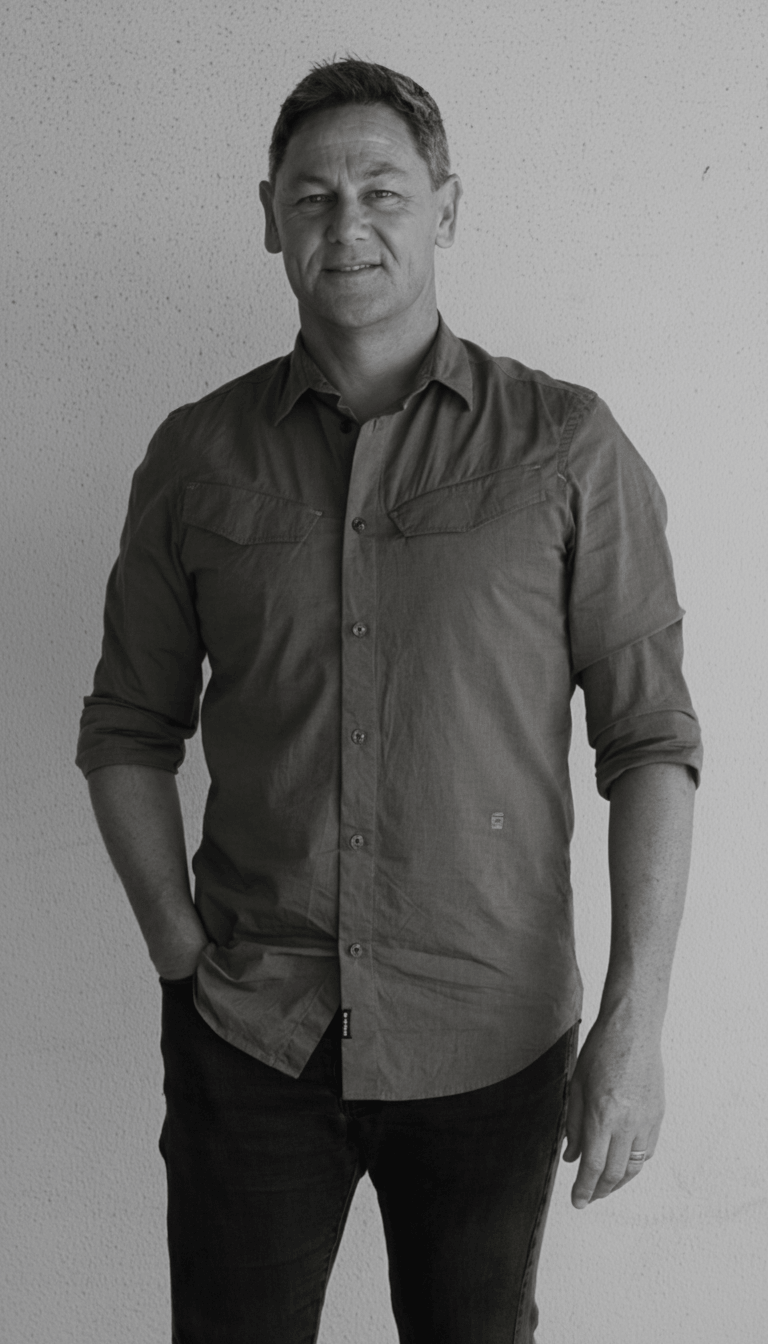
Wayne Greenland
Principal Architect, Habitat Studio Architects
"Gendo provided the speed and quality balance the team needed. Base renders could be enhanced to presentation quality in minutes rather than hours."

Bianca Pepler
Designer, Cascadia Architects
A new standard for architectural rendering
Gendo replaces slow, hardware-bound workflows with a faster, more flexible way to create high-quality visuals.