
Turn Any Sketch Into a
Photorealistic Render
Upload a hand-drawn sketch or rough plan. Gendo's AI does the rest.
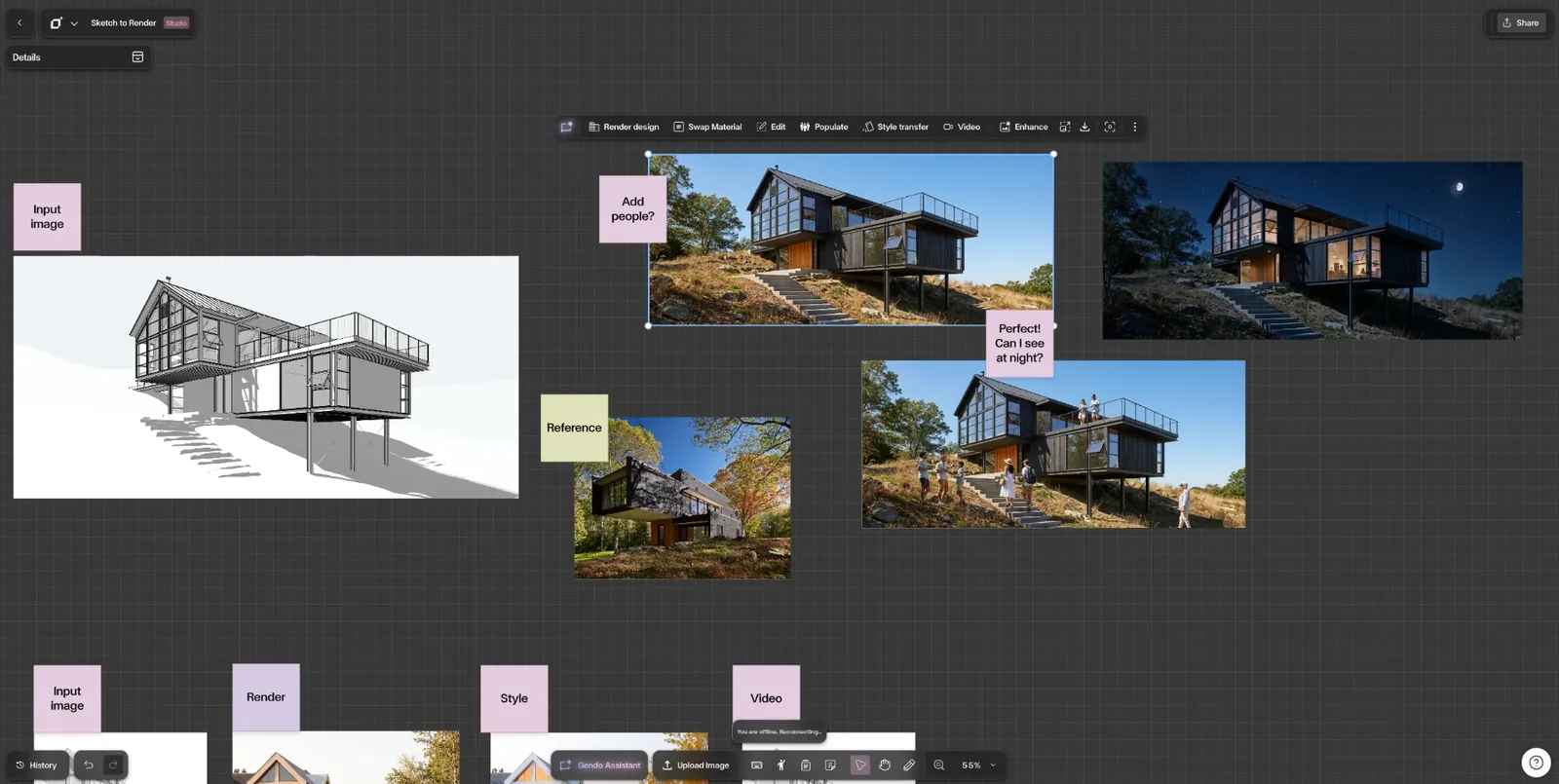
Sketch in, render out — every variation on one shared canvas.
Flexibility
Works With Any Sketch
Pencil perspectives, CAD line drawings, plans, or grey massing models — all valid inputs.
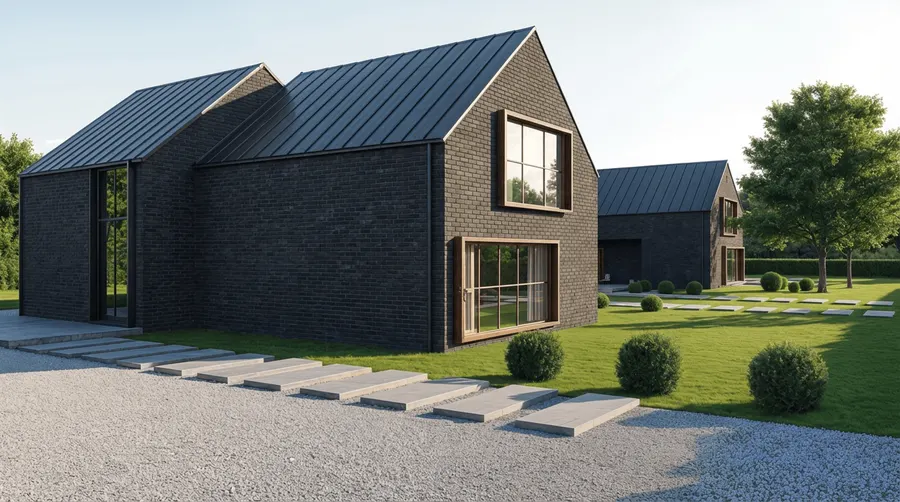
Exterior from a sketch
Massing and elevation drawings rendered in context
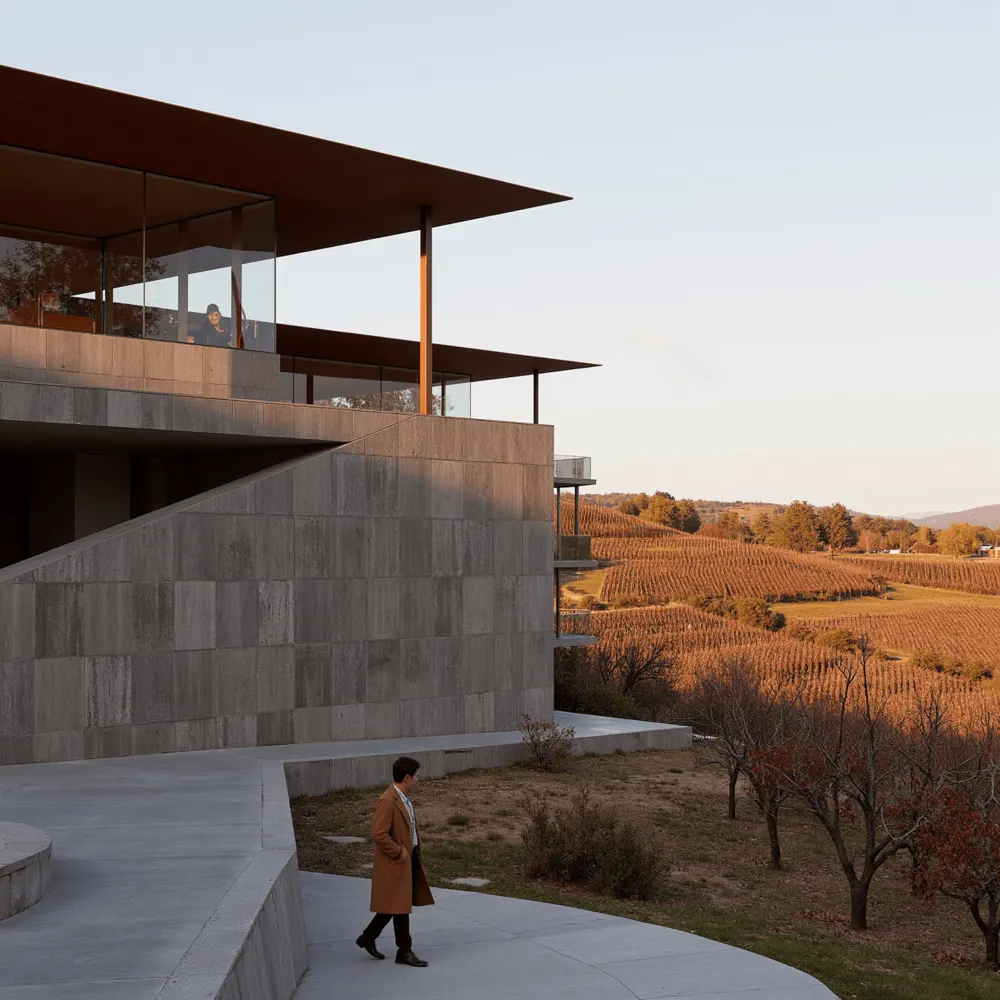
Scheme from a line drawing
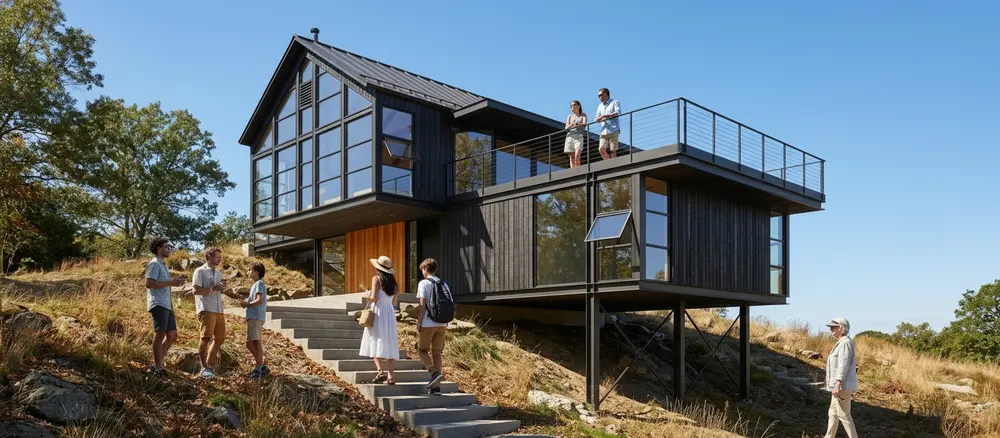
Line work rendered with materials, light, and people
Use cases
Built for Every Design Workflow
Interior Designers
Turn quick room sketches into photorealistic interior visualisations. Test materials, lighting, and furniture layouts before committing to a direction.
Try it freeWhy Gendo Beats the Alternatives
Generic AI image tools were not built for spatial design. Gendo is.
| Feature | Adobe Firefly | Canva | Gendo |
|---|---|---|---|
| Sketch-to-render (spatial) | |||
| Architecture-specific AI | |||
| Preserves geometry | |||
| Material control | |||
| Team collaboration | |||
| Free tier | |||
| Commercial-use licensing | |||
| Professional render quality |
Trusted by Architecture Studios Worldwide



"I uploaded a single Revit view to Gendo. In 45 seconds, it beat three hours of rendering in D5."
Lucille Sells
Architectural Designer, North Drawn Design
"Gendo has become an essential part of our visualisation workflow. The real value is how it helps clients connect with the design."
Wayne Greenland
Principal Architect, Habitat Studio Architects
"The value was immediate. It's fast, architectural, and very useful in live design reviews."
Liam Cox
Urban Designer, MCAU
Frequently Asked Questions
Sketch to image AI tools allow designers, architects, and developers to transform hand-drawn sketches into photorealistic renders using artificial intelligence. Unlike generic AI image generators, Gendo's sketch to image AI is purpose-built for spatial design — preserving room proportions, architectural geometry, and structural accuracy. Whether you are working from a pencil sketch, a digital line drawing, or a rough massing model, AI-powered sketch-to-render workflows reduce visualisation time from hours to seconds, enabling faster design iteration and more confident client communication.
Your Sketch, Rendered
Upload any sketch and see it transformed in seconds. Free to start.
Start CreatingNo credit card required