Architecture Project Management Tips for Architects and Design Teams
Gendo
12 February 2026

A clear, repeatable approach separates flattering renderings from built, usable architecture. This article shares practical architecture project management tips that help design teams deliver on time, on budget, and with less stress. It assumes architects want to preserve creativity while adding discipline — better decisions, cleaner handoffs, and fewer surprises on site.
Why Project Management Matters in Architecture
Architecture blends art, engineering, regulation, and client expectations. Unlike many industries, an architectural project asks teams to make high-stakes, subjective decisions early, then lock them into construction documents that will be interpreted by dozens of people. That tension creates friction: missed brief items, slow approvals, and version chaos.
Good project management doesn't kill creativity; it creates space for it. It ensures the right people make the right decisions at the right time, that information flows without bottlenecks, and that design intent survives through documentation, procurement, and construction.
Core Principles Every Architecture Team Should Follow
- Clarify scope and outcomes: Start with a documented brief and success criteria. If everyone can recite the core goals, scope creep becomes easier to spot.
- Embed iteration and feedback loops: Architects need many quick explorations. Make iteration efficient and captured so ideas don't vanish.
- Keep decisions visible: Store client approvals, design choices, and rationale in one place so future team members can understand why things are a certain way.
- Document responsibilities: Use a RACI (Responsible, Accountable, Consulted, Informed) approach so tasks aren't silently duplicated or missed.
- Standardize naming and filing: Version control saves time and reduces errors during documentation and construction.
- Prioritize communication: Fast, clear communication beats perfect documentation when resolving time-sensitive site issues.
Project Phases and Practical Tips
Architecture projects move through distinct phases; each has different priorities. Here are focused tips for each phase so teams keep momentum and control.
Pre-Project & Client Briefing
- Lead with a concise, measurable brief. Include program, budget range, target schedule, site constraints, and sustainability goals.
- Use a kickoff workshop to align stakeholders and record decisions in a single, shareable document.
- Agree on approval milestones, sign-off criteria, and who has final authority for budget or scope changes.
Tip: Capture the brief as a living document — not a PDF. When clients request changes, log them and update cost and schedule implications immediately.
Concept and Schematic Design
- Encourage loose exploration: quick sketches, massing models, and 3–5 strong options.
- Timebox options rounds to avoid endless revisions. Present selected options with pros/cons and estimated cost implications.
- Record directional decisions: which option is favored and why. That saves rework later.
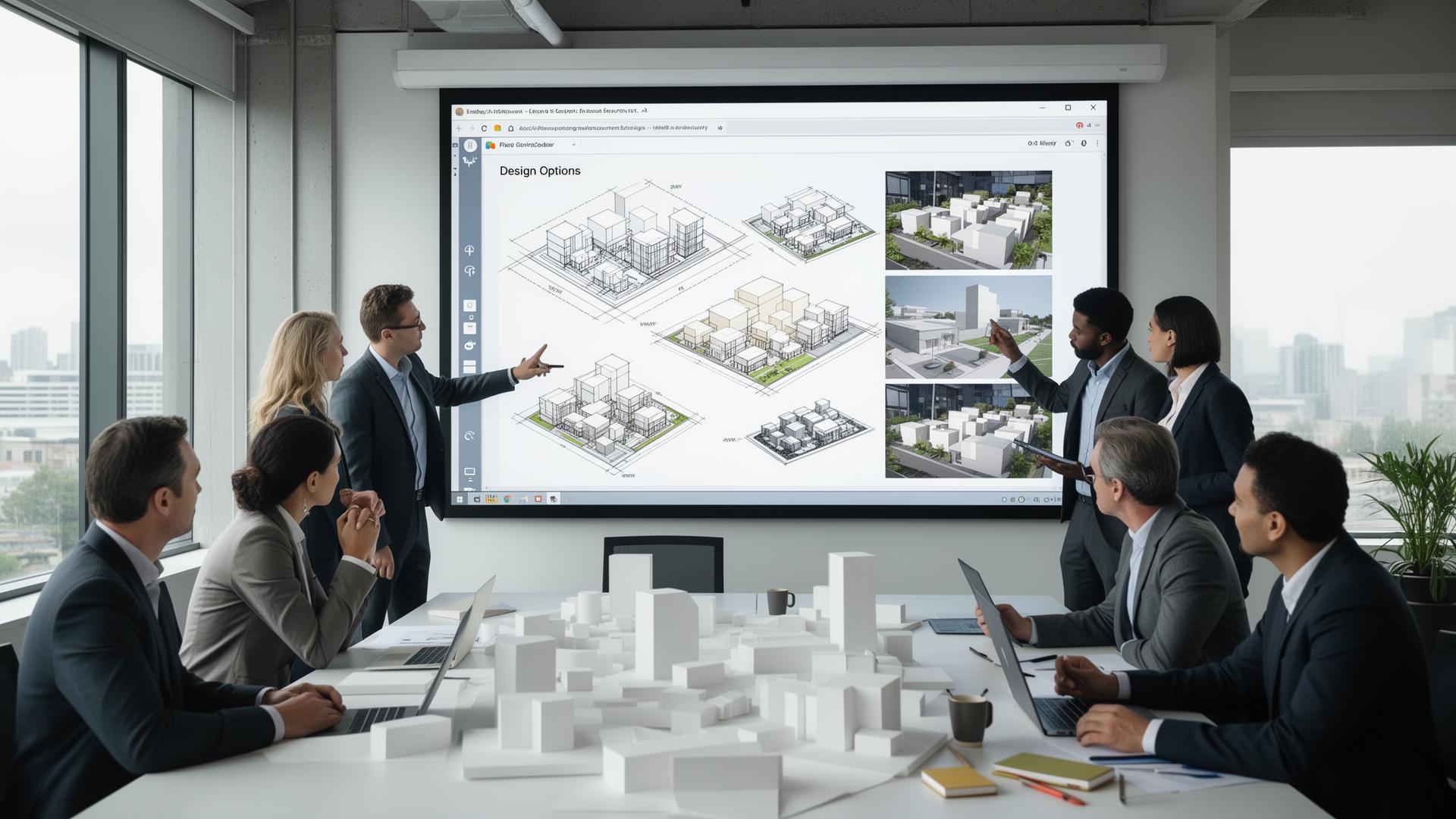
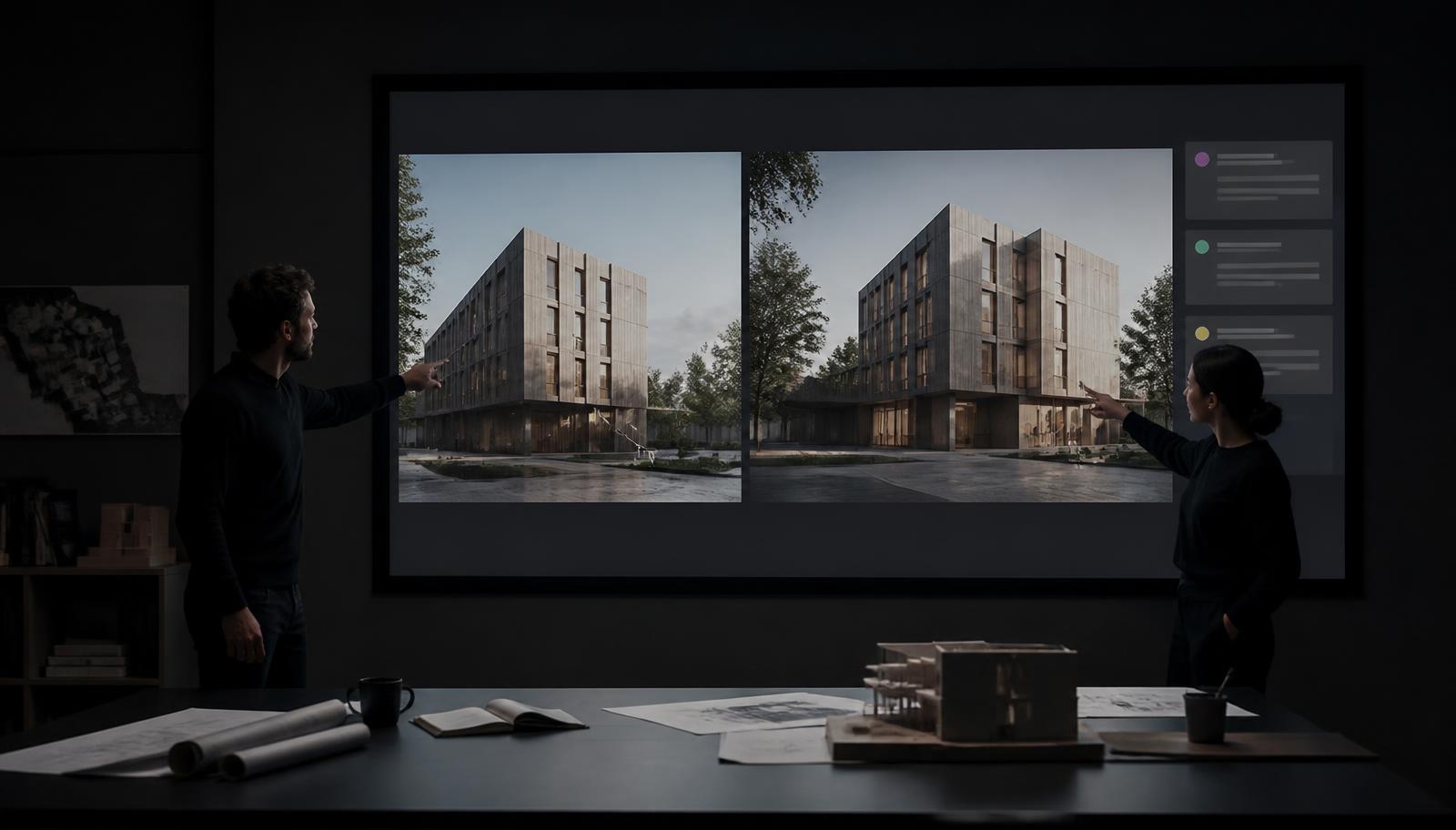
Practical approach: Hold a "visual decision" session. Present 3 variants with images, short narratives, and a one-line recommendation. Capture feedback as actionable comments with assigned owners and deadlines.
Design Development
- Lock in key decisions early (structural grid, major materials, building systems) to reduce downstream conflicts.
- Coordinate with consultants using a clash-avoidance schedule and regular coordination models. Weekly model syncs avoid costly surprises in construction documents.
- Keep a decision log for material and system approvals that includes responsible parties, dates, and references to drawings or renders.
Tip: Use thumbnails and short videos to communicate design intent to consultants who aren't trained in the same visual language. A 60–90 second walkthrough can beat a 20-page spec sheet.
Construction Documents and Permitting
- Enforce drawing conventions and a strict naming convention so contractors and reviewers always see the latest issue.
- Maintain a document register and issue log for all drawings, specs, and addenda.
- Build buffer time into the schedule for permit cycles and external reviews.
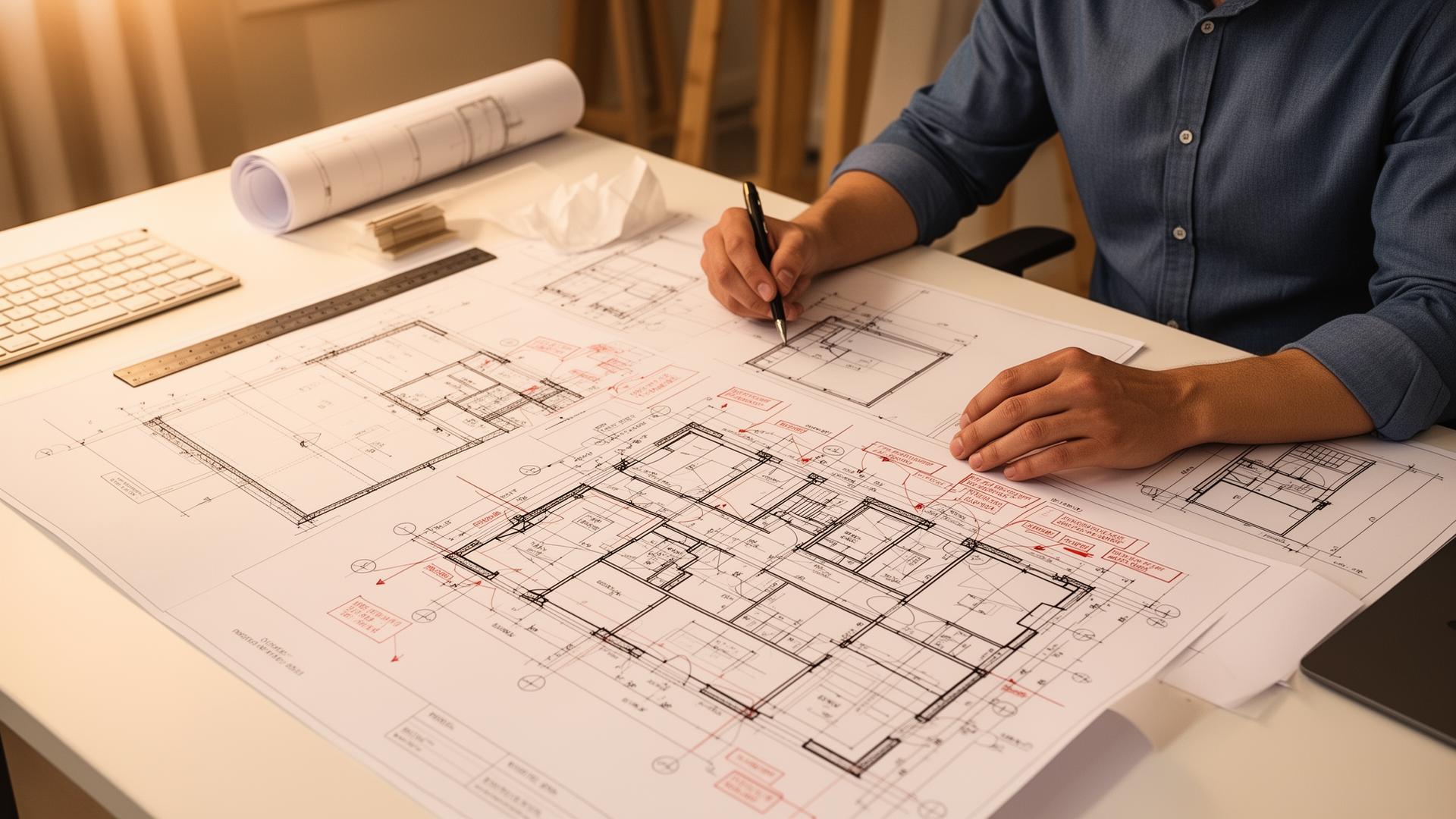
Example: When issuing a CD set, include a cover sheet with a clear list of recent changes. That reduces questions and potential reissuance.
Tendering and Procurement
- Prepare a scope matrix to show what's included in each contract package — clarity reduces claims.
- Standardize pre-bid questions and publish answers publicly to avoid unequal information distribution.
- Evaluate bids with a quality-cost matrix rather than lowest price alone; include past performance and proposed substitutions.
Construction Administration
- Keep a log of RFIs and shop drawings with expected response times; set escalation paths for overdue items.
- Visit site regularly and document progress with photos and short notes. Photo timestamps are invaluable during disputes.
- Use mockups for critical assemblies — approving a mockup avoids repeated changes in the field.
Handover and Closeout
- Compile an operation and maintenance (O&M) manual that links as-built drawings, warranties, and commissioning reports.
- Host a client walkthrough and collect sign-offs on outstanding items and final acceptance criteria.
- Log lessons learned for continuous improvement across the studio.
Essential Tools and Workflows
Tools support the process, but workflows win the war. The right mix of modeling, documentation, and collaboration platforms makes a big difference.
Modeling and Documentation
- BIM: Revit (or equivalent) for coordinated models and clash detection.
- Parametric tools like Rhino + Grasshopper for complex geometry and generative studies.
- Visualization tools — Enscape, Lumion, or GPU renderers — for quick, client-ready imagery.
Tip: Keep a lightweight visualization pipeline for early meetings and a higher-fidelity pipeline for final presentations. Clients respond better to staged visuals that match the decision moment.
Project Management and Collaboration Platforms
Collaborative platforms reduce friction when they capture decisions, variations, comments, and approvals in one place. This is where the studio's institutional memory lives.
- Use a single source of truth for approvals and versions — avoid multiple parallel repositories.
- A platform that captures every design variation, client comment, and decision accelerates workflows and strengthens accountability. For teams seeking that capability, Gendo's Architectural Design Canvas is designed to be a central hub: it replaces single-use rendering tools with an end-to-end platform that stores iterations, captures client feedback, and secures decision history. AI can speed rendering, but strong workflow ownership and enterprise-level data protection provide long-term value.
- Integrate PM tools (Asana, Trello, Monday) with file storage (Dropbox, BIM 360, Google Drive) so tasks link directly to drawings and renders.
Version Control and Naming Conventions
Simple, consistent naming saves hours. Use a structure everyone follows.
- ProjectCode_Discipline_DrawingNumber_Version_Date (e.g., 21-113_AR_A101_v03_20260501)
- For renders: ProjectCode_View_Option_Version (e.g., 21-113_ViewA_Concept3_v01)
- For models: ProjectCode_Model_Discipline_YYYYMMDD (e.g., 21-113_Model_Combined_20260501)
Tip: When a file is issued for permit or construction, tag it with an explicit status: Issuance, For Review, For Construction. That prevents accidental use of preliminary files in the field.
Communication, Meetings, and Decision Management
Meetings should produce decisions and actions, not just notes. Architects live on meetings; make them productive.
Run Effective Meetings
- Share an agenda 24 hours before the meeting with timeboxed items and expected outcomes.
- Start with decisions required, not updates. If an item doesn't need a decision, move it to an information-only block.
- Assign owners and deadlines for every action and capture them in a central task tracker.
Record Decisions Visibly
Use a decision log with these fields: Decision ID, Summary, Rationale, Owner, Date, Related Documents, Impact on Schedule/Budget. That makes audits, disputes, and onboarding far less painful.
Capture Feedback Properly
- Ask clients to give feedback on visuals with reference to specific images or model views, not vague phrases like "make it nicer."
- Use annotation tools that pin comments to a particular view or element — context speeds resolution.
Managing Time, Cost, and Quality
The classic triangle — time, cost, quality — exists to remind teams that trade-offs are inevitable. Good management clarifies those trade-offs before they're forced.
Schedule Realistically
- Create a baseline schedule with key milestones, then add buffers for permitting, coordination, and client reviews. A 10–20% contingency on critical path tasks is usually sensible.
- Use look-ahead schedules for the next 4–6 weeks so teams focus on immediate deliverables and risks.
Control Costs Proactively
- Estimate costs early and update them with each design phase. When an aesthetic choice increases cost, document the delta and get written approval.
- Use value engineering sessions to preserve intent while reducing cost — but always record trade-offs.
Quality Assurance
- Set up peer-review checkpoints for all issue sets. A fresh pair of eyes catches coordination errors and mislabeled details.
- Create a QA checklist for drawings and specifications that includes dimensions, references, and coordination with mechanical/electrical/structural elements.
Risk Management and Change Control
Risk can't be eliminated, only managed. A clear, practiced change control process keeps projects predictable and less stressful.
Maintain a Risk Register
- List risks, likelihood, impact, mitigation measures, owner, and status. Review this in monthly team meetings.
- Prioritize items that threaten schedule, budget, or safety.
Formalize Change Control
- Change request submitted with description, reason, and alternatives.
- Impact assessment: schedule, cost, quality.
- Decision by authorized signatory (client or delegated representative).
- Update documents, issue revised drawings, and record the change in the decision log.
Tip: Even small changes can ripple. Require all parties to acknowledge changes that affect their scope and remind teams to record those acknowledgments in the platform that houses project history.
Client Presentations and Storytelling
Clients make decisions visually. The architect's role is to tell a story that connects design moves to outcomes: comfort, value, brand, sustainability.
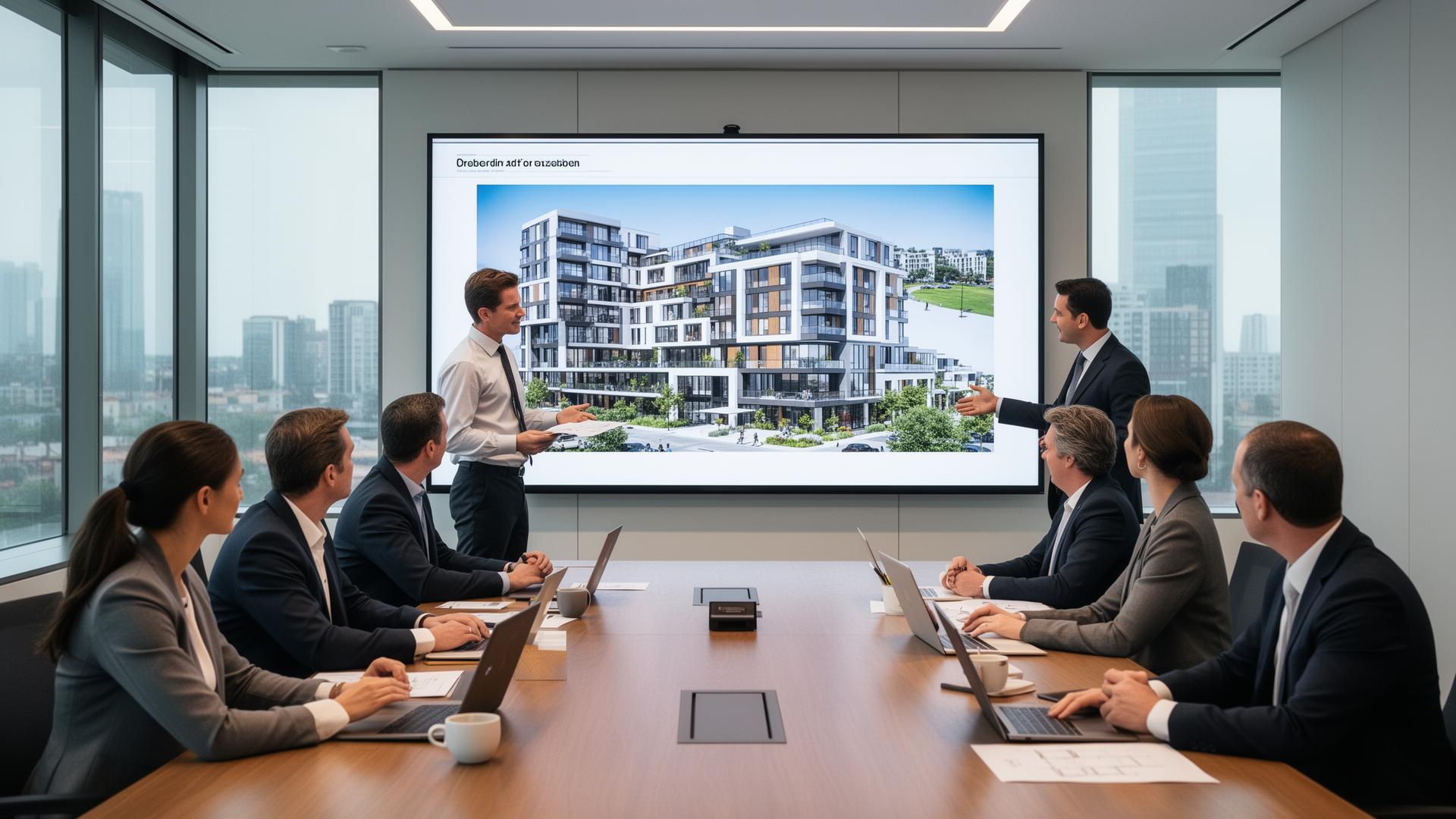
Structure Presentations Like a Narrative
- Start with the brief and how the design responds to it.
- Present options with clear pros/cons and cost implications.
- End with a recommended path and next steps — and state what you need from the client to progress.
Use Visual Hierarchies
High-level massing images, then sections, then material samples help clients zoom in without losing context. Use callouts and short captions so visuals communicate immediately.
Capture and Confirm Feedback
- At the end of a presentation, summarize back the client's decisions and next steps and ask them to confirm in writing (email or platform approval).
- Where possible, use a collaborative platform that timestamps approvals and links them to the visuals they approve. That reduces ambiguity later.
Team Management and Culture
Architecture firms succeed when they balance mentorship with structure. Good culture reduces errors and staff churn.
- Encourage knowledge sharing: fortnightly design reviews, post-mortems, and documentation of lessons learned.
- Formalize onboarding for project tools and naming conventions so new team members ramp quickly.
- Allocate capacity realistically: respect people's focus time for complex modeling or drawing tasks.
Tip: Celebrate good processes as much as built work. Teams that value "how" as well as "what" improve continuously.
Measuring Success: KPIs Architects Can Use
Measure what matters. KPIs should be simple and actionable.
- Schedule performance: percentage of milestones met on time.
- Budget variance: design cost vs approved budget at each stage.
- Approval turnaround: average time between client submission and sign-off.
- RFI response time: average time to resolve an RFI.
- Design iteration count: number of major iterations per phase (helps quantify iteration efficiency).
These KPIs highlight process health rather than aesthetic quality, but they directly affect the team's ability to deliver good architecture.
Common Pitfalls and How to Avoid Them
- Pitfall: Late decisions force rework in CDs. Fix: Identify and prioritize critical decisions early with clear deadlines.
- Pitfall: Fragmented feedback across emails and PDFs. Fix: Centralize feedback in a collaboration platform that ties comments to views.
- Pitfall: Over-reliance on one person's knowledge. Fix: Document decisions and maintain accessible repositories with version control.
- Pitfall: Poor coordination between consultants. Fix: Regular model coordination with a shared clash-detection schedule and lead coordinator.
Real-World Example: Capturing Design Decisions to Reduce Rework
A mid-size studio faced repeated rework because client comments on renders were emailed as static PDFs and buried in threads. The team adopted a collaborative workspace that linked each render to a decision entry. During the schematic phase, a client approved a façade material in that workspace with a single comment: "Approve metal panel option B; prefer darker finish." Because the decision was tied to the specific render and a short rationale, the studio issued consistent specs to consultants and avoided three separate RFI cycles during construction. The same workspace also kept a history of earlier options, which the studio referenced when the client later requested a review for cost savings.
Note: Platforms that capture iterations and approvals — like Gendo's Architectural Design Canvas — help teams centralize that decision history. They also speed up iteration by integrating rendering and feedback in one place, which benefits studios that need quick, recorded approvals and strong data protection.
Quick Templates and Checklists
Kickoff Meeting Agenda (example)
- Project overview and success criteria (10 min)
- Scope and deliverables (15 min)
- Roles, RACI, and communication protocols (10 min)
- Initial risks and constraints (10 min)
- Key milestones and approval points (10 min)
- Immediate next steps and responsibilities (5 min)
Decision Log Fields
- Decision ID
- Summary
- Date
- Owner/Approver
- Rationale
- Linked files or views
- Impact on budget/schedule
Construction Document QA Checklist
- All drawing sheets numbered and called out in index
- Dimensions checked and coordinated between plans/sections/elevations
- Details referenced and present
- Schedules populated and cross-referenced
- Specifications linked and current
- Consultant references coordinated and dated
How Technology and Platforms Change the Game
Modern platforms blur the lines between design, visualization, and project management. When a single workspace captures a render, the client's comments, and the subsequent decision, it shortens feedback loops and improves traceability.
AI can speed tasks like render generation or option comparison, freeing architects to focus on strategy and craft. But the long-term advantage comes from workflow ownership — studios that control their design process and record their institutional knowledge gain speed, trust, and repeatability.
For teams that want an integrated environment, Gendo's Architectural Design Canvas offers a way to centralize iterations, feedback, and approvals with enterprise-grade data protection. That centralization reduces version mistakes and makes it easier to build a reliable project archive for future projects.
Final Advice: Keep It Simple and Repeatable
Architecture teams thrive on balance. Too much process stifles creativity; too little invites chaos. The most effective architecture project management tips are the ones teams actually use every day:
- Make decisions visible and linked to the visuals that prompted them.
- Standardize naming, versioning, and issue cycles.
- Timebox iterations and require documented approvals for changes that affect cost or schedule.
- Use collaborative platforms that preserve the design narrative — iterations, comments, and approvals — in one place.
When teams adopt even a few of these habits, they reduce rework, improve client relationships, and create more time to design. Technology helps, but discipline makes the difference.
Frequently Asked Questions
What is the most important architecture project management tip?
The most important tip is to make decisions visible and tied to the design artifacts that prompted them. When a decision log or collaborative platform links a client approval to a specific drawing or render, it reduces ambiguity and future disputes.
How can small studios manage projects without heavy software?
Small studios can adopt simple, repeatable practices: a shared folder with clear naming, a single issue tracker (like a Trello board), and a decision log in a cloud document. Even lightweight tools become powerful when used consistently.
When should a team use a platform like Gendo?
Teams that want to centralize iterations, keep client feedback tied to visuals, and speed rendering workflows will benefit from a platform like Gendo. It's particularly valuable when multiple stakeholders need to review variations and when retaining institutional knowledge matters.
How can teams reduce RFIs during construction?
Reduce RFIs by improving coordination during design development, doing regular model clash detection, issuing clear construction documents, and using mockups for critical assemblies. Rapidly responding to RFIs and tracking their status also limits project delays.
What metrics should architects track to improve project delivery?
Useful metrics include milestone adherence, budget variance, RFI response time, approval turnaround, and iteration count per phase. These indicators show where processes slow down and where to focus improvement efforts.
Conclusion
Architecture project management tips boil down to one practical truth: control the process so creativity can flourish. By standardizing naming, centralizing decisions, formalizing change control, and choosing collaboration tools that capture iterations and approvals, teams reduce rework and deliver better outcomes.
Whether a boutique studio or a multi-office firm, teams that treat project management as an extension of design — not an afterthought — win more consistently. Practical platforms that combine visualization, feedback, and secure version history help make that possible. With the right mix of discipline and creative freedom, architecture teams can produce more meaningful work, faster, and with less headache.