The Multiplayer Canvas for Architects: Gendo vs Figma and Miro for Design Reviews

Joe Sherman
11 August 2026
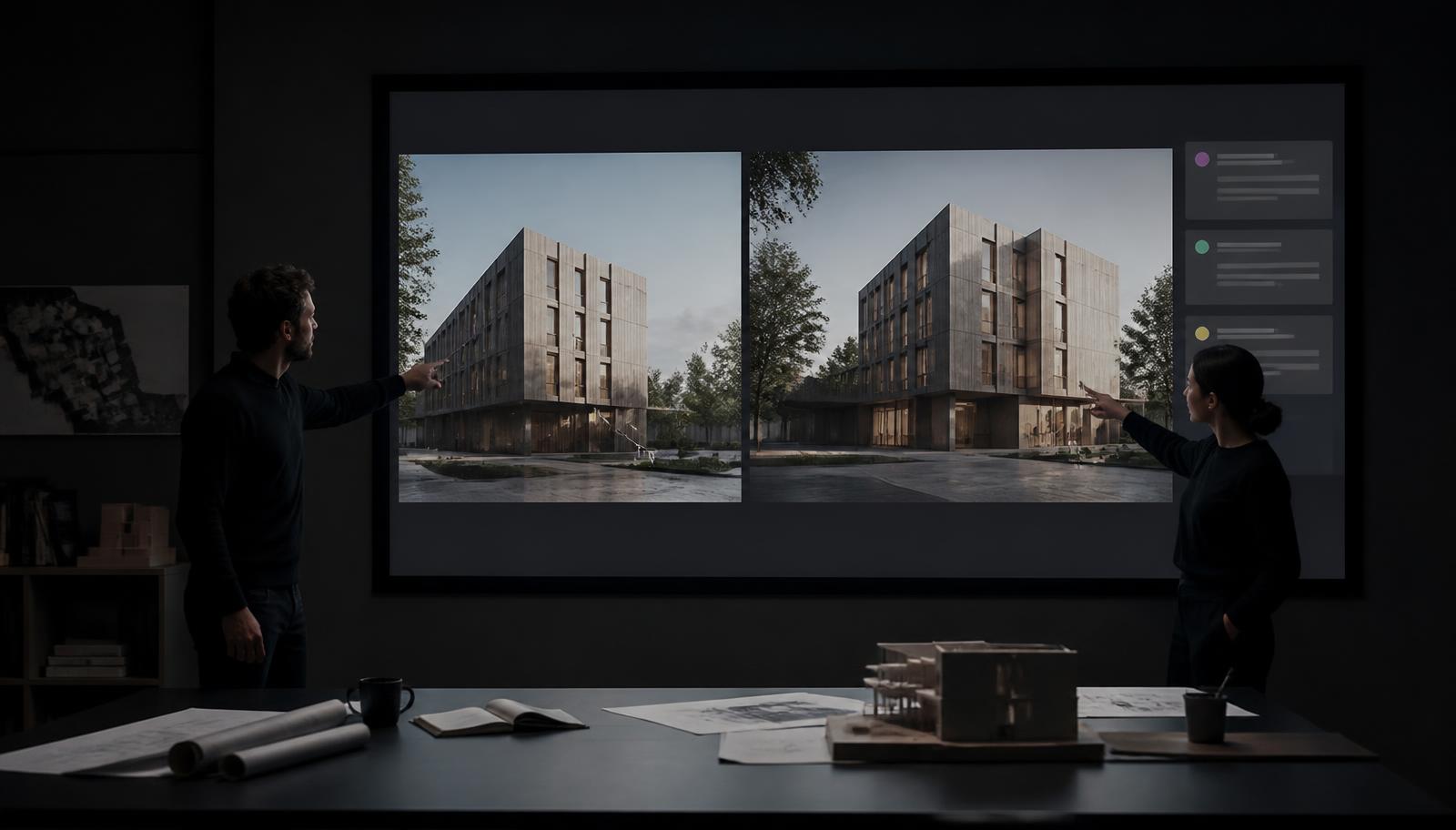
Design reviews have gone multiplayer. The days of one person driving a screen share while everyone else narrates edits over a call are fading. Teams now expect a shared surface where everyone can point, comment and shape a decision together, in real time.
That expectation is exactly why so many architecture studios have quietly adopted Figma and Miro. They are excellent multiplayer canvases. But a whiteboard is not a design tool, and for the specific job of reviewing architectural design, the gap shows quickly.
Here is an honest look at where Figma and Miro earn their place, where they run out of road for architects, and why a canvas built for architecture changes what a design review can be.
Why architects reached for Figma and Miro in the first place
Give credit where it is due. Both tools solved a real problem: getting a whole room, including remote consultants and clients, onto one live surface.
Figma is a superb collaborative design environment. Real-time multiplayer editing, pinned comments, version history and a smooth presentation mode made it the default for a generation of digital designers. Plenty of architects use it to assemble boards, annotate images and run polished review sessions.
Miro is the infinite whiteboard. It is strong at the fuzzy front end: mood boards, stakeholder workshops, sticky-note voting, mapping a brief. When a review is really a conversation, Miro gives it room to breathe.
Both are genuinely good at the thing they were built for, which is collaboration around visual artefacts. The problem is that in an architectural review, the artefacts themselves are the hard part.
Where they fall short for an architectural design review
A design review is not just talking about images. It is making design decisions, and often generating the visuals those decisions depend on, right there in the meeting. That is where a general-purpose canvas hits its limits.
They cannot produce the visuals. Figma and Miro are places to arrange renders, not create them. When a client asks "what if the timber were darker?" or "can we see it at dusk?", the answer is that you will come back to them next week, because the rendering happens in another tool, on another machine, by another person.
They do not understand geometry. These tools treat your building as a flat picture. There is no concept of preserving proportions, spatial relationships or design intent when you explore a variation. A sketched annotation is as far as it goes.
Feedback and IP scatter. Comments live in Figma, renders in Enscape or V-Ray, decisions in email. There is no single record tying a critique to the image that answered it. Sensitive design IP ends up spread across consumer tools that were never built for studio-grade governance.
In short: Figma and Miro make the conversation multiplayer. They do not make the design work multiplayer.
What a design review actually needs
Strip a good architectural review down to its essentials and you get four requirements:
- A shared, live surface the whole team can work on together: architects, project managers, consultants and clients.
- The ability to generate and iterate visuals in the moment, so questions get answered while everyone is still in the room.
- Design fidelity, so variations respect the original geometry instead of inventing a new building each time.
- A single source of truth where every variation, comment and approval is captured together, with the IP protection a studio requires.
Figma and Miro deliver the first. A canvas built for architecture delivers all four.
The multiplayer canvas, built for architecture
This is the problem Gendo set out to solve. Rather than bolt collaboration onto a rendering tool, or bolt rendering onto a whiteboard, the Gendo Canvas puts AI rendering, visual exploration and team decision-making on one shared surface.
The difference is that the canvas is generative and architecture aware.
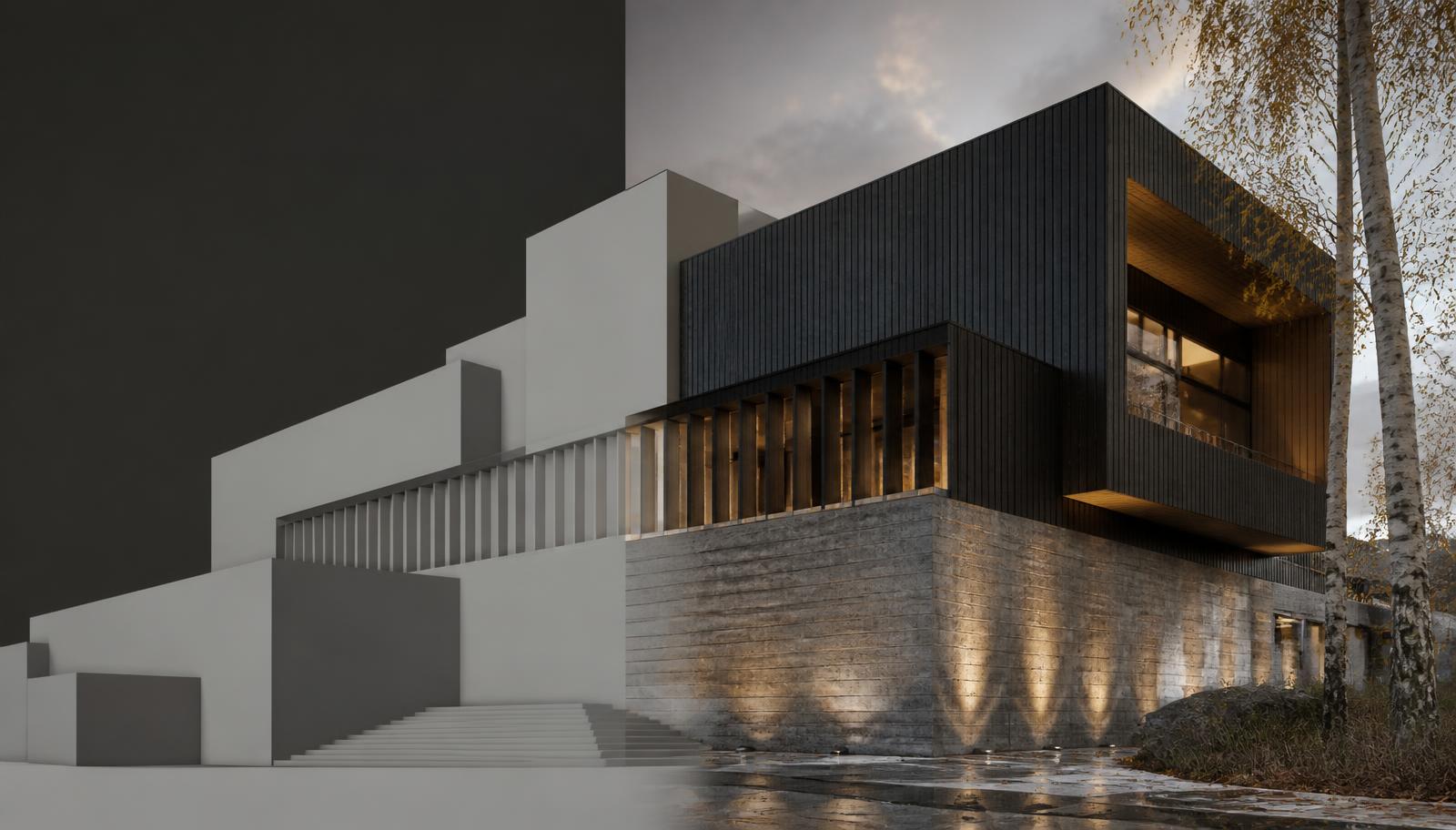
Generate visuals live, together. Upload a sketch and turn it into a photorealistic render in seconds, then swap materials, shift the lighting to dusk or transfer a style, all without leaving the board. When a client asks "what if?", you answer in the meeting rather than the following week.
Iterate, do not regenerate. Refine the same scene with natural-language edits while geometry, proportions and spatial relationships stay locked. Style transfer changes the aesthetic without reinventing the building, which is the design fidelity a general canvas cannot offer.
Branch without breaking the master. Explore a risky facade direction on a separate branch, compare options side by side and bring the winner back. That is the looping way design actually happens.
One unified history. Every variation and every pinned comment is captured alongside the visual that prompted it. No version chaos, no "which render was this?", no decisions lost to an email thread.
Studio-grade governance by default. Full IP ownership, GDPR-compliant EU hosting, SSO, and designs that are never used to train AI models. That is the level of data control a consumer whiteboard was never designed to provide.
It is why teams increasingly describe Gendo not as a rendering plug-in but as the live surface a review runs on.
Gendo saved us approximately 80% of the time it would have previously taken to make a significantly less realistic image.
Andrew Friedenberg, Founder, Settle. Read the Settle case study.
Here is a live Gendo board from the Settle Frame project. Pan and zoom to see how variations, source screenshots and review comments sit on one surface.
Gendo vs Figma vs Miro at a glance
| Capability | Gendo | Figma | Miro |
|---|---|---|---|
| Real-time multiplayer canvas | Yes | Yes | Yes |
| Pinned comments and feedback | Yes | Yes | Yes |
| Generate photorealistic renders in canvas | Yes | No | No |
| Iterate materials, lighting and style live | Yes | No | No |
| Preserves geometry and design intent | Yes | No | No |
| Branch and compare design variations | Yes | Partial | Partial |
| Unified history tying comments to visuals | Yes | Partial | Partial |
| Purpose-built for architecture | Yes | No | No |
| IP protection and GDPR-compliant hosting | Yes | Partial | Partial |
The right tool for the job
None of this means abandoning the tools that work. Be honest about what each is for.
- Figma and Miro are strong for stakeholder workshops, early mood boards, mapping a brief and any review that is fundamentally a discussion around existing artefacts.
- Gendo is built for the moment a design review becomes design work, where the visuals need to be created, iterated and resolved together, with the geometry respected and the decisions recorded.
A general-purpose canvas makes your meeting collaborative. An architectural canvas makes your design decisions collaborative, which in a design review is the point.
Common questions
Can you render inside Figma or Miro?
No. Both are places to arrange and annotate existing images. Renders have to be produced elsewhere and imported, which is what pushes "what if?" questions out of the meeting and into next week.
Is Gendo a replacement for Figma or Miro?
Not for workshops, brief mapping or general whiteboarding. Gendo replaces the part of the workflow where a review turns into design work: generating, iterating and comparing architectural visuals on a shared canvas.
Does Gendo replace Revit, SketchUp or Enscape?
No. Gendo is an operating layer for visual decision-making. You bring your model exports, sketches or photographs, and Gendo handles exploration, iteration and review around them.
Who owns the designs created in Gendo?
Your studio does. Gendo offers full IP ownership, GDPR-compliant EU hosting and SSO, and never uses your designs to train AI models.
From concept to confidence
Design reviews are where projects gain or lose momentum. When the whole team works from one visual source of truth, and can answer "what if?" in seconds instead of weeks, feedback loops shorten, misalignment disappears and confidence in the decision goes up.
That is the shift from a canvas you talk over to a canvas you design on.