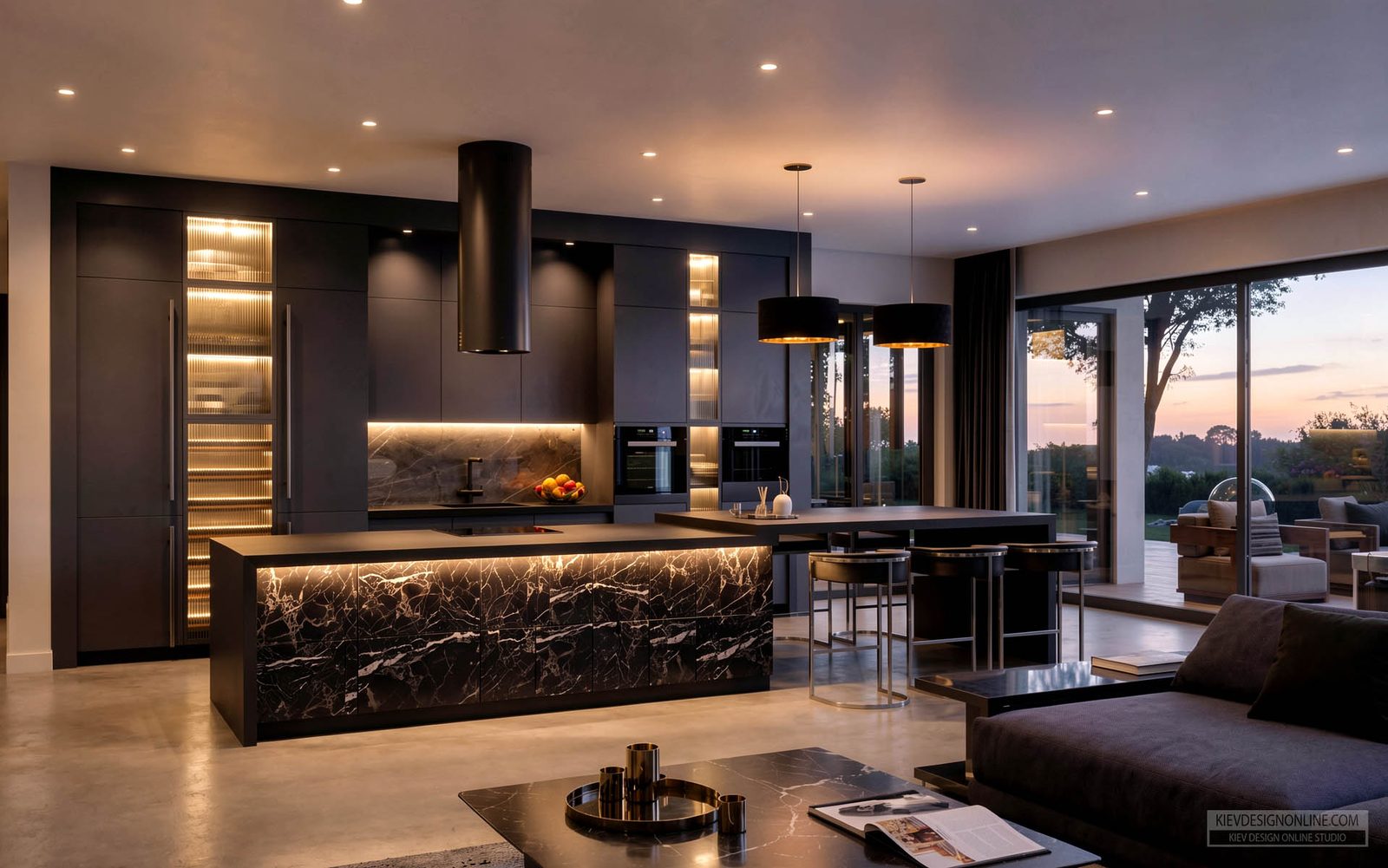
Streamline Rendering from Hours to Minutes
How Cascadia Architects transformed their visualisation workflow with AI-powered enhancement.
Hours → Minutes
Per image
Enhanced
Atmosphere
Stronger
Client presentations

Cascadia Architects
Team Size
10+
Location
Victoria, Canada
Focus
Residential, Commercial, Healthcare
Approach
Context-sensitive design
Cascadia Architects is a design-focused practice based in Victoria, Canada, known for thoughtful, context-sensitive architecture.
The team works across residential, commercial, healthcare, and cultural projects, with a commitment to creating spaces that respond to both client needs and environmental conditions.
Visit Cascadia Architects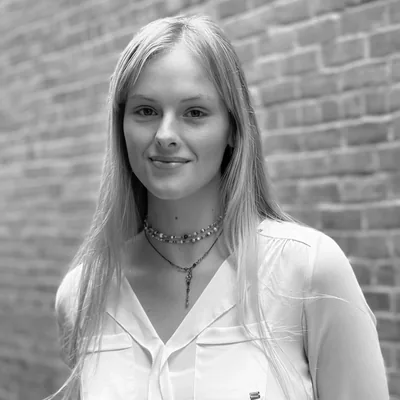
Meet Bianca Peplar
Interior Designer & Rendering Specialist
Bianca joined Cascadia in 2023, after completing her Interior Design diploma, eager to work in an architectural context rather than a purely interiors-focused studio. Since then, she's contributed to everything from multi-family developments and healthcare facilities to custom homes. She also supports the architectural team with permit drawings and community presentations.
Beyond design work, Bianca manages Cascadia's social media and has developed internal standards for rendering and presentation where her exploration of AI tools like Gendo has helped shape new workflows.
"I knew I wanted to work at an architectural firm, where I could engage with the design of entire buildings. Gendo has become an important part of how I bridge architectural and interior design workflows."
Visualisation Before Gendo
Cascadia's typical workflow begins with modelling in Revit and accurately assigning materials and context prior to rendering in Enscape. Once the model is complete, they establish key views—often referencing on-site photographs to ensure accuracy and contextual alignment. Then they render the images and develop them further in Photoshop, applying multiple layers to refine detail and atmosphere.
To streamline this process, they export vector and colour masks from Enscape, which facilitate precise selections when building layers in Photoshop.
We invest significant effort in creating layered masks for glazing, siding, and street frontage; however, as the building massing or fenestration changes, updating these layers becomes a particularly time-intensive task.
Discovering Gendo
Bianca first applied Gendo to a hotel project at the schematic stage. The Revit model had glazing and basic form but no context or materials. Instead of fully modelling the site, Bianca used Google Earth screenshots combined with Gendo to quickly generate urban background imagery.
"The final result exceeded our expectations, providing a clear visualisation of the building within its urban context."
After a few iterations, Gendo produced atmospheric visuals that could be composited in Photoshop with Enscape renderings, ultimately saving hours of context-building work.
From Render to Enhance
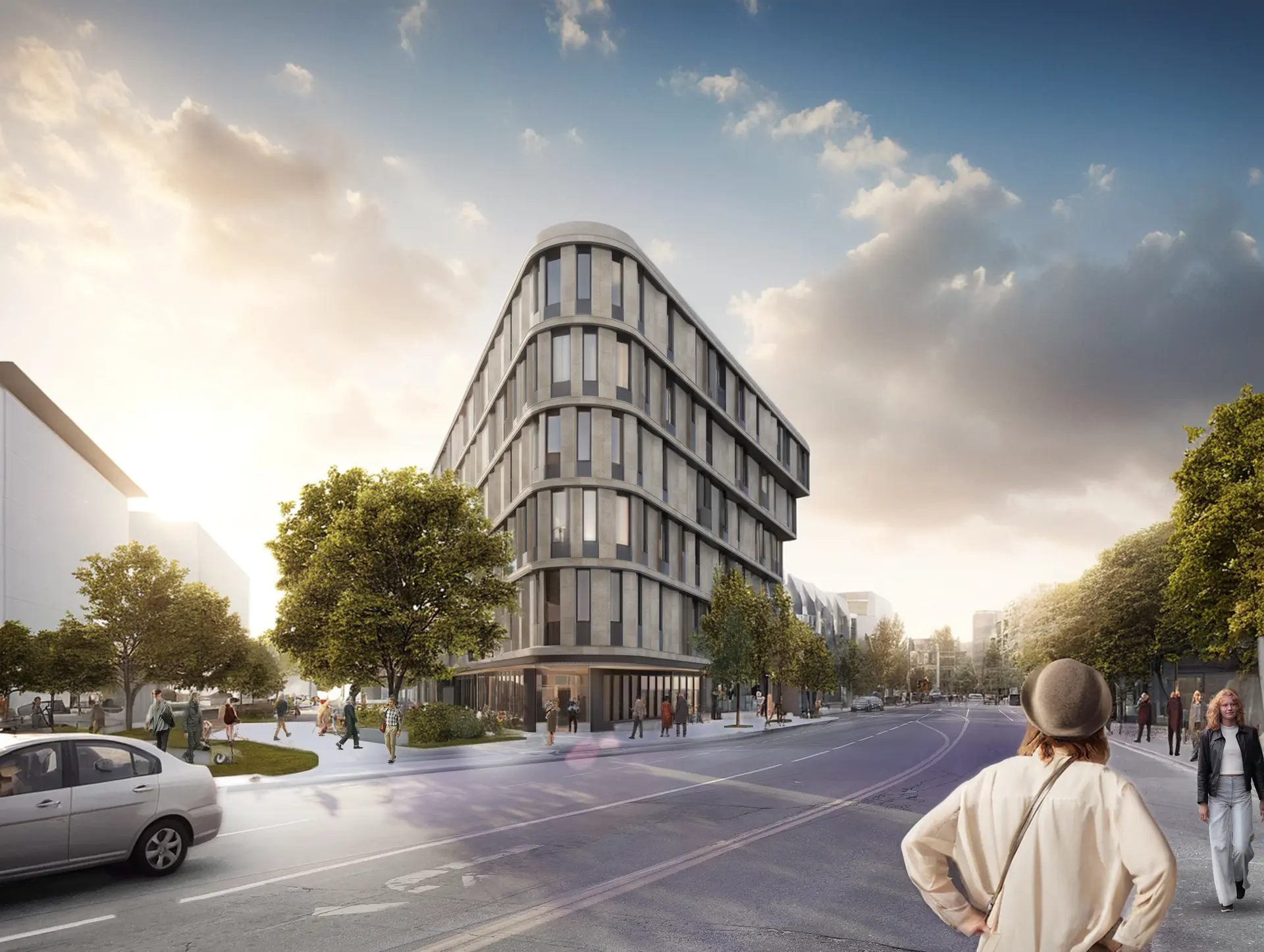
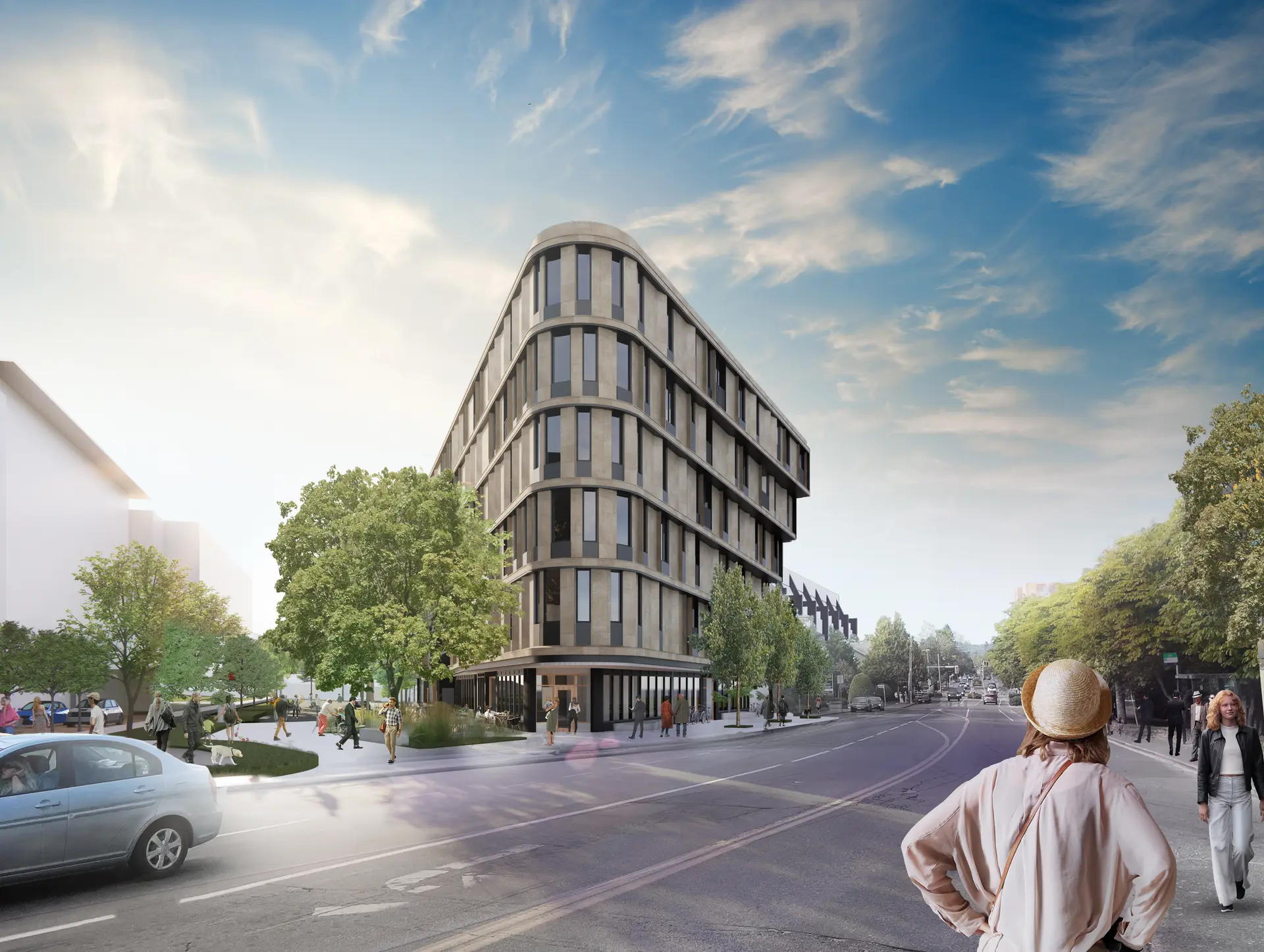
Bianca has since used Gendo to enhance glazing, refine lighting, and unify compositions for both early-stage and more polished presentation imagery. Below is an ongoing development in which Gendo has been utilized since the Predesign phase.
Before & After
Drag to compare the transformation
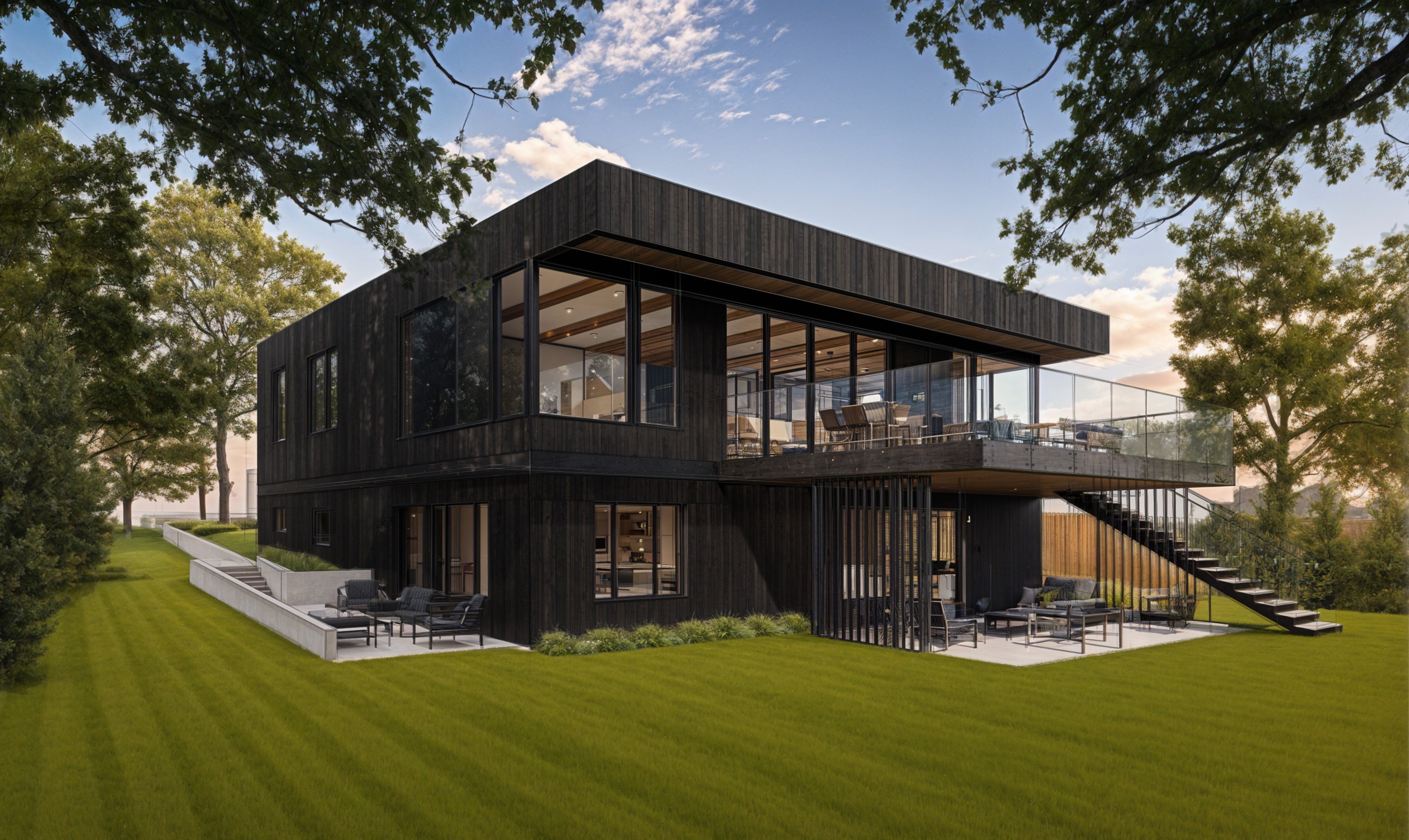
An Enscape output. As the architectural model has become more refined, the focus has shifted from relying primarily on the Render tool to more nuanced applications of the Enhance and Style tools.
The process continues to involve layering multiple generated images in Photoshop and integrating them with the original Enscape rendering. A final export followed by an additional pass through the Enhance tool effectively resolves remaining inconsistencies, producing a cohesive and polished result.
The Impact: Speed Without Sacrifice
With Gendo, Cascadia has seen clear efficiency gains across their visualisation workflow.
Key Outcomes
On glazing, reflections, and layering
Particularly for context integration
Reducing post-production touch-ups
Client & Team Response
Clients have responded positively to Gendo enhanced renderings, appreciating the clarity and atmosphere they bring. Within the Cascadia team, Gendo has sparked enthusiasm, particularly for its ability to generate lighting and mood quickly.
We recognize how valuable realistic rendering is in helping clients visualize spaces, particularly during the early decision-making process. Incorporating realistic atmospheric conditions through Gendo allows for more lifelike imagery, which has proven helpful for client visualization.
Clients frequently commented that the Gendo-enhanced images "felt real" or "looked like a photo," making it easier for them to imagine themselves in the finished spaces. This earlier emotional buy-in often translated directly into faster sign-offs and more decisive feedback.
"Gendo's Enhance tool proved particularly effective in bringing greater vibrancy and atmosphere to the imagery while maintaining the integrity of the building's architectural expression. The workflow allowed the enhanced image to be seamlessly reintegrated into the project's Photoshop file, with original people and site elements selectively layered back over adjusted areas to preserve context and accuracy."
For now, Gendo is helping Cascadia move faster and with more flexibility, especially at early stages of design.
"I would absolutely encourage other designers and studios to give Gendo a try. It's a powerful tool, and the more you use it, the easier it is to integrate into your workflow. Even enhancing images that are already nearly complete in Photoshop can save time and elevate the result."
Bianca Peplar
Interior Designer & Rendering Specialist, Cascadia Architects
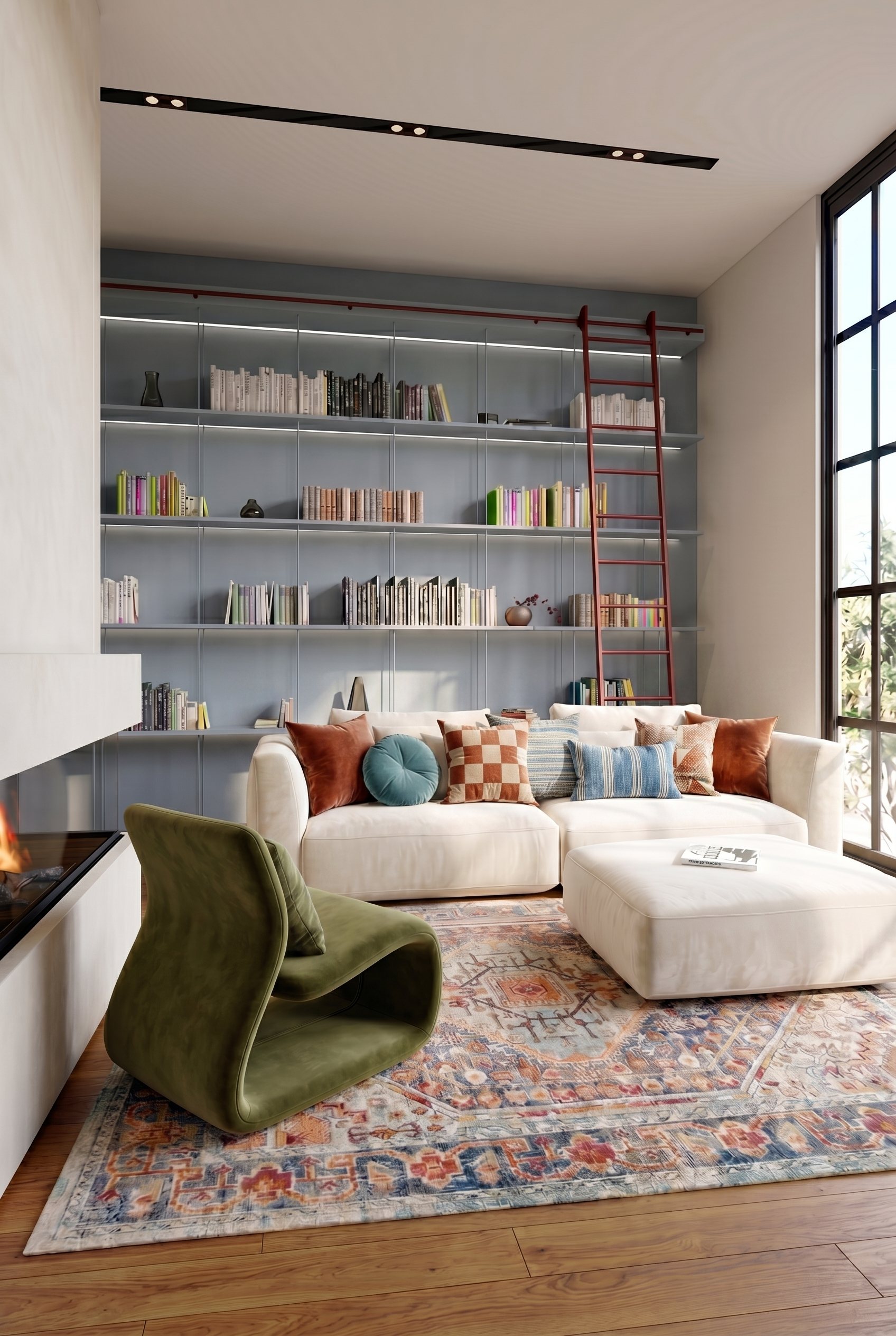
Cascadia works this way with Gendo's interior rendering software.