McCollough Architecture: Bringing Renders into Schematic Design on the Gulf Coast
How Colin McDonough uses Gendo to deliver photorealistic visuals during schematic and design development for custom waterfront residences in Orange Beach, Alabama.
Schematic
Renders, much earlier
Faster
Than completing a Revit model
Loved
Client response
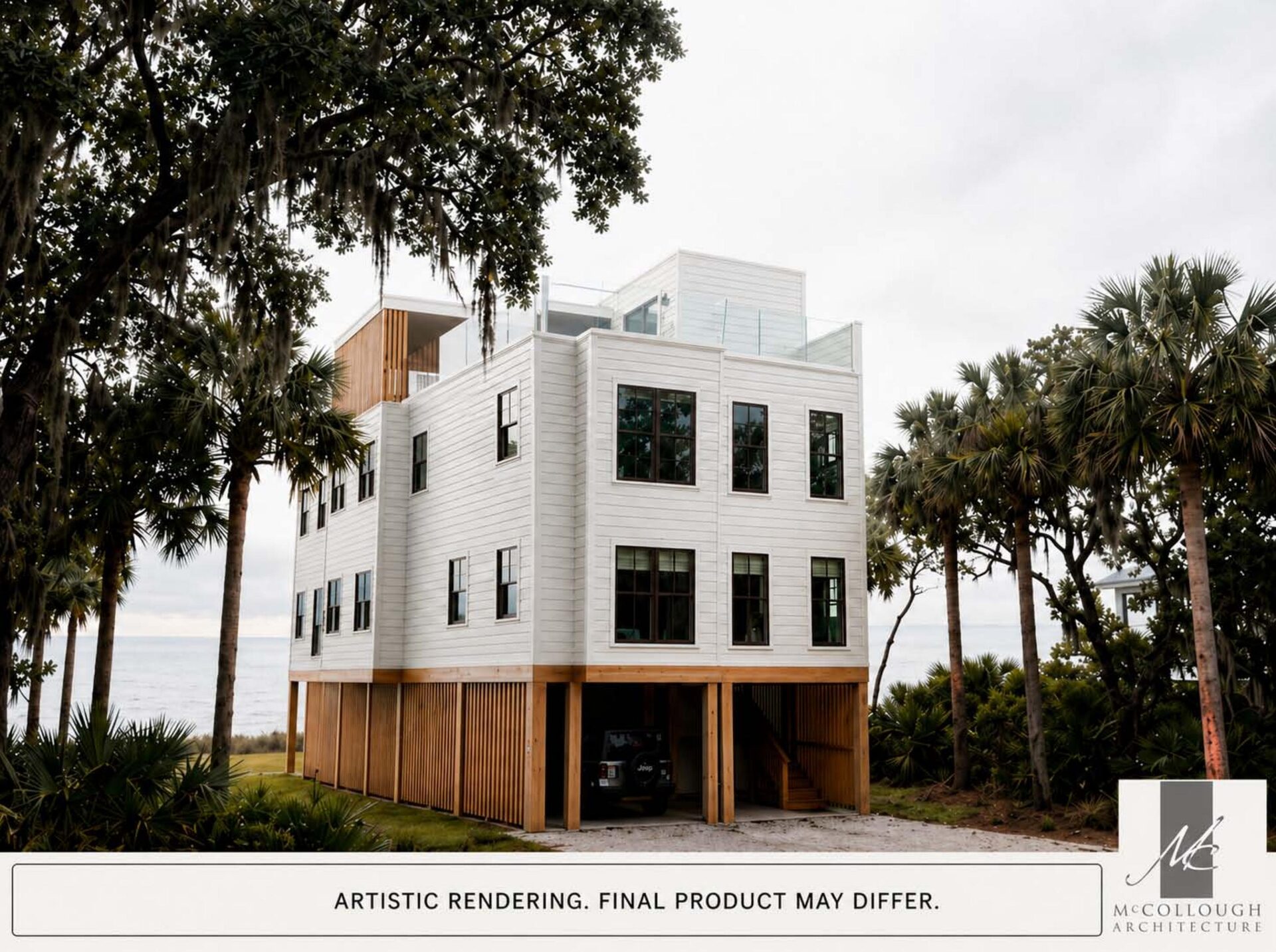

McCollough Architecture
Team Size
5
Location
Orange Beach, Alabama
Discipline
Custom Residential Architecture
Focus
Waterfront homes — primary residences & vacation properties
Toolset
AutoCAD, Revit, Enscape, V-Ray, Gendo
McCollough Architecture is a Gulf Coast practice focused on custom residential design, with Colin McDonough leading the work on waterfront homes along Orange Beach, Alabama. The studio's projects span permanent residences and vacation homes, almost all of them on the water.
Colin works in AutoCAD and Revit, with Enscape and V-Ray as the studio's traditional rendering pipeline. Gendo is now part of the early-stage toolkit—used to give clients photoreal imagery before a Revit model is fully detailed.
Visit McCollough Architecture"Most people cannot read a set of plans and get a clear mental picture of the finished project. Bringing renders forward in the process has been very helpful in the early stages."
— Colin McDonough
Renders too late in the process to shape early decisions
Previously, Colin didn't offer full renders during schematic and design development. Completing a Revit model in enough detail to render meaningfully through Enscape or V-Ray took too much effort for work that was still likely to change.
That left an awkward gap: clients trying to make decisions from plans alone, often without a clear mental picture of the finished project. For custom waterfront homes — where atmosphere is part of the brief — that gap slowed the conversation and shifted the burden of imagination onto the client.
Photoreal images at the schematic stage, with image quality that holds up
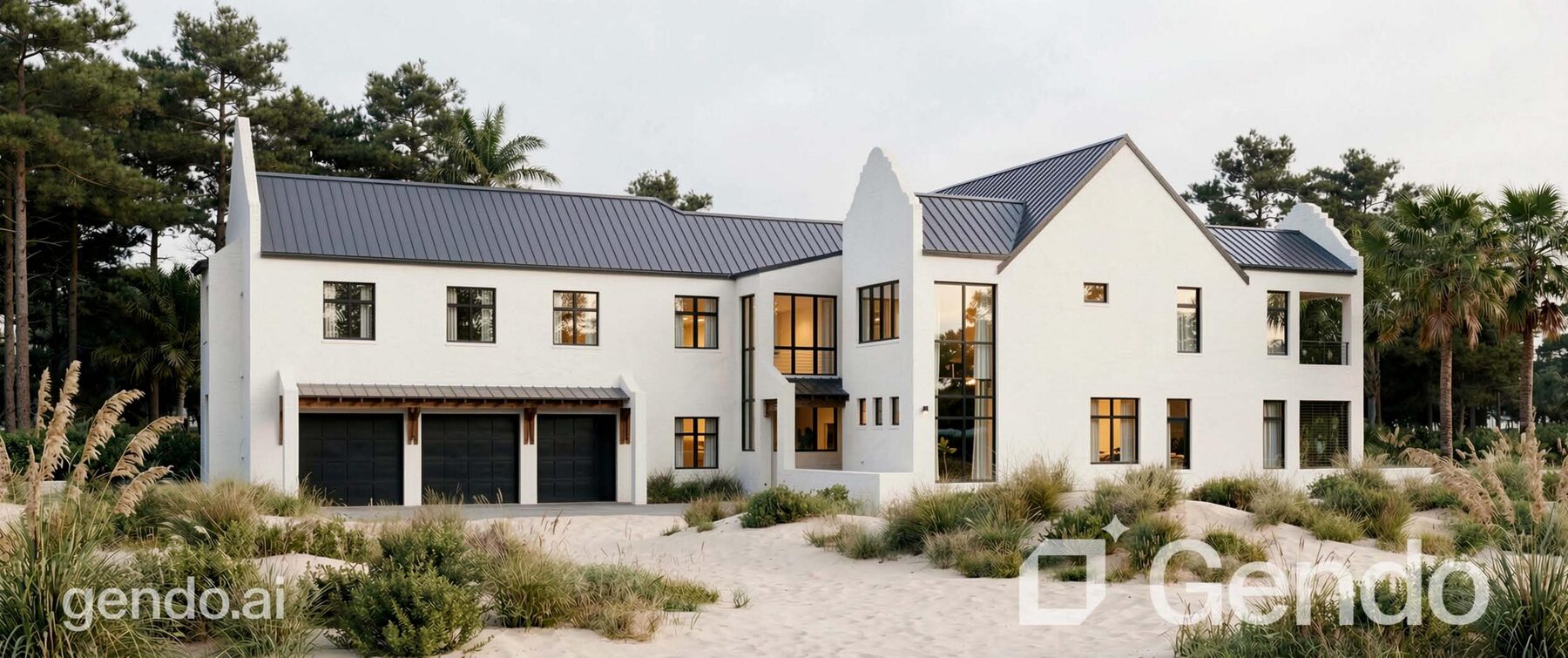
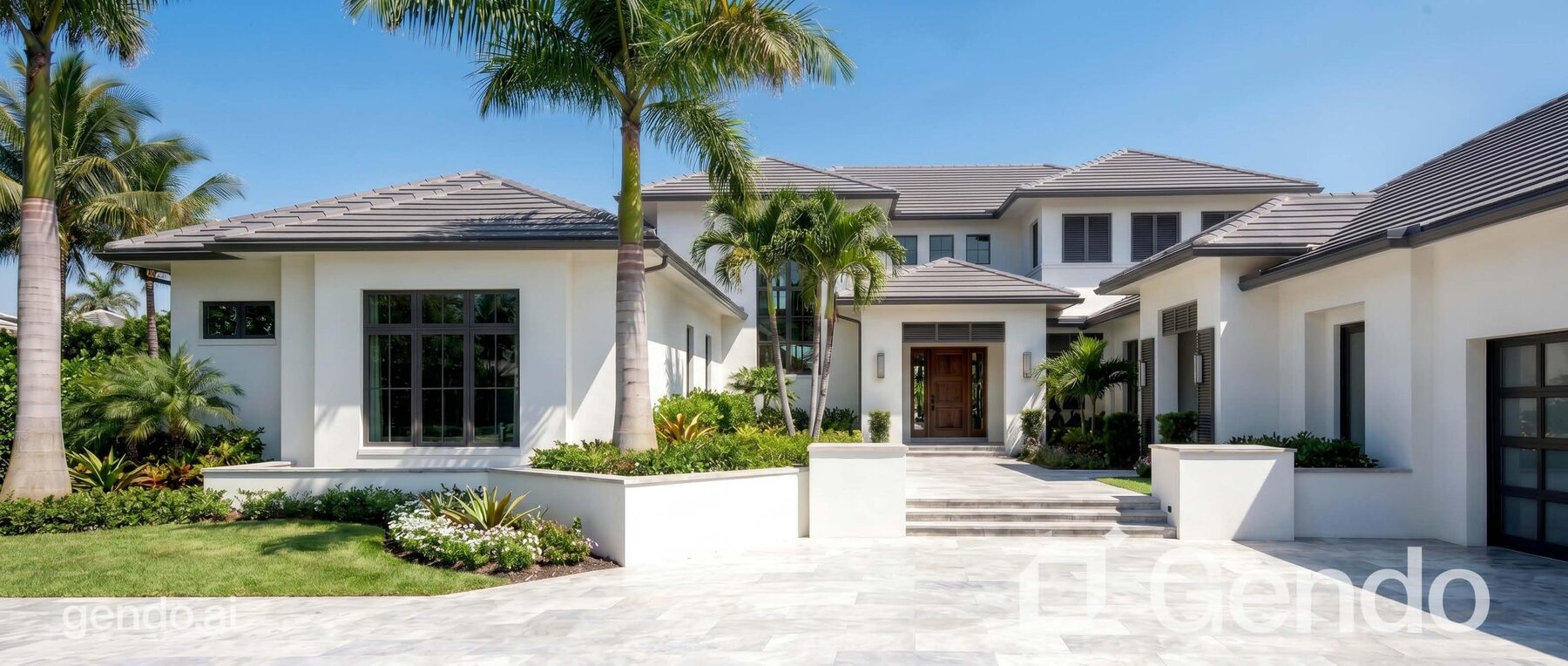
Colin uses Gendo to produce photoreal images from elevation and perspective views before the Revit model is fully resolved. Image quality is, in his words, far superior to other AI programs he has tried — strong enough to use in early client presentations.
"The first images I created were fantastic front elevations. The image quality is far superior to other programs I have used."
Gendo entered the toolkit after Colin asked ChatGPT which program would work best for his workflow.
Custom waterfront residences along the Gulf Coast
Colin's work is split fairly evenly between clients building permanent residences and those commissioning vacation homes. Almost all of it is waterfront—Orange Beach, Alabama, on the Gulf of Mexico—which sets a particular bar for how a project needs to look and feel before construction.
Coastal clients are buying into a place as much as a building. Getting the atmosphere, light, and sightlines right in early presentations is part of how trust gets built.
From AutoCAD and Revit into Gendo, before the model is finished
Colin's traditional pipeline runs through Enscape and V-Ray once the Revit model is far enough along to render. Gendo enters the workflow earlier — at the point where a 3D massing, elevation, or 2D CAD view is all that exists.
Uploading an elevation or perspective view and generating a photoreal image gives clients a clear picture of the finished home long before the full model is built — which would otherwise be a significant amount of work that the design might still move away from.
"When my prompts are on point, image creation is excellent—and much faster than completing a Revit model in full detail."
Where it works, and where Gendo can still surprise the design
Colin is candid about the trade-offs. Like other AI tools, Gendo can alter the design — sometimes adding or removing window sets, occasionally shifting geometry. The first front elevations he generated were fantastic; the wider set of elevations was more mixed.
His ideal is to upload elevation and perspective views from a 3D model or 2D CAD file and have those images rendered without changing the design. Results today are mixed, and managing that has become part of how he uses the tool — knowing when a Gendo image is right for the client conversation, and when the underlying Revit model needs to drive the visual instead.
"Sometimes it's faster to give a client rendered images where Gendo has added or removed window sets than to finish the Revit model before rendering. That can be confusing for the client, so it has to be managed."
The Impact: Renders earlier, clearer conversations, happier clients
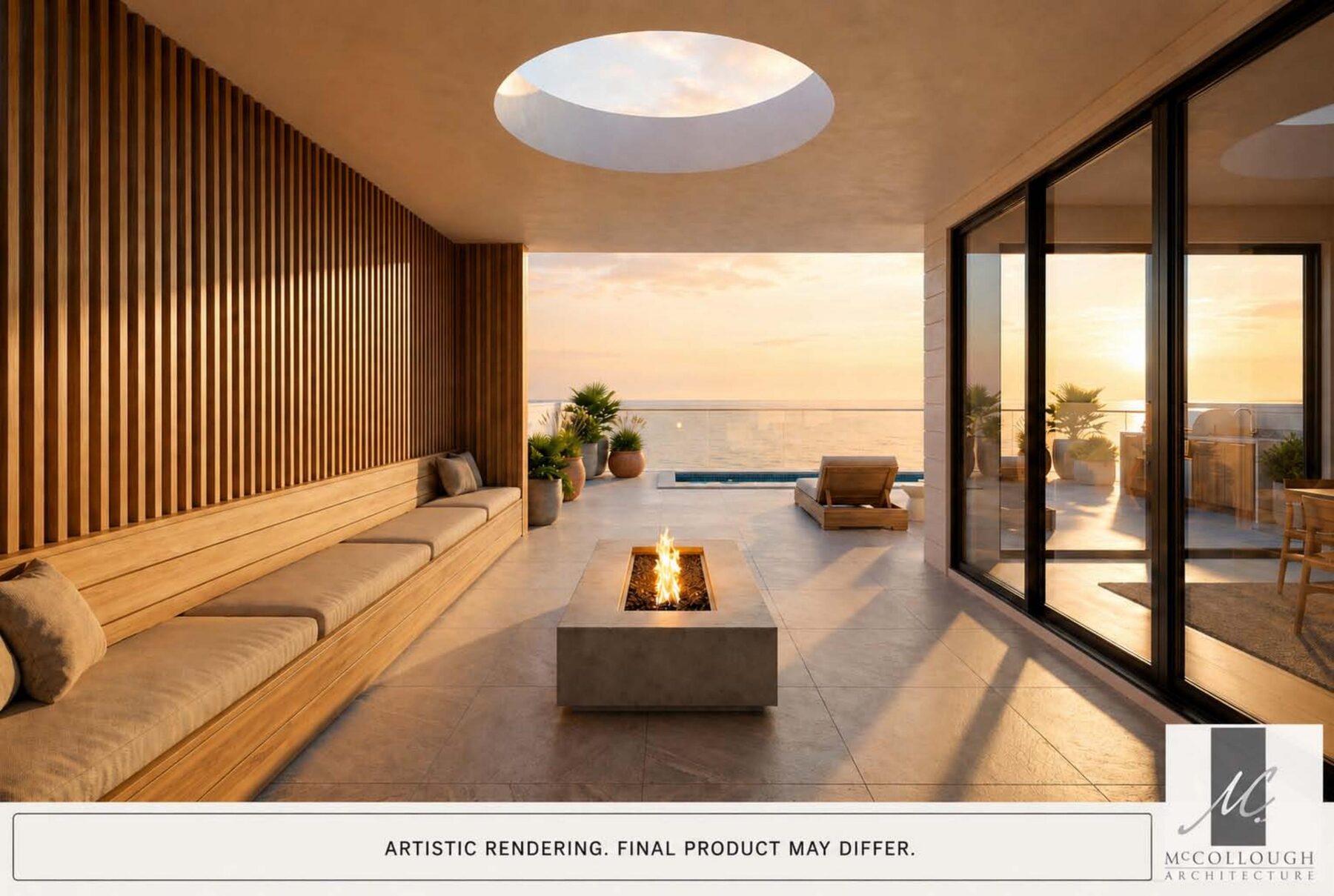
The biggest shift is when in the process clients get to see a photoreal image. Bringing that moment forward into schematic and design development changes how decisions are made — and, in Colin's experience, how clients feel about the project.
Key Outcomes
Photoreal imagery available before the Revit model is fully detailed
When prompts are on point, image creation is much faster than completing a Revit model in full detail
Plans alone rarely give clients a clear mental picture — Gendo bridges that gap
Output quality is far superior to other AI tools Colin has used
Earlier visuals, more confident clients
Bringing photoreal imagery into schematic and design development has reshaped how clients engage with the work. Decisions that previously waited until later in the process are now happening earlier — with more confidence, because clients can finally see what they are deciding on.
For custom waterfront homes where the design will evolve, getting that earlier visual feedback into the conversation is the gain Colin values most.
"Most people cannot read a set of plans and get a clear mental picture of the finished project. This has been very helpful in the early stages — and they love it."
"Gendo's image quality is far superior to other AI rendering tools I've used. Being able to offer photoreal visuals during schematic design—rather than waiting until the Revit model is fully built—has been important for my clients."
Colin McDonough
Project Designer, McCollough Architecture — Orange Beach, Alabama