AI tools for architects and interior designers
AI for interior designers.
One canvas. One team. Every iteration.
Gendo is the collaborative AI rendering canvas where interior design teams generate renders, explore materials, and align on decisions — together, in real time. No fragmented tools. No overnight render queues. Just design clarity, faster.
Free to start · No install · Browser-based
Live collaborative canvas — interior design teams iterating on renders together in Gendo
Interior spaces
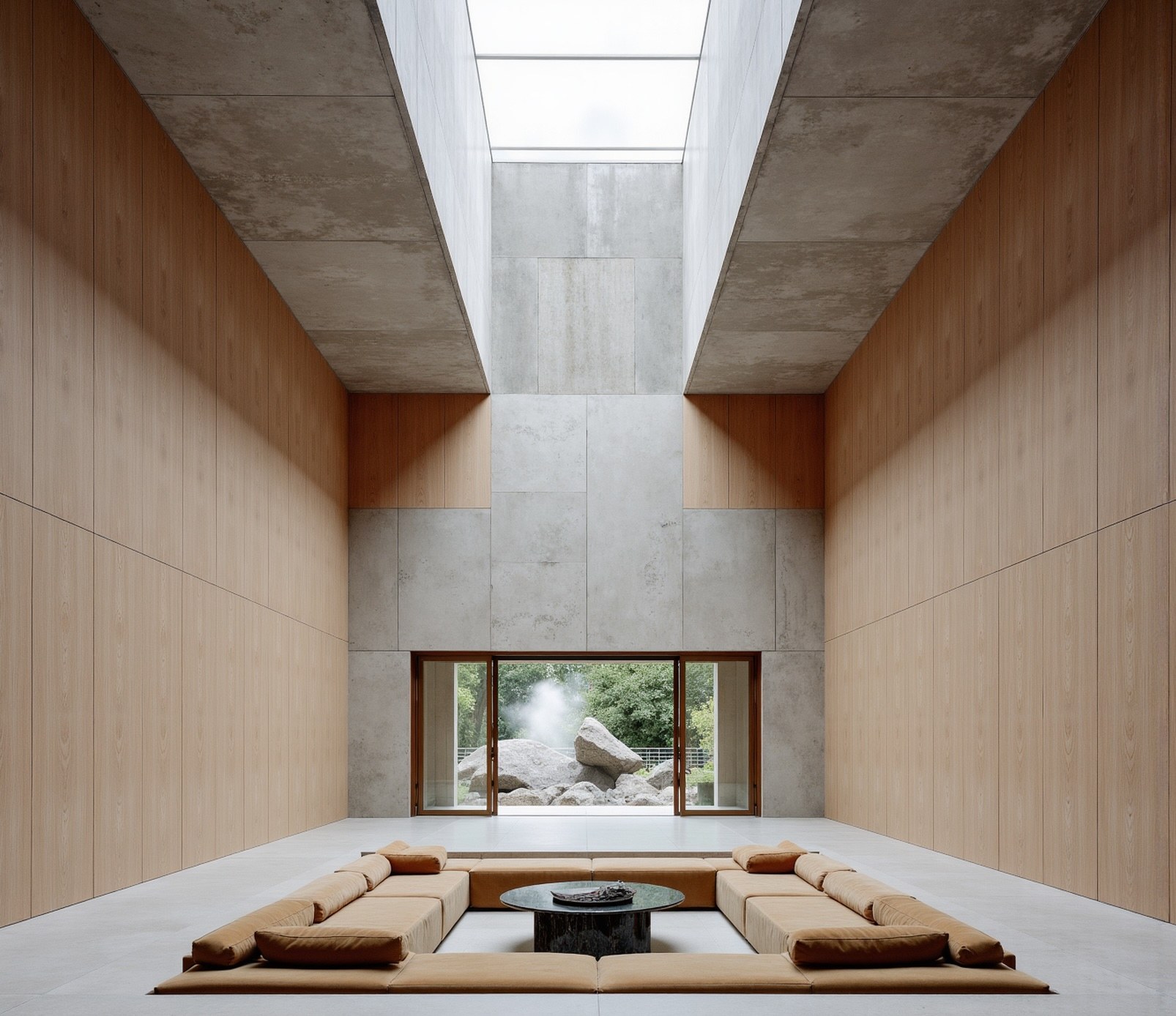
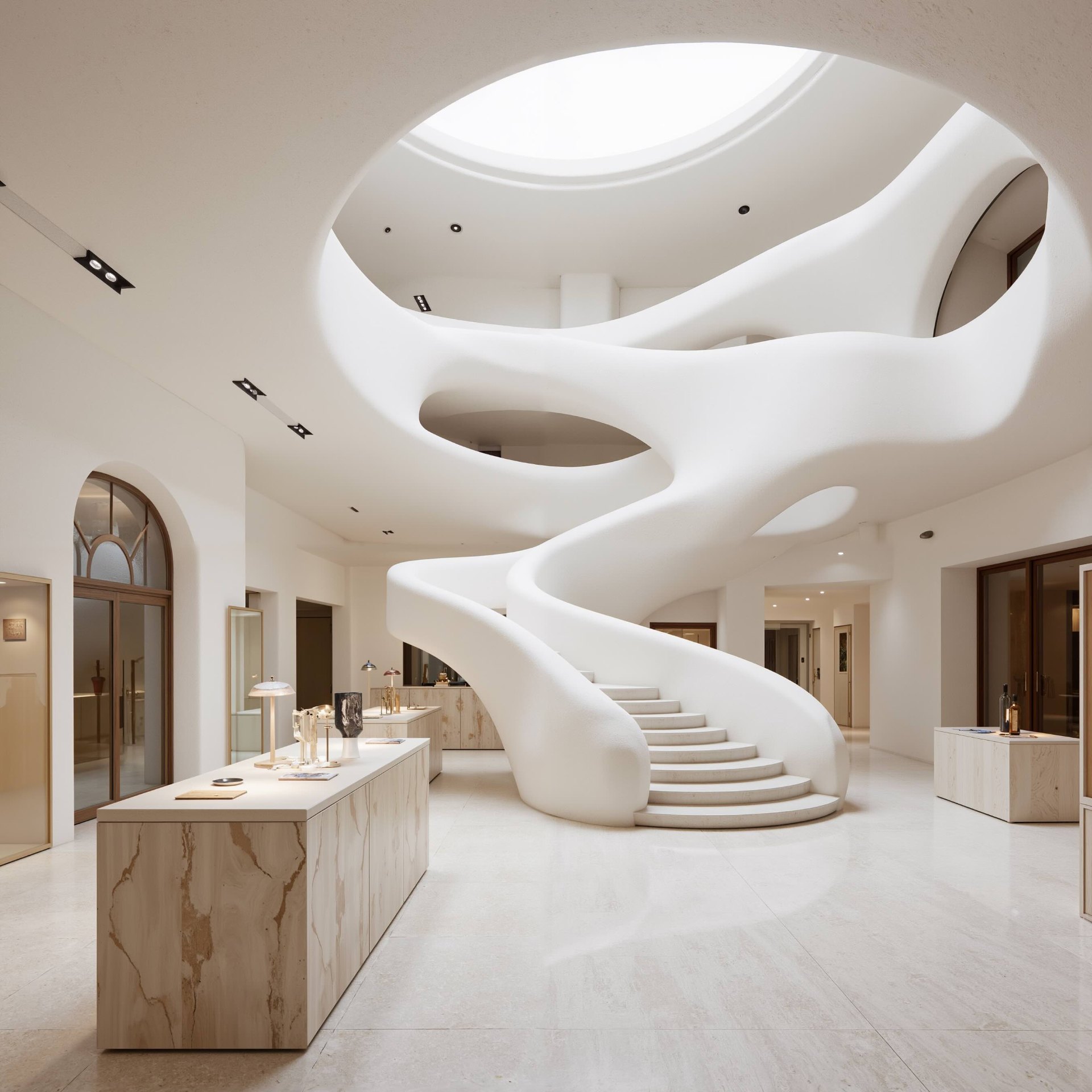
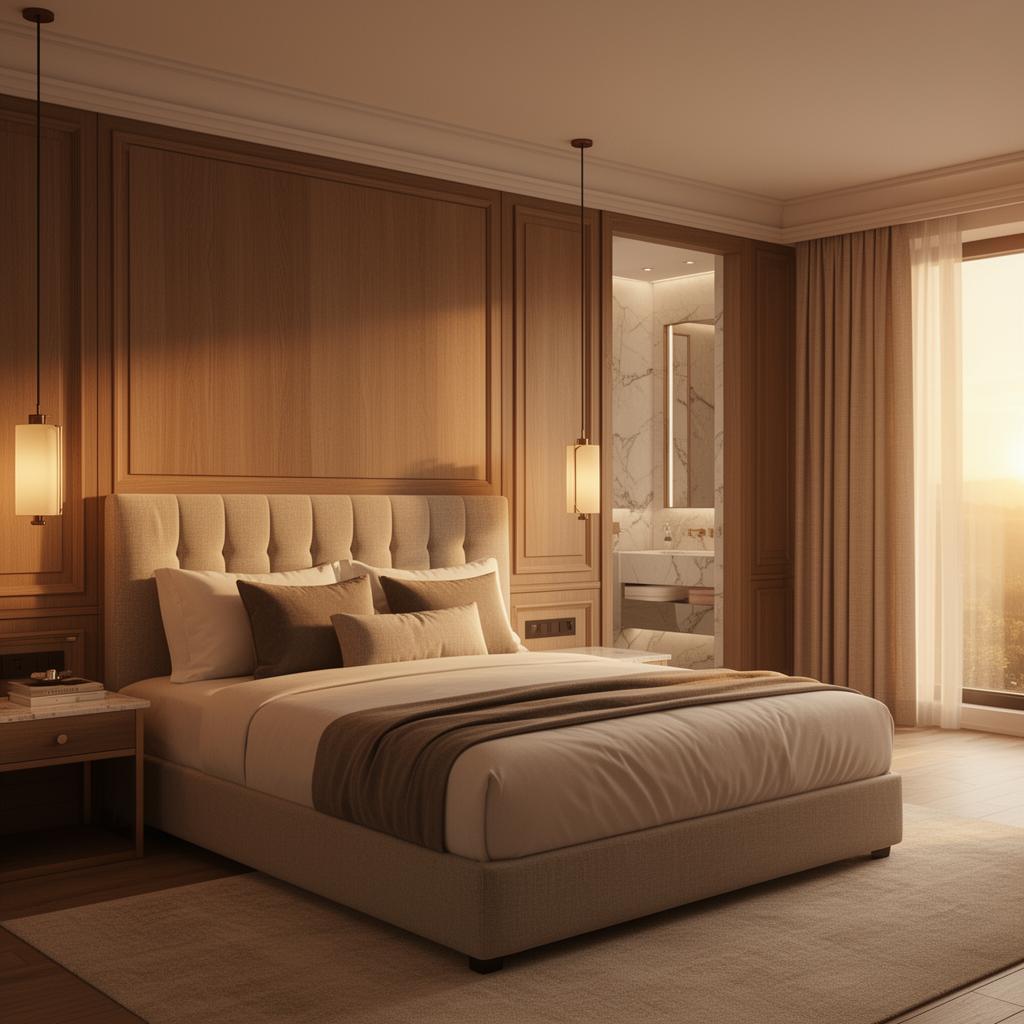
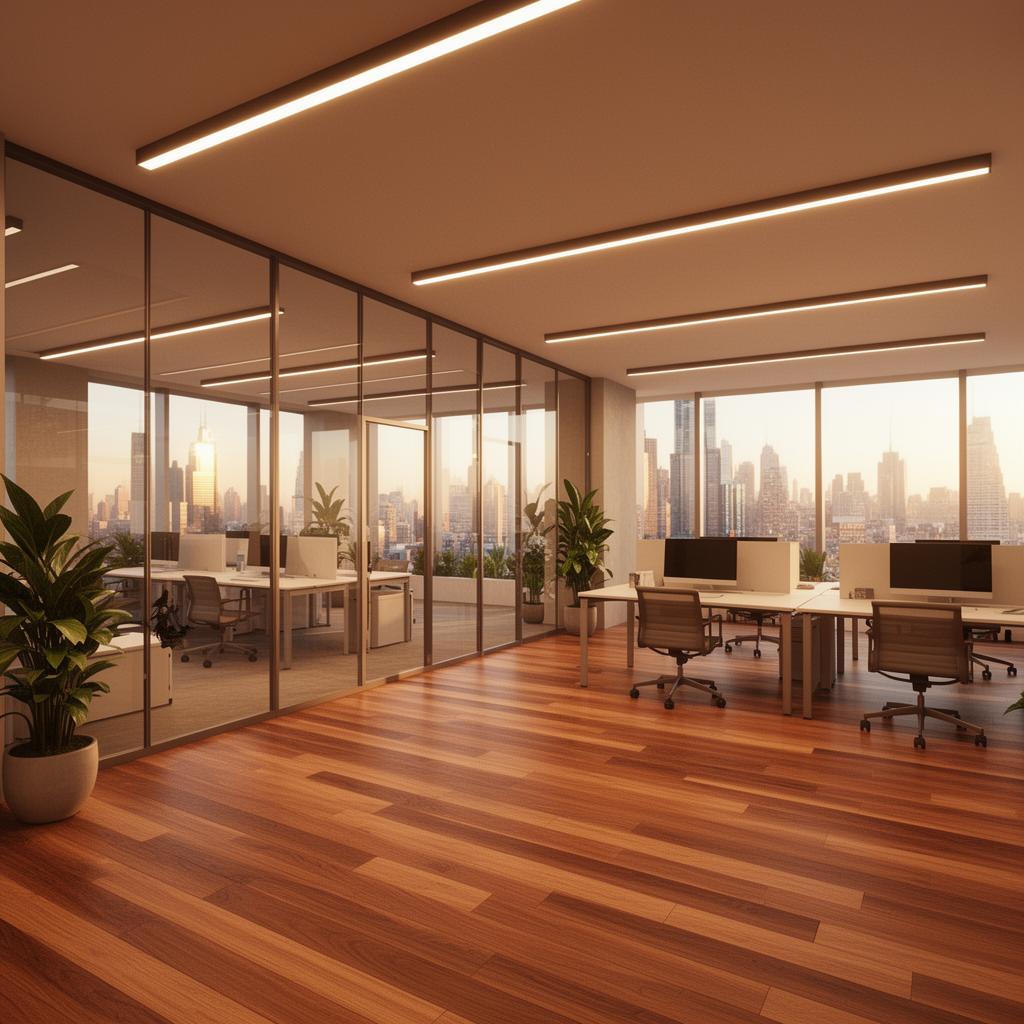
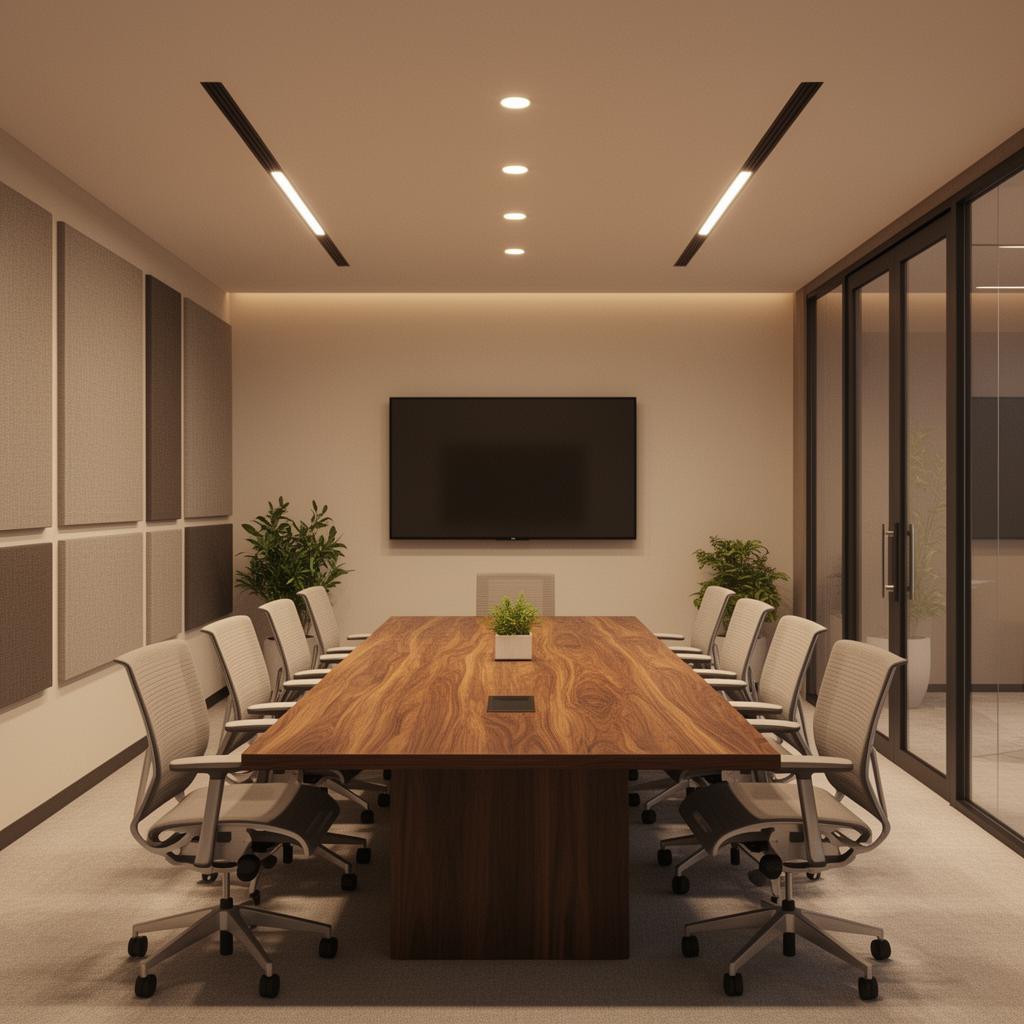
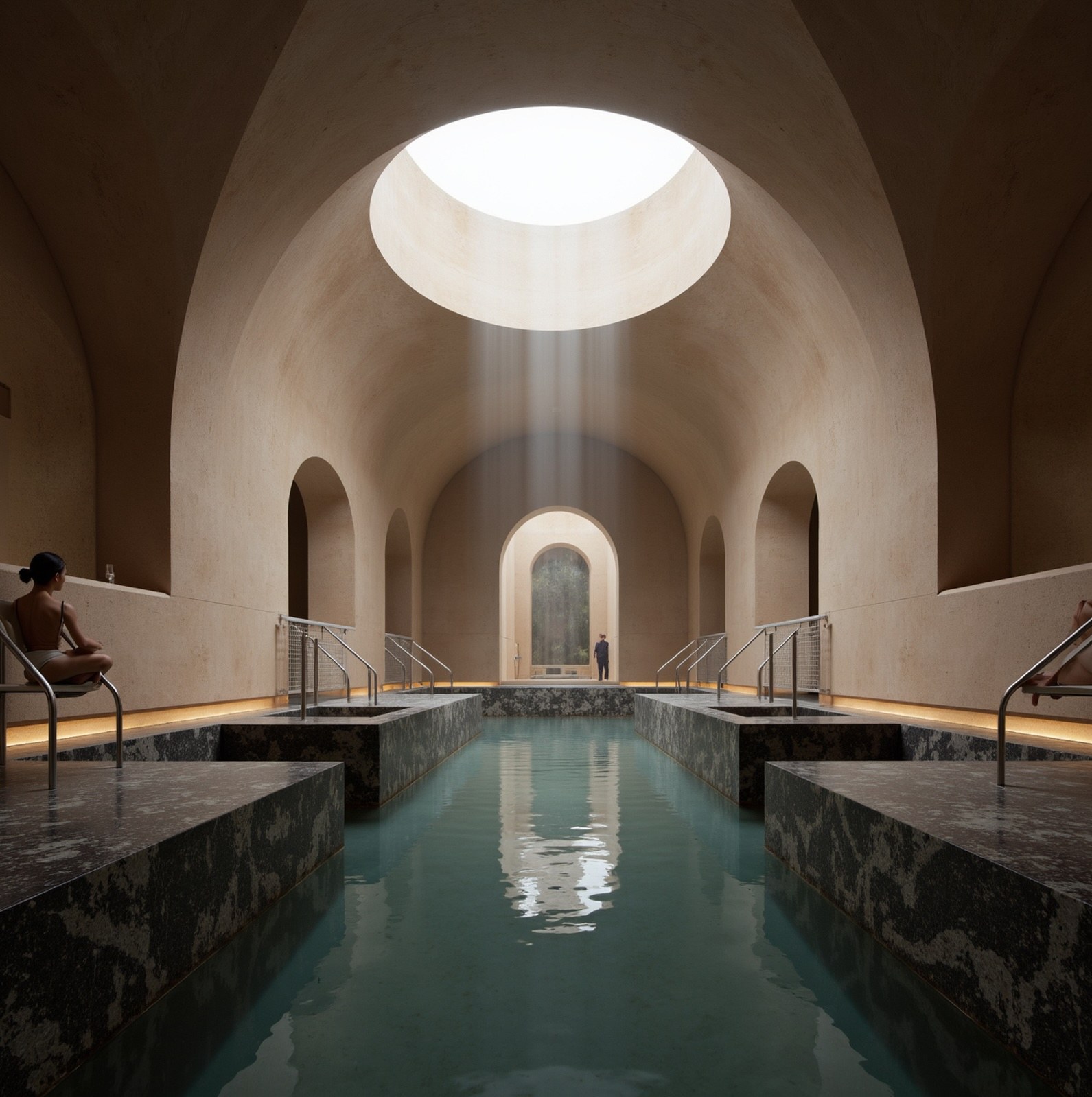
Residential, hospitality, and commercial — rendered in minutes
AI rendering that understands interior spaces. Generate photorealistic visuals across every typology — from living rooms to hotel suites, offices to meeting rooms.
The challenge
Interior design teams deserve better than fragmented AI tools
Traditional rendering pipelines mean overnight waits to see a living room concept. Generic AI generators produce kitchens with impossible proportions and bedrooms with floating furniture. And neither supports the collaborative decision-making that interior design demands. Visuals end up scattered across tools, inboxes, and drives — disconnected from the decisions they are meant to inform.
Why Gendo
AI interior architecture rendering, built for teams
Speed and fidelity matter. But so does working together. Gendo combines AI rendering power with the collaborative canvas interior designers need.
Seconds, not hours
Generate high-fidelity living room, kitchen, or bedroom renders from sketches or 3D models in minutes. No render queues, no overnight waits.
Spatial precision preserved
Unlike generic AI, Gendo keeps your interior geometry fixed. Room proportions, joinery details, and furniture placement stay accurate to your design intent.
Collaborative by design
A shared canvas where your interior design team generates, compares, annotates, and decides together — replacing disconnected image files and email chains.
Material exploration in context
Test timber against stone, swap upholstery fabrics, compare warm and cool palettes — applied directly to your living room or kitchen design, side by side.
Collaboration
The collaborative canvas for interior design teams
Interior design is a team discipline. Gendo gives every stakeholder — designers, directors, clients — a shared workspace where decisions happen visually, not verbally.
Contextual annotations
Leave notes directly on a kitchen render or bedroom concept. Feedback stays attached to the visual, not buried in email threads.
Multiplayer workspace
Multiple team members generate living room variations, review material options, and compare layouts simultaneously on the same canvas.
Single source of truth
Every interior variation, comment, and client decision lives on the canvas. No version confusion, no lost files, no duplicated work.
Private by default
Interior projects are confidential. Your residential and hospitality IP stays yours. Suitable for high-end client work and pre-planning design.
Material testing & product placement
Place real products into real scenes
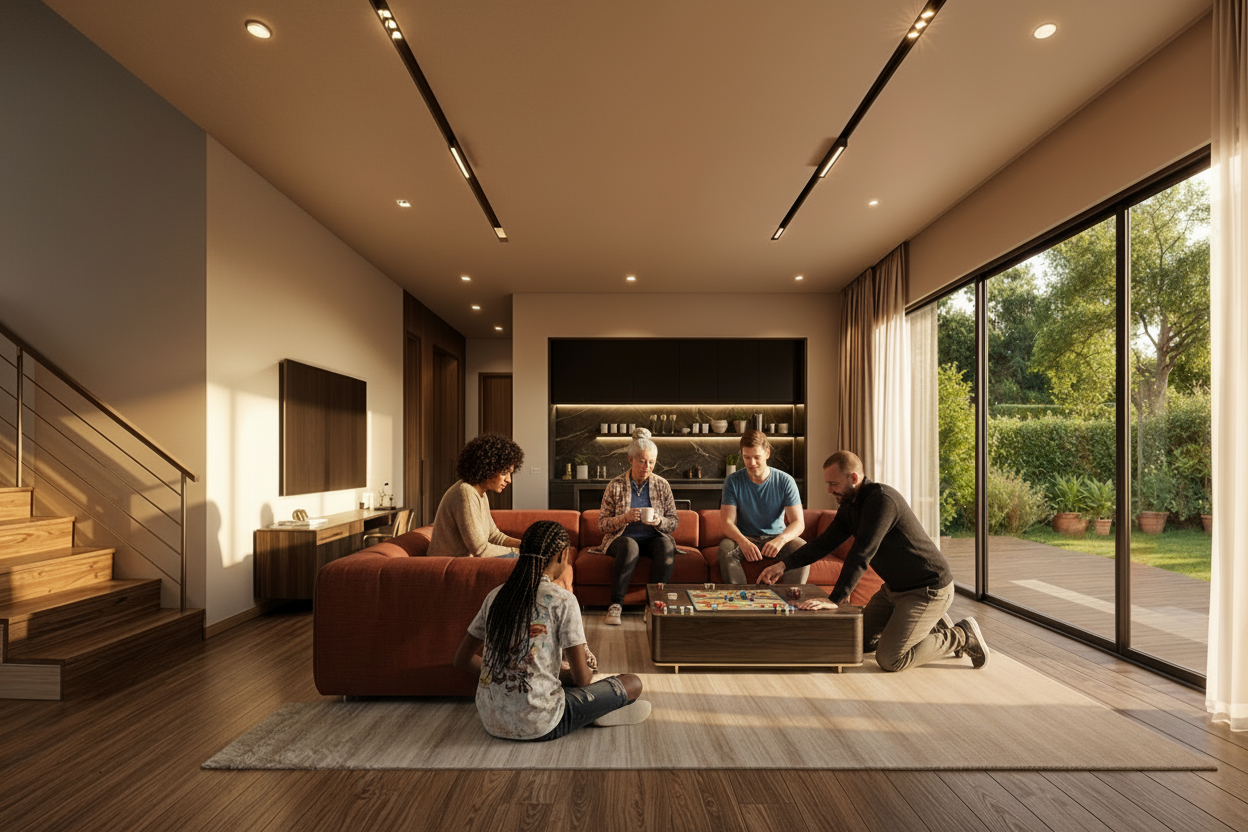
Drop a product image — a sofa, a chair, a light fitting — and Gendo places it into your interior render with accurate scale, lighting, and material response. Test finishes, compare options, and present to clients with confidence.
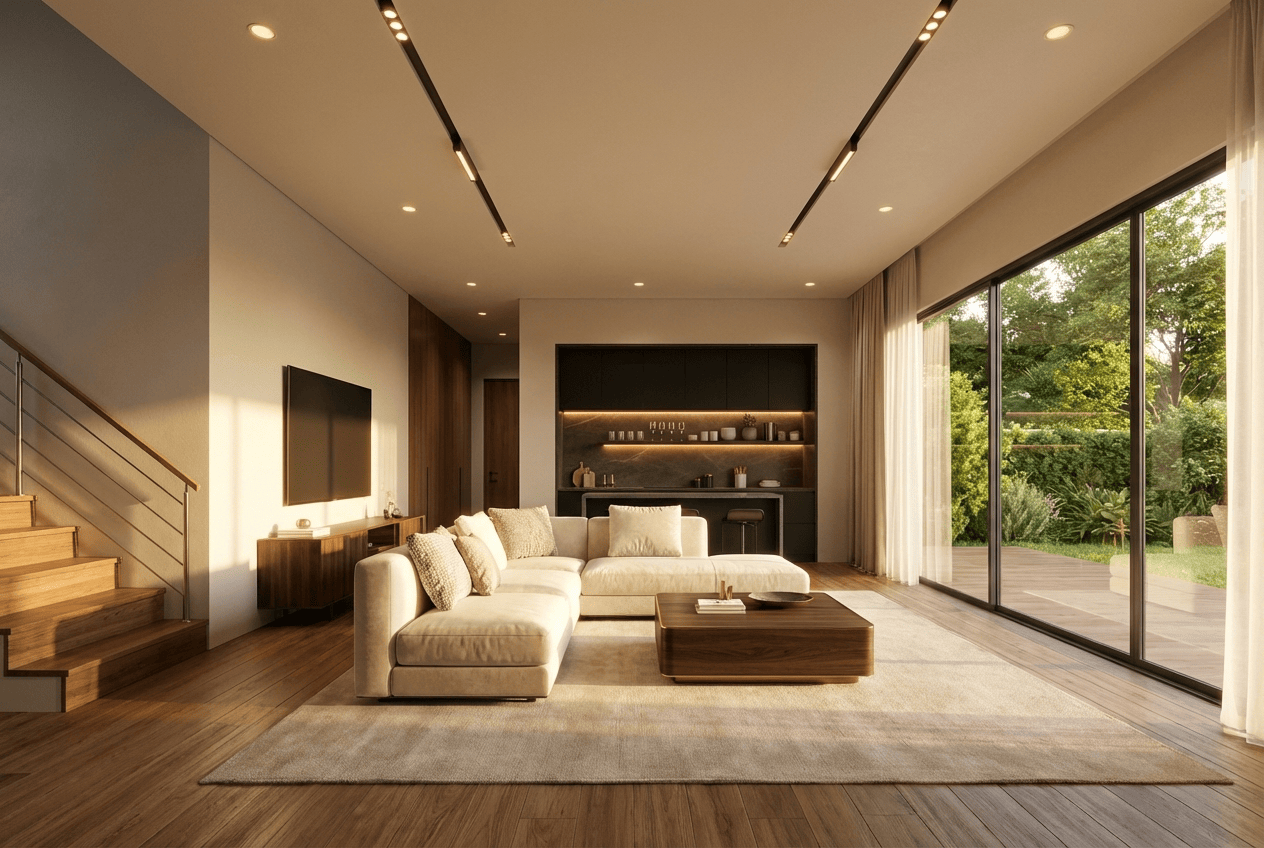
Original scheme — cream upholstery
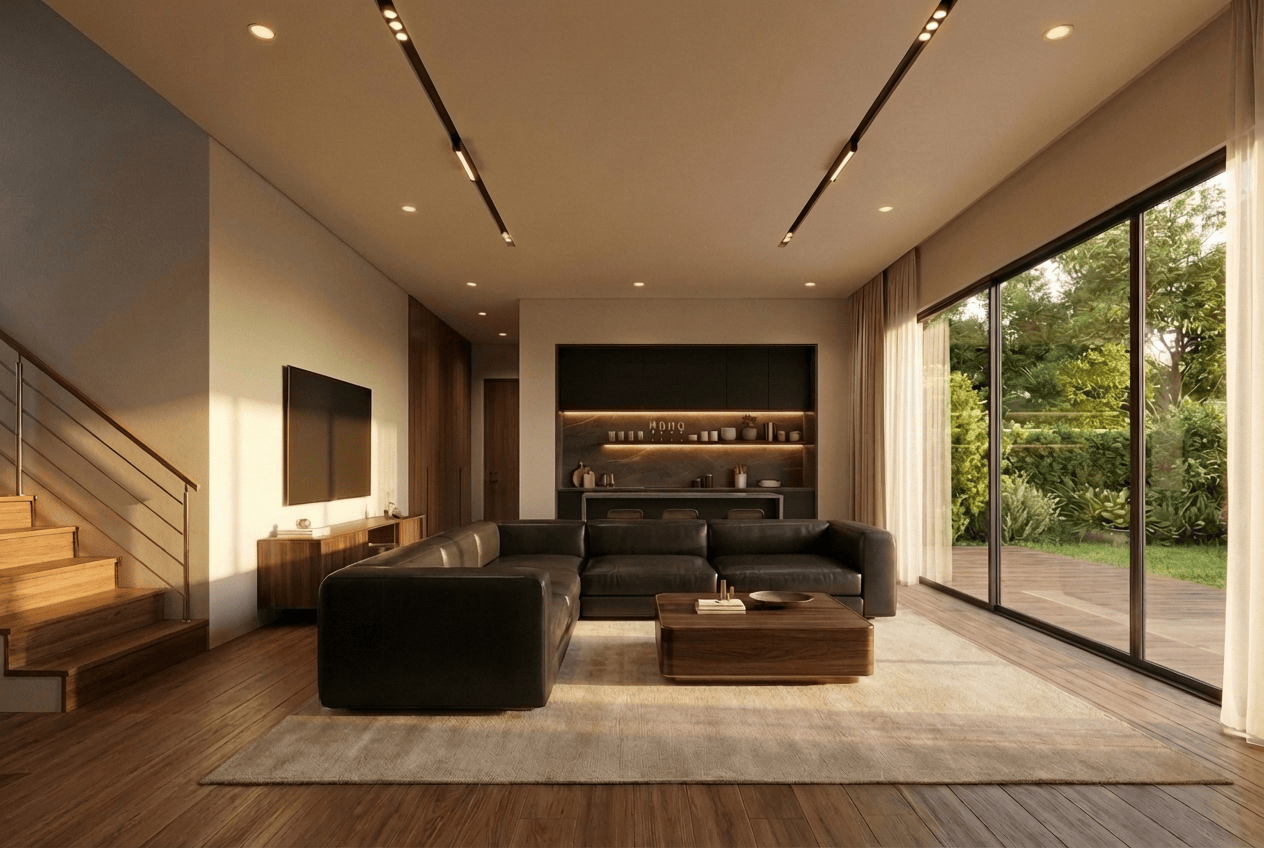
Product placed — dark leather sectional
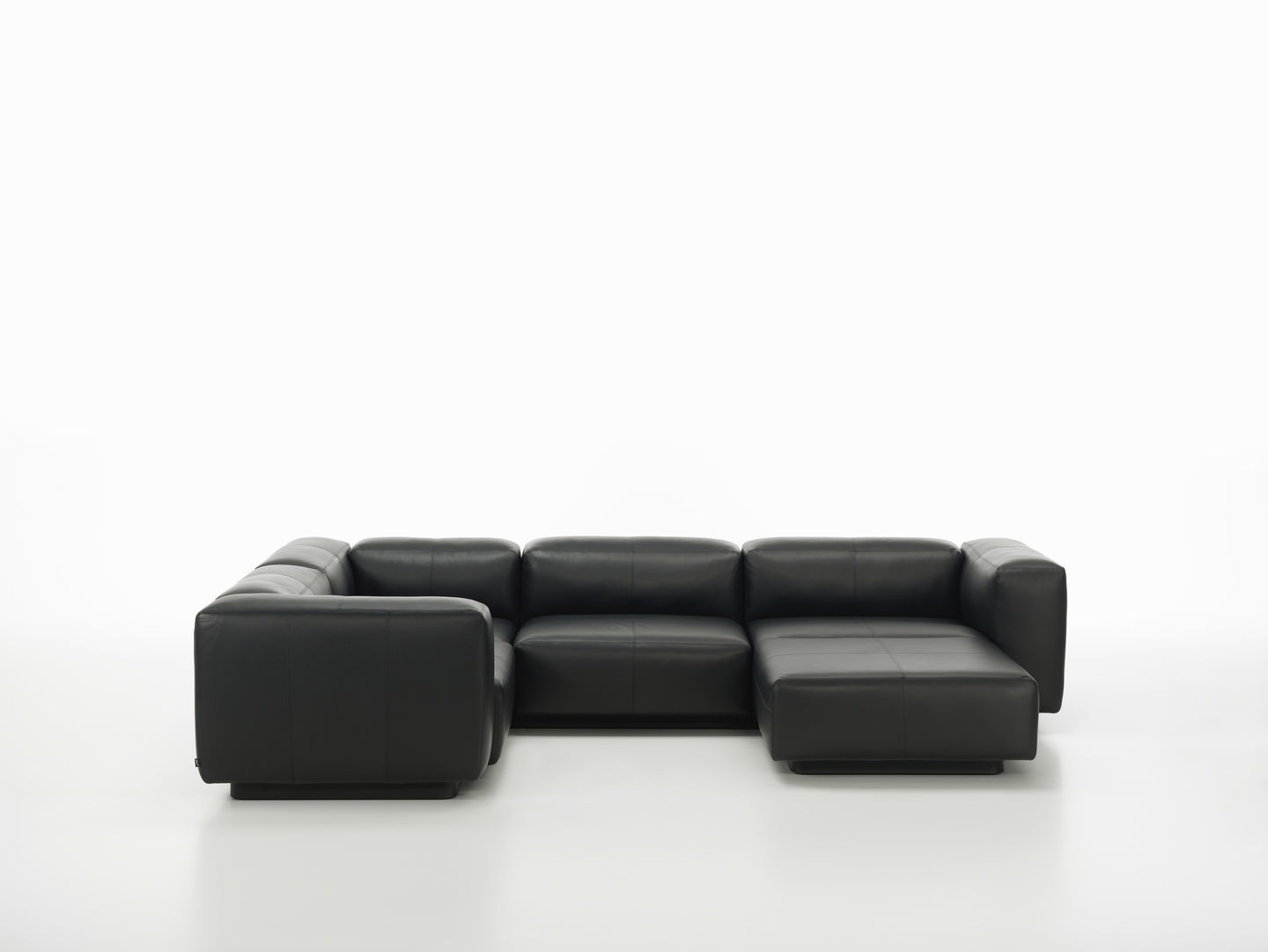
Product reference
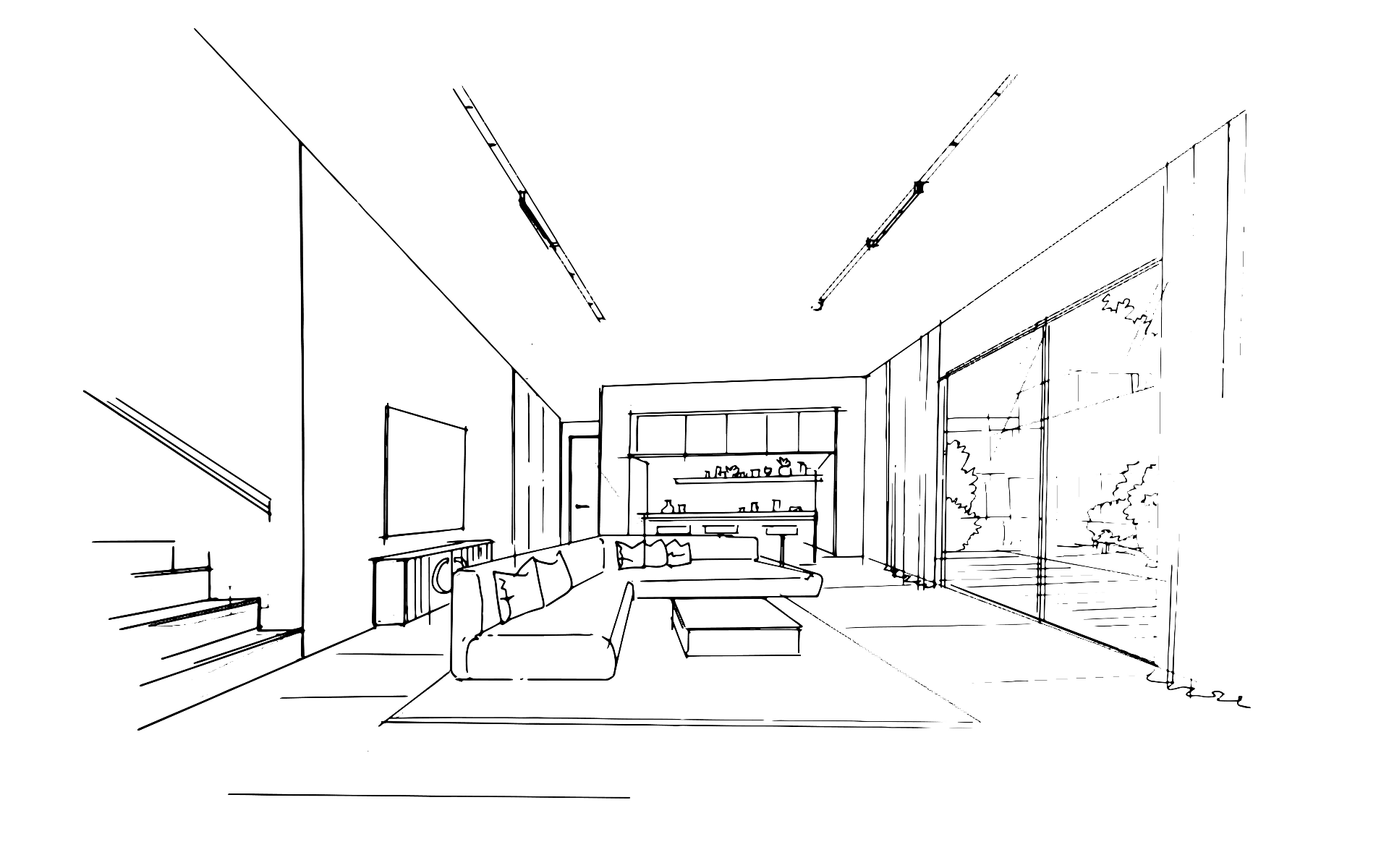
Sketch input
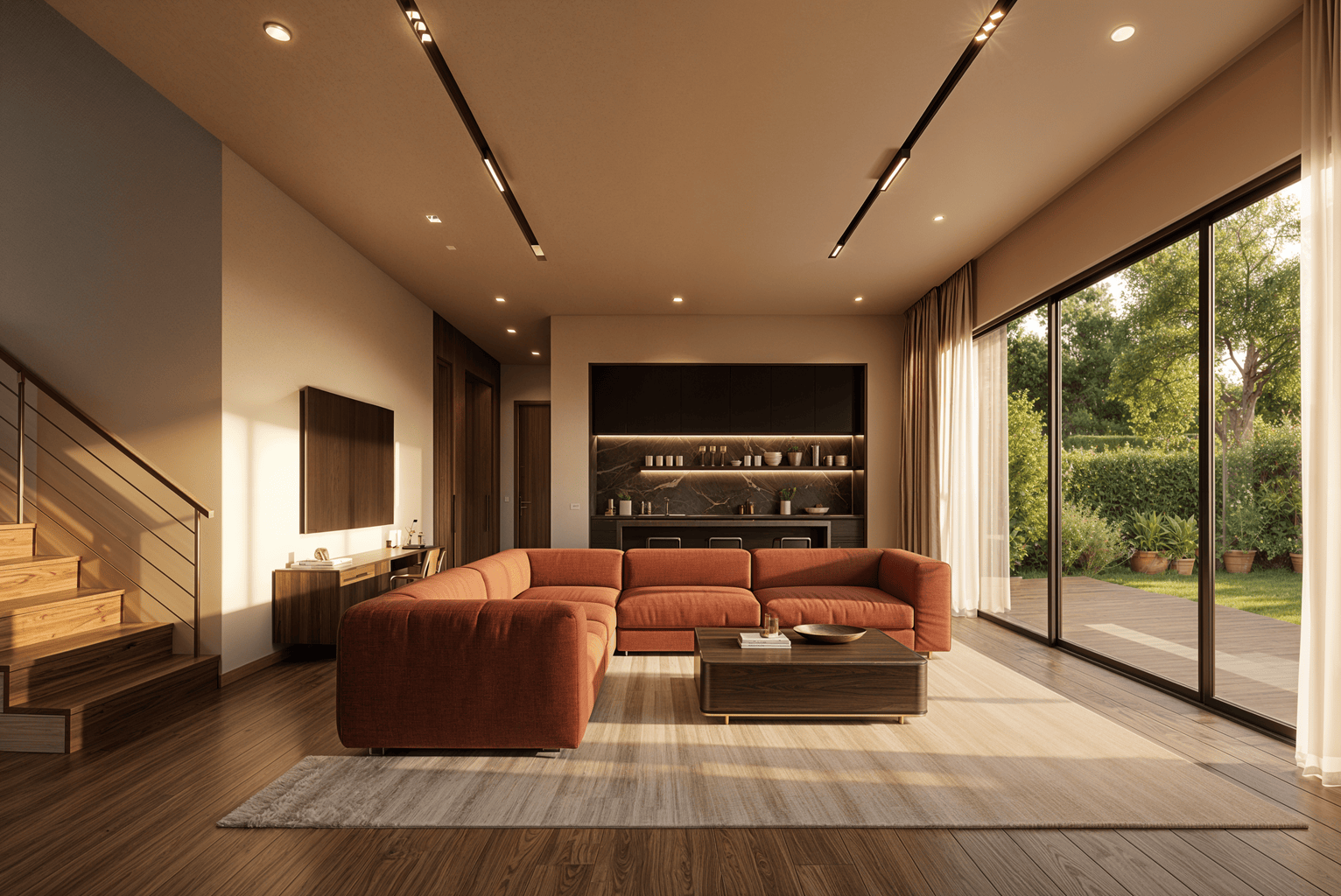
Terracotta variant
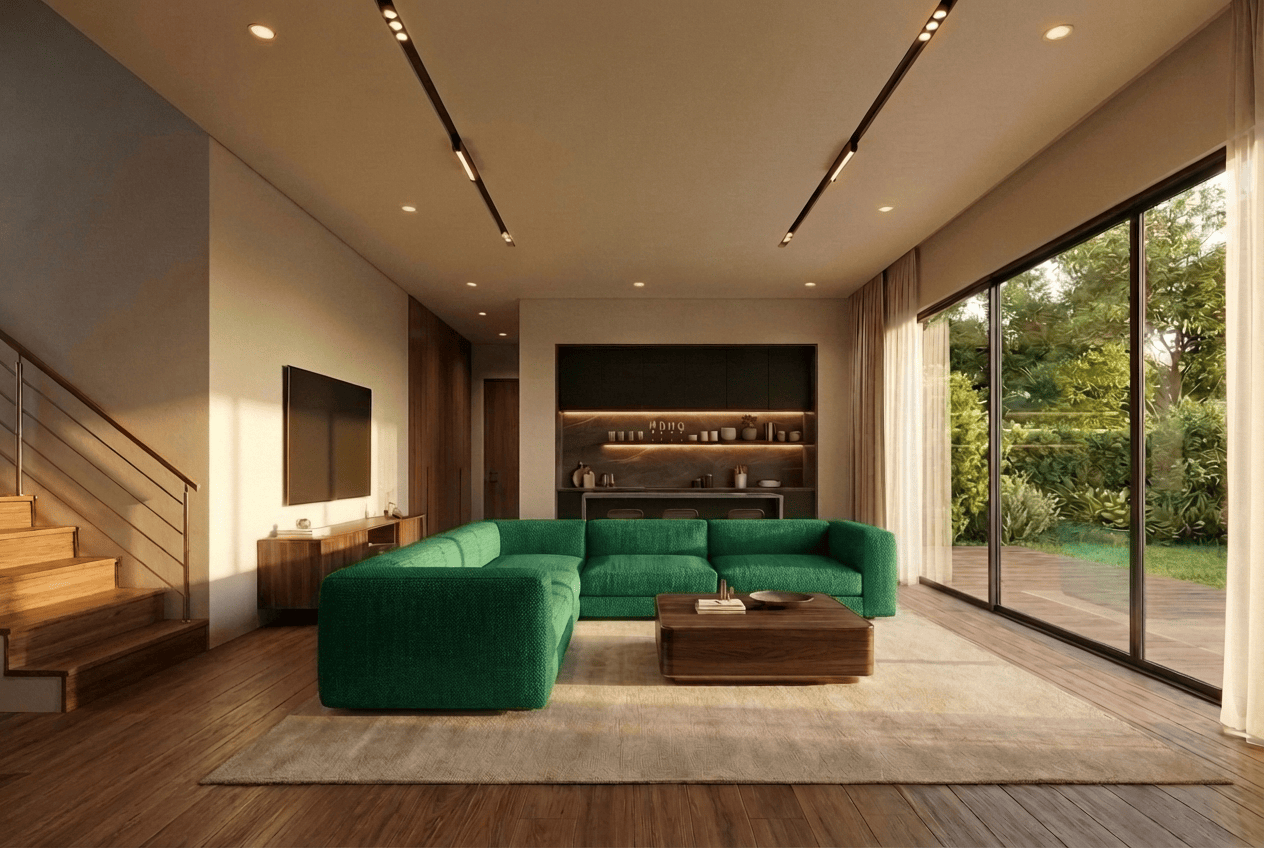
Emerald variant
From sketch to shared decision in three steps
AI tools for interior designers should fit the way teams already work.
01
Upload your design
Import a sketch, grey model export, or viewport capture from SketchUp, Revit, Rhino, or any interior design tool.
02
Generate and iterate together
Your team renders, swaps materials, adjusts lighting, and refines — all on the same collaborative canvas in real time.
03
Decide and present
Compare variations, leave notes, align on a direction, and export presentation-ready visuals — all from one workspace.
Trusted by studios
What architecture and interior design teams say
"We no longer use Enscape. Gendo has fully replaced it in our workflow thanks to the quality it delivers."
"Gendo provided the speed and quality balance the team needed. Base renders could be enhanced to presentation quality in minutes rather than hours."
"Planning had stalled for months. The client showed a Gendo render in the meeting. Planners saw it and moved straight to planning."
Workflow integration
Works with the tools interior designers already use
Import from SketchUp, Revit, Rhino, ArchiCAD, Vectorworks, Enscape, or any tool that exports images. No plugins, no file conversion, no vendor lock-in.
FAQ
Common questions about AI for interior designers
Exploring AI interior design for the first time?
Try the free AI interior design tool