Everything you need to master Gendo and transform your architectural workflow.
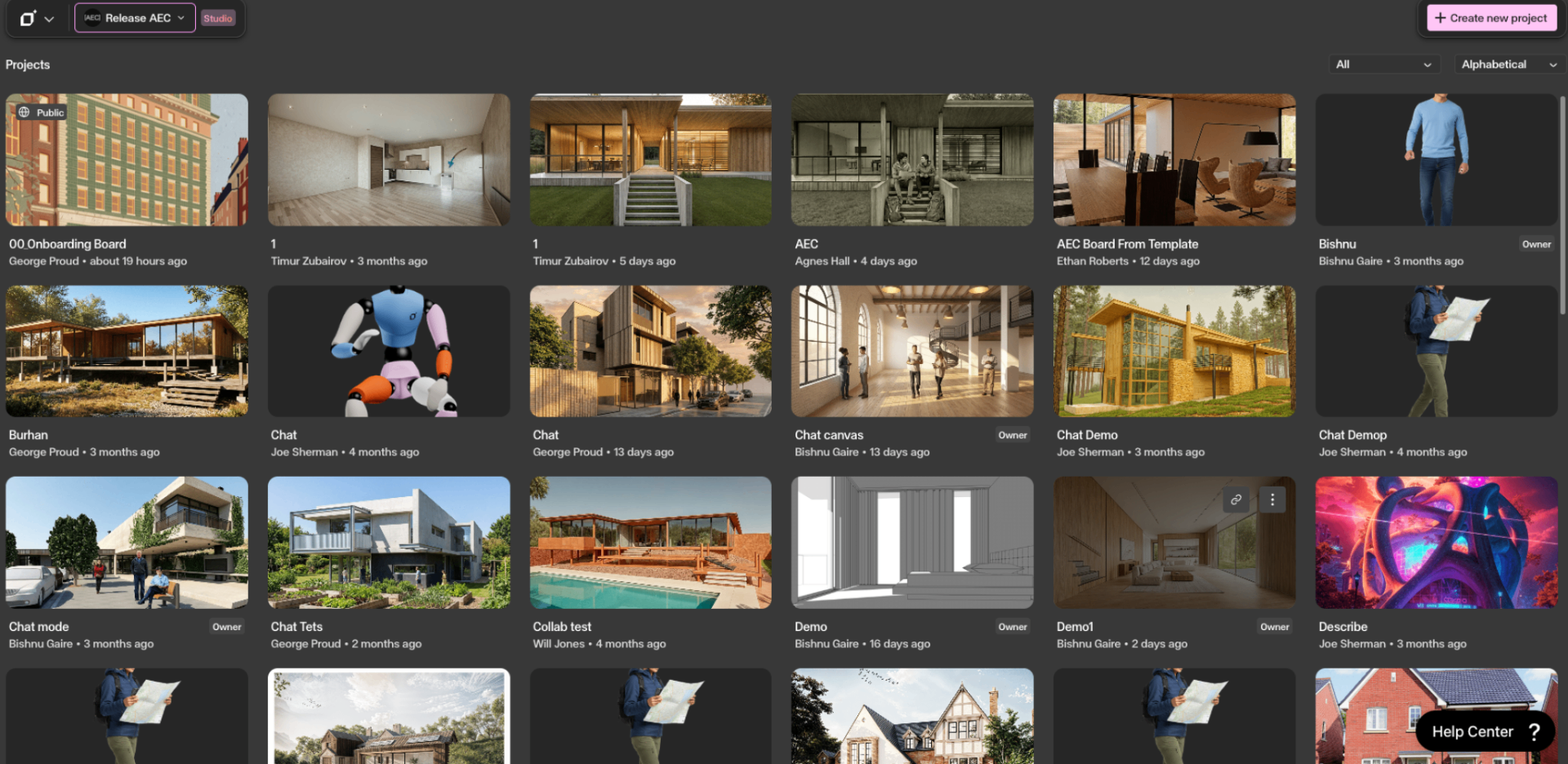
A complete walkthrough of the Gendo workspace — from projects and teams to organisations and support. Everything you need to get set up.
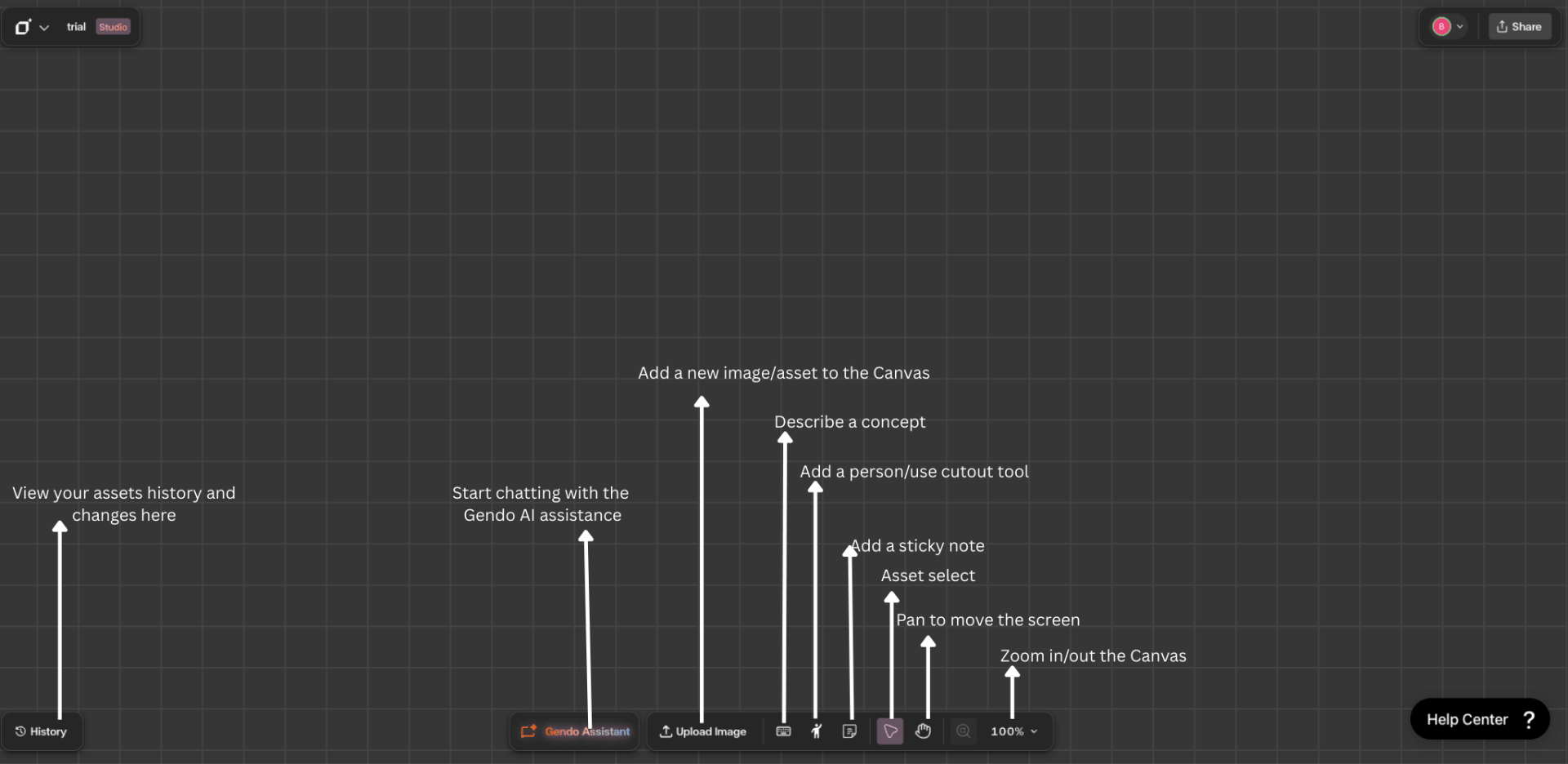
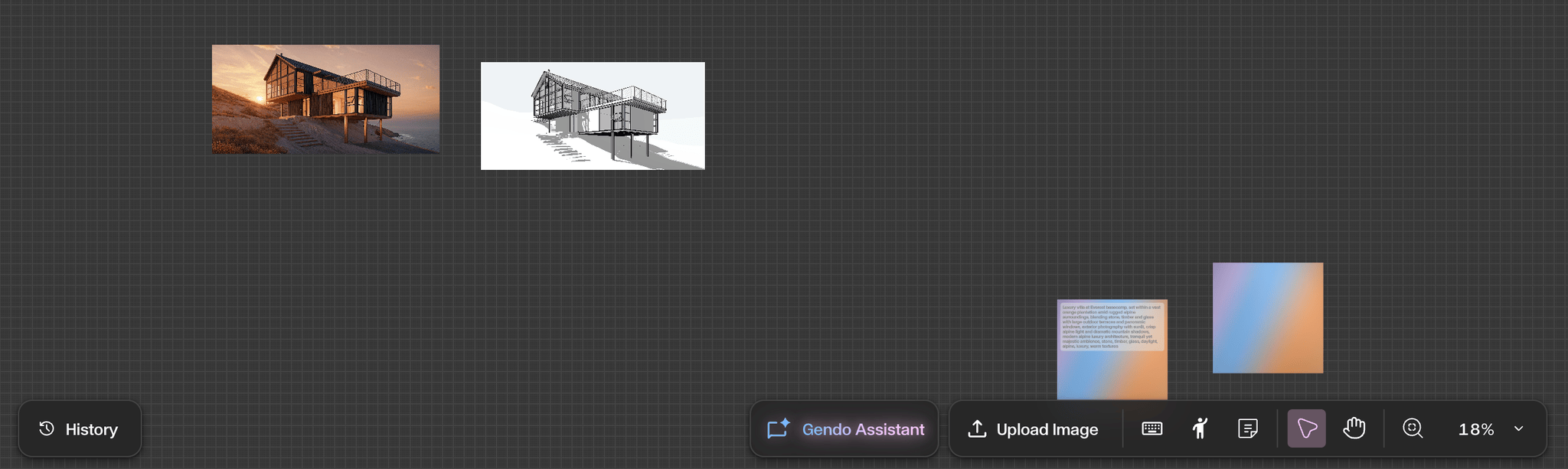
A complete guide to the Studio Interface — your infinite, in-browser canvas for managing images, renders, and collaborative design work.
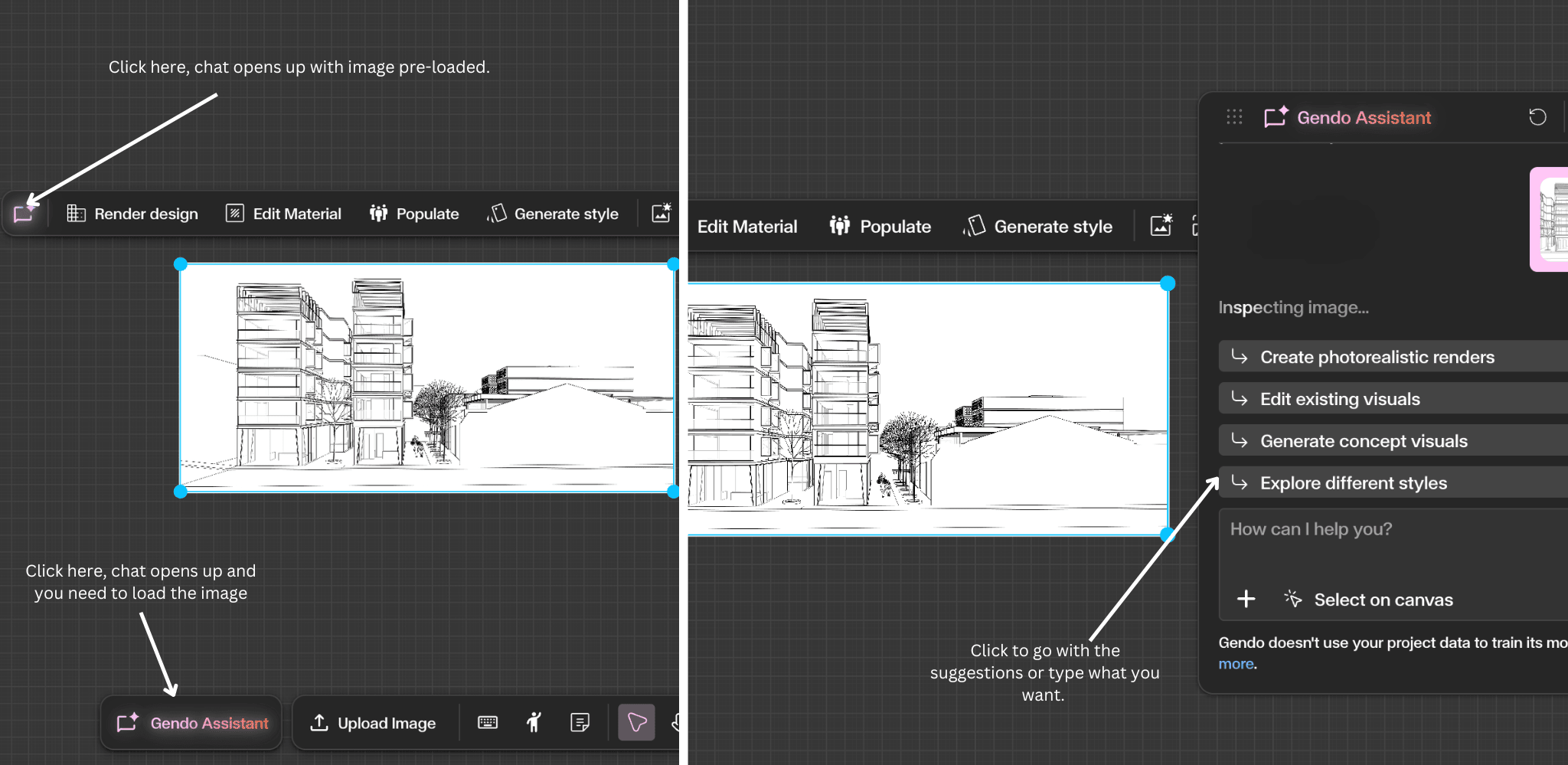
Refine, generate, and modify designs directly on the canvas using natural language. The assistant interprets your request and calls the most appropriate tool.
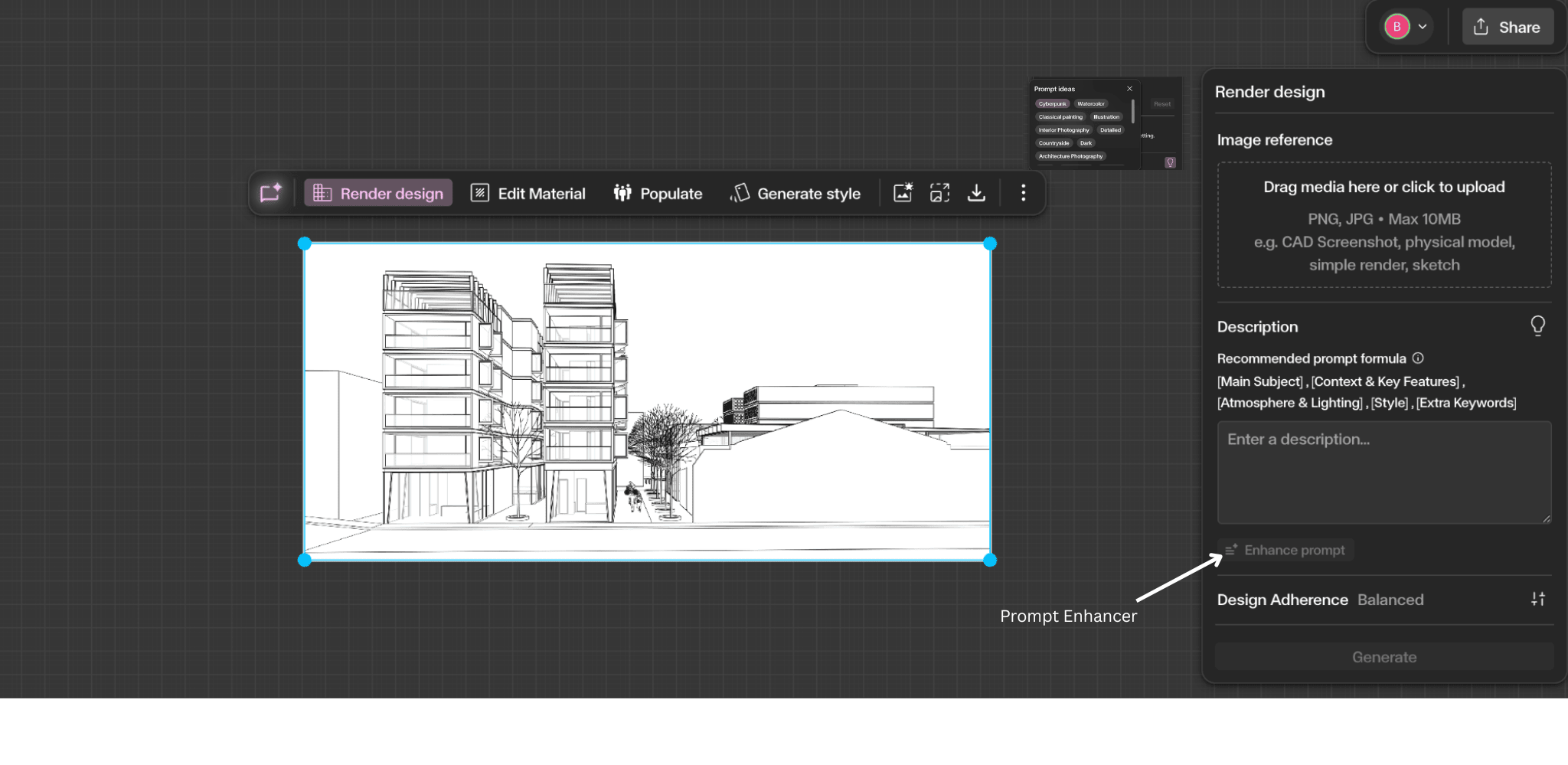
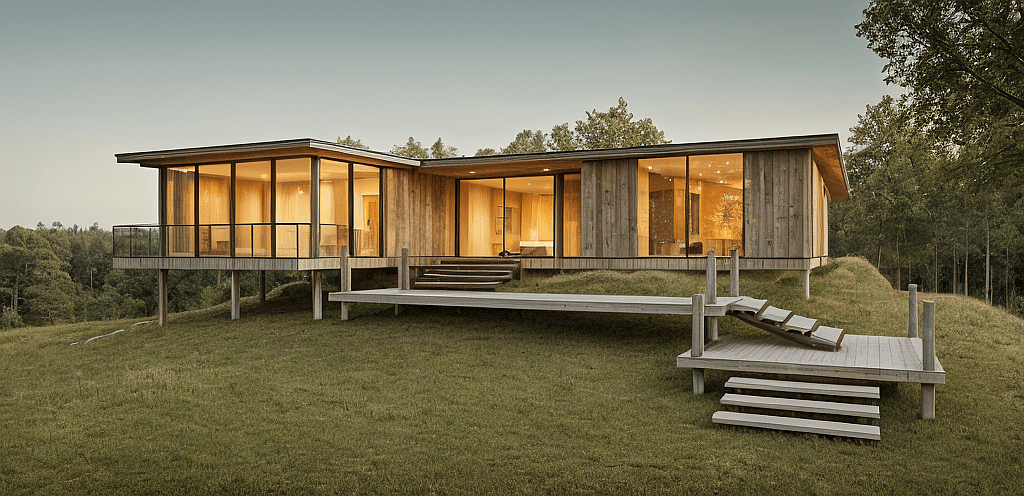
Transform sketches, CAD screenshots, or design images into high-quality architectural renders with full control over prompts and design adherence.
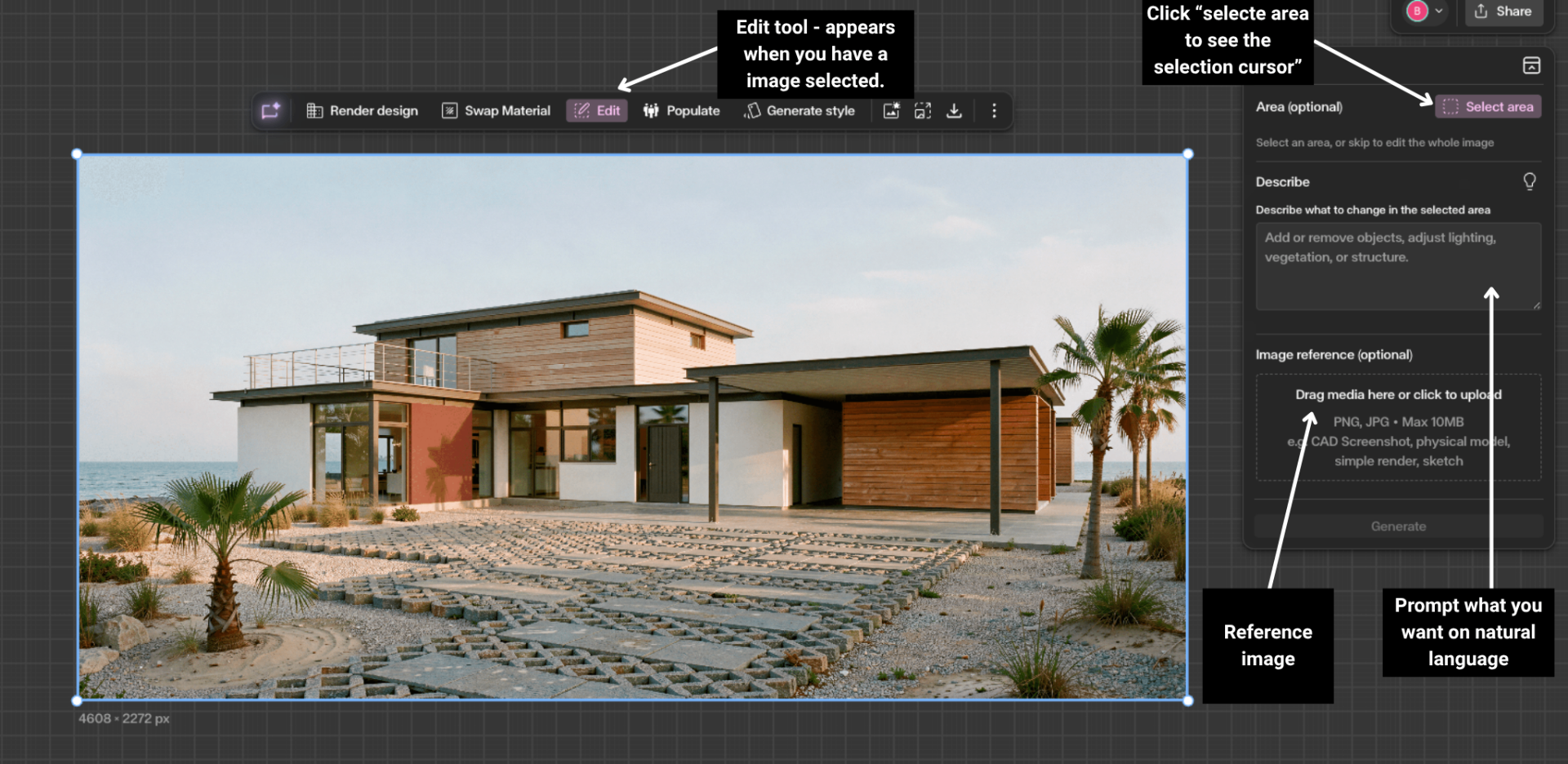
Make targeted changes to an existing image — add, remove, replace, or adjust specific elements while keeping the rest of the composition intact.
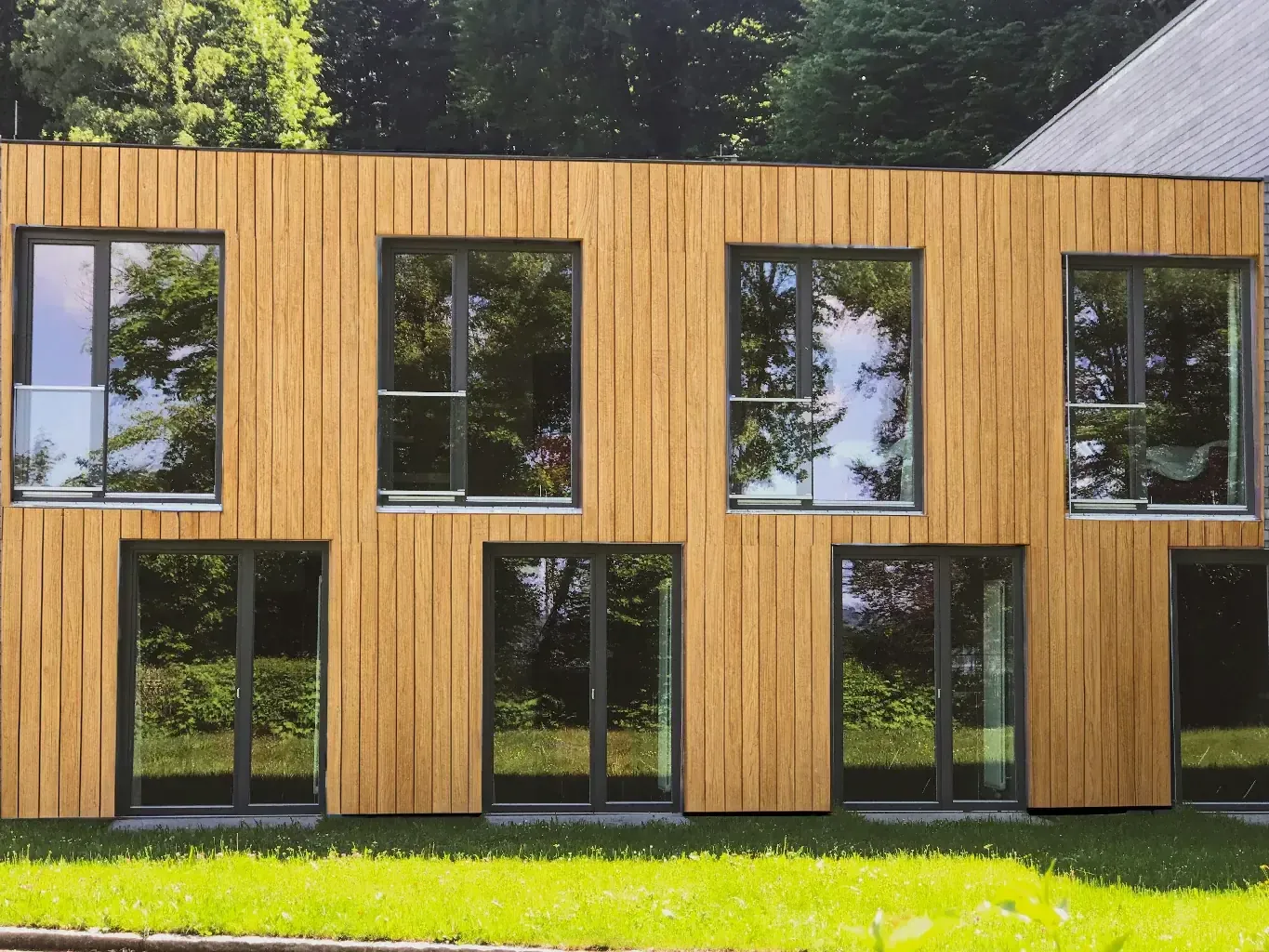
Change materials on specific surfaces without modifying the rest of the design. Select precise areas and apply new finishes while preserving the surrounding architecture.
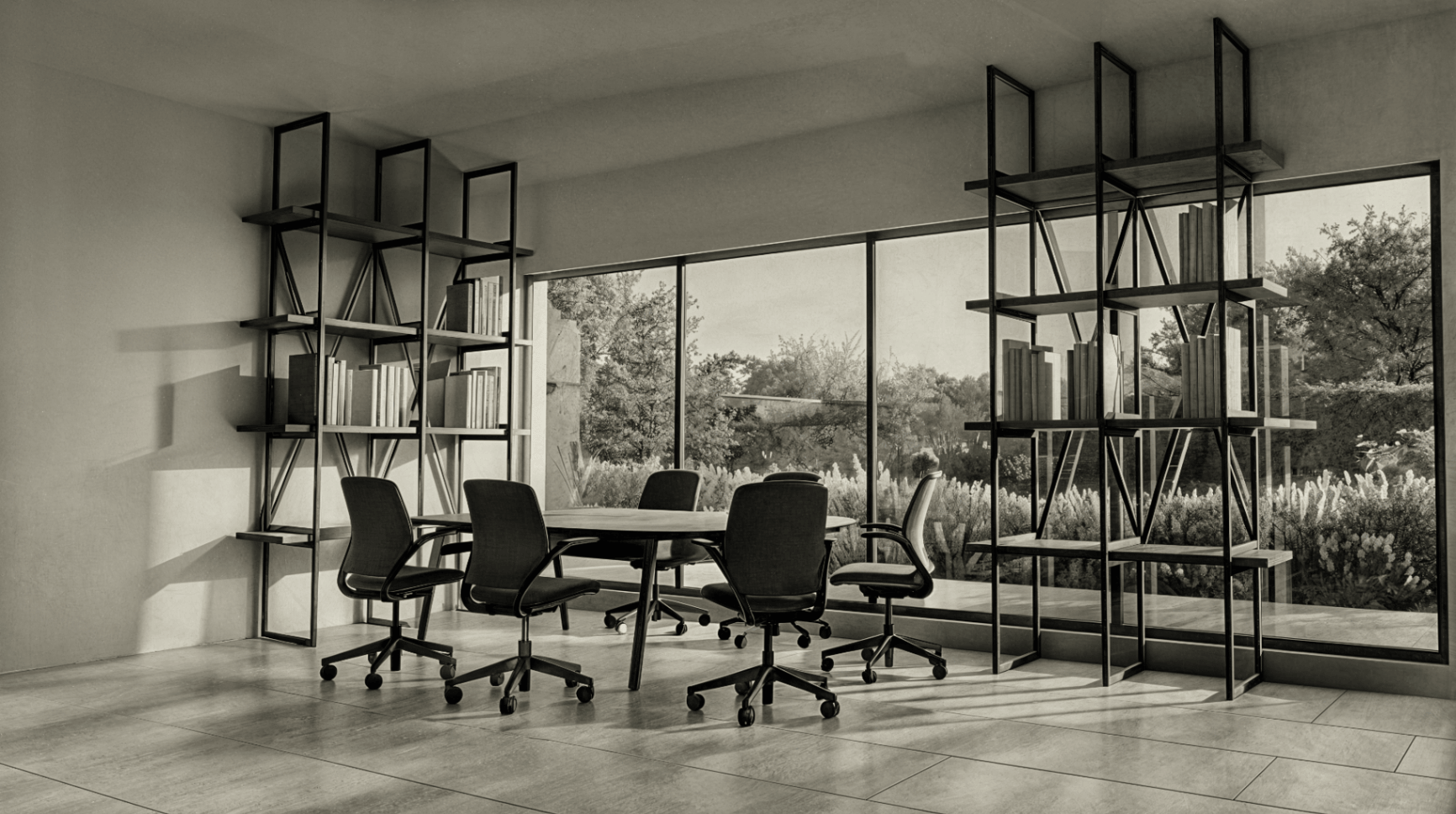
Transform the visual appearance of an image while preserving architectural structure. Explore artistic styles from sketches to stylized renderings.
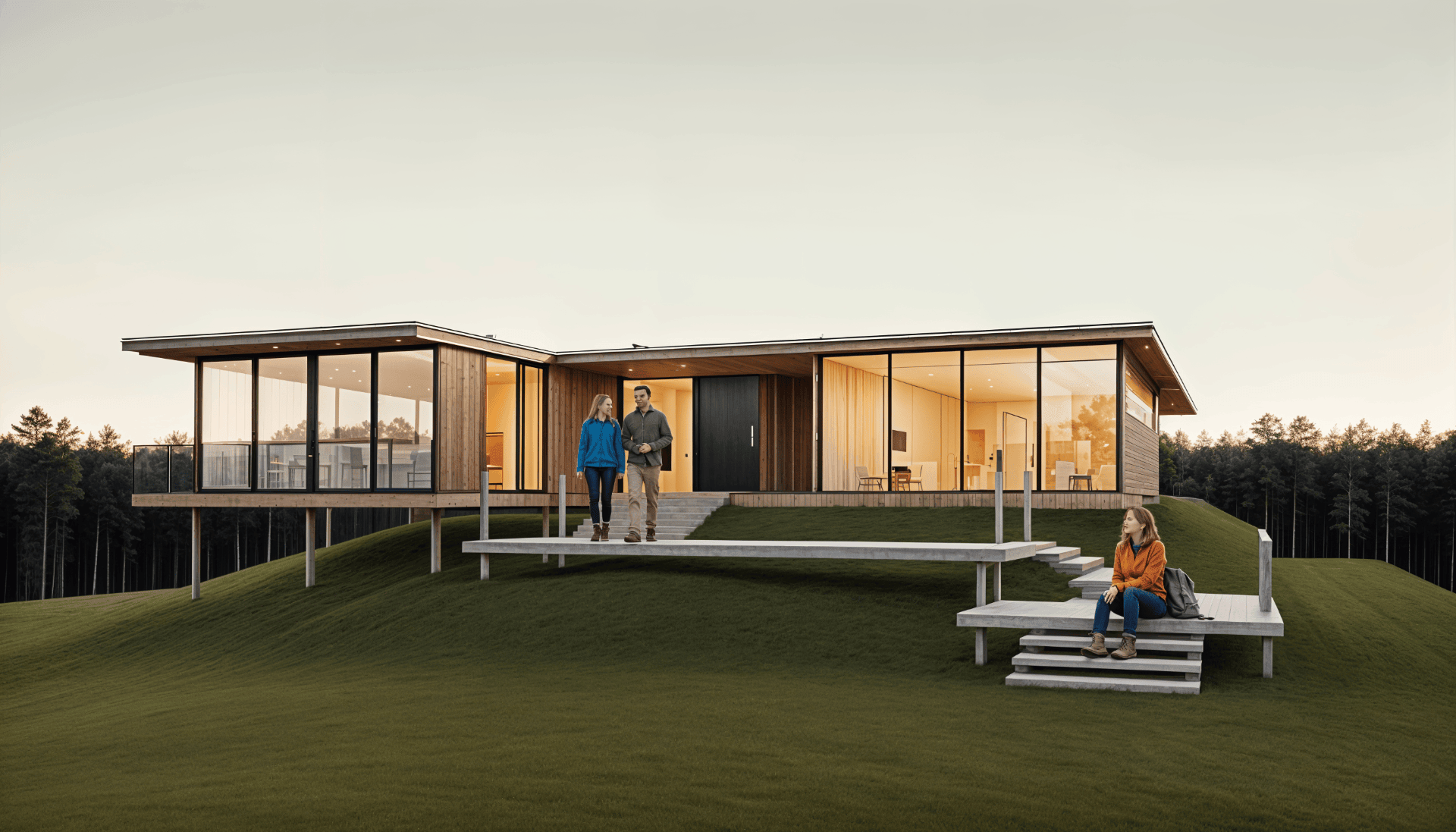
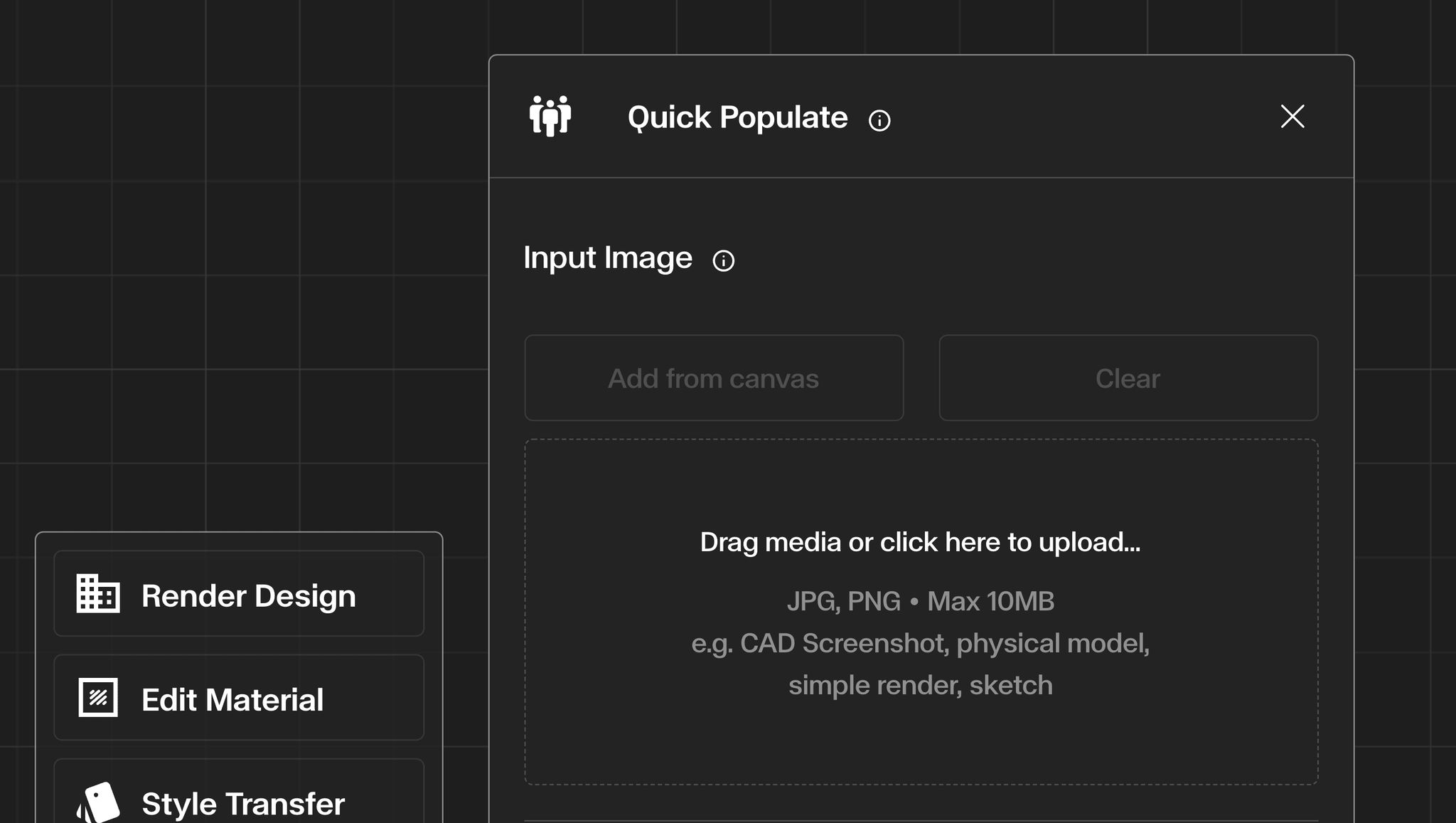
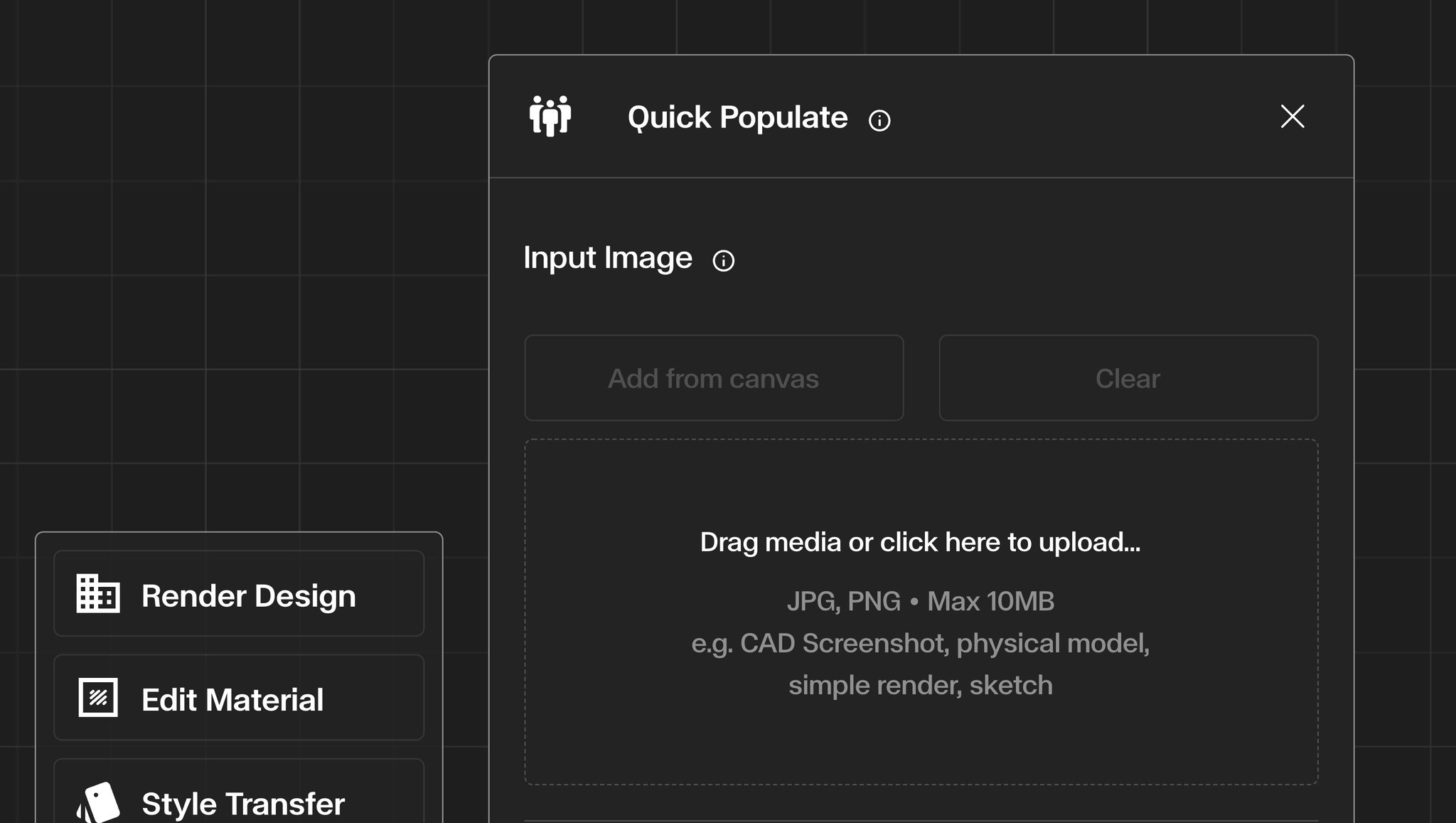
Automatically add people to your architectural images with control over density, demographics, and context.
Improve the visual quality and realism of an existing image while preserving the original design and composition.
Increase the resolution of your renders for presentations, print boards, and high-resolution exports while preserving architectural detail.
Turn a still render into a short, moving clip using built-in camera presets, then top up your balance when you need more.
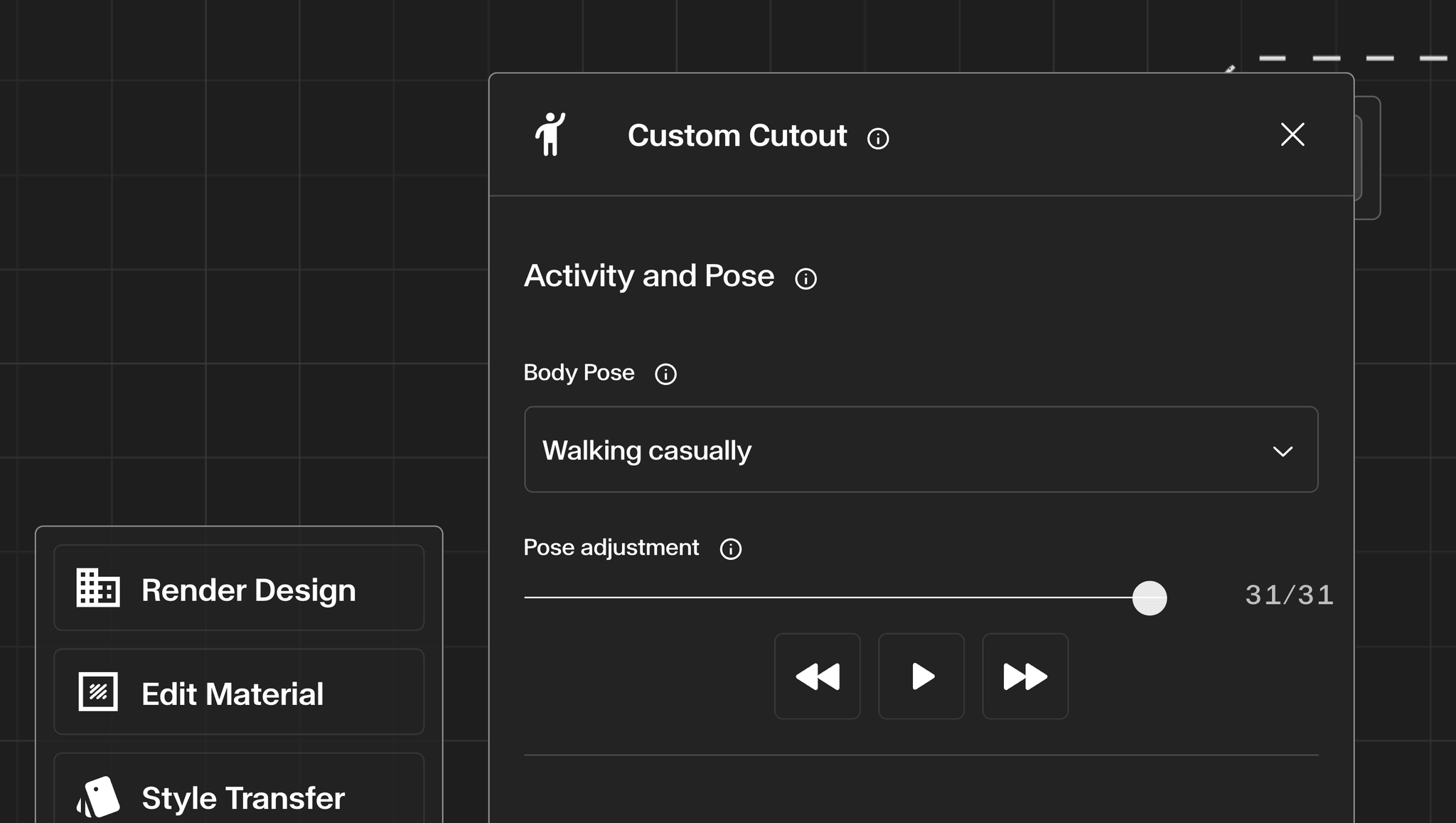
Generate bespoke human figures with full control over appearance, pose, and styling — then place them directly onto your canvas.
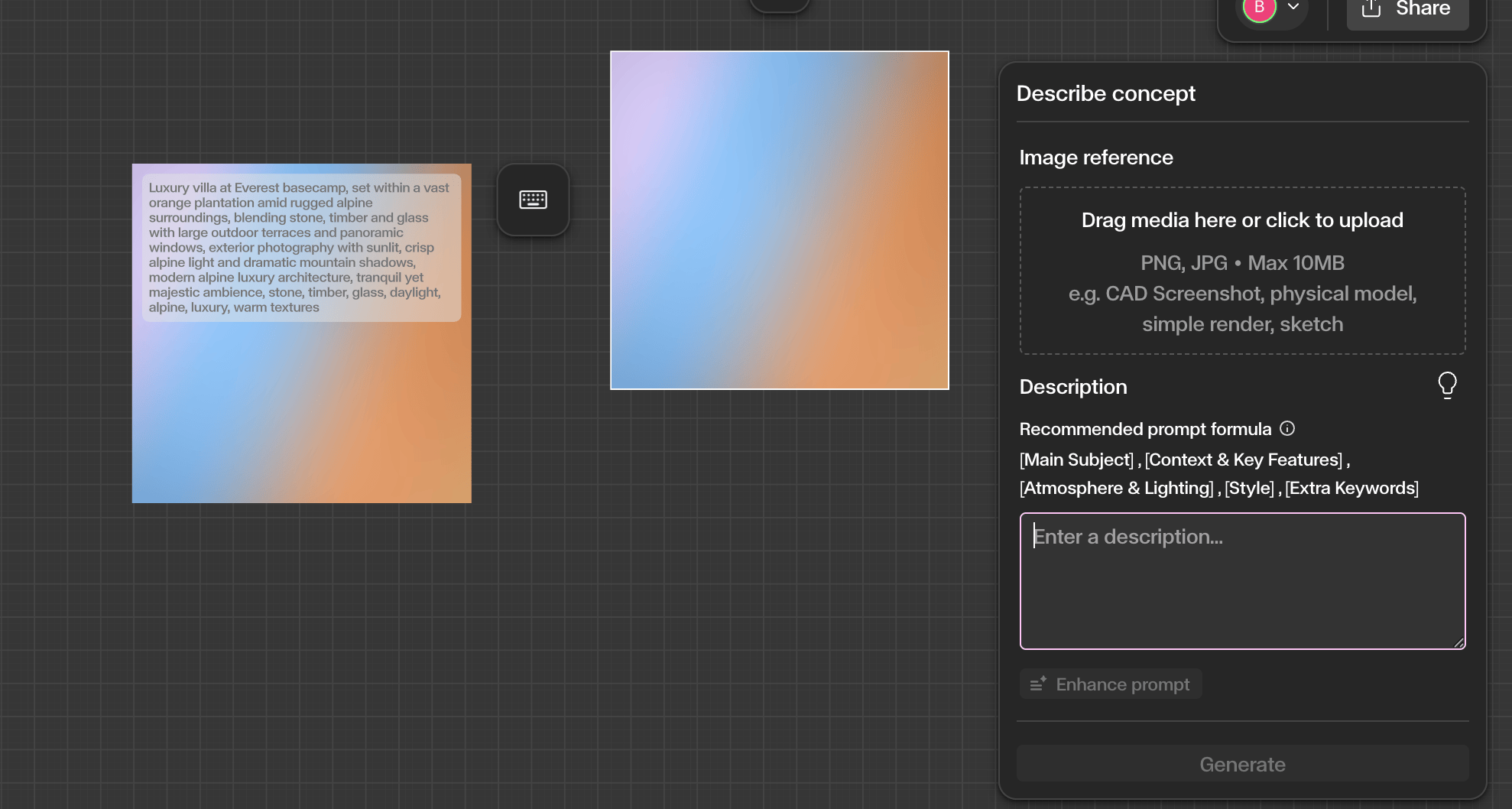
Generate images directly from text descriptions. Combine prompts and reference images to create architectural concept visuals.
Keep track of every image generated within your project. Revisit previous generations, recover deleted work, and trace asset evolution.
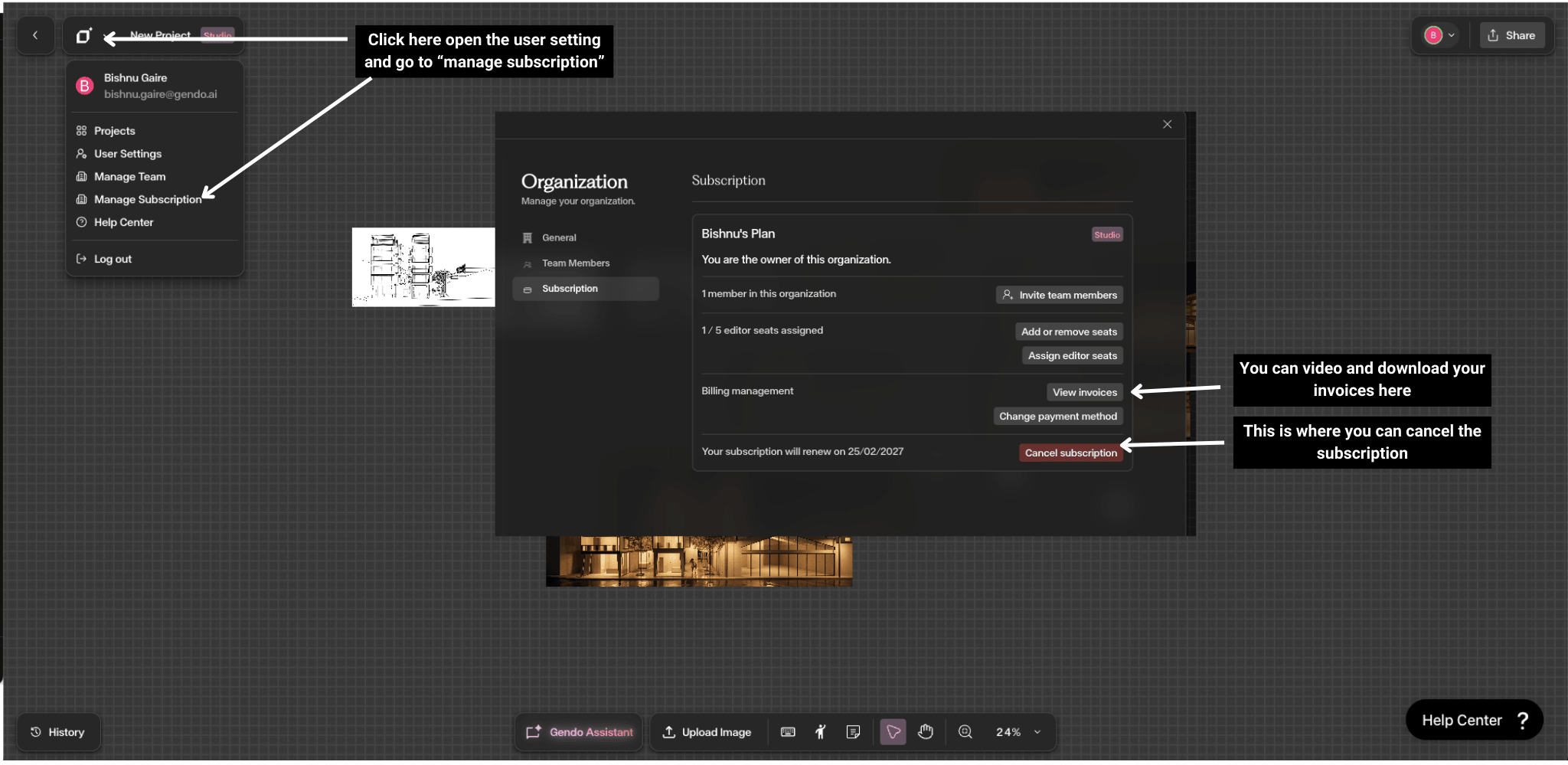
View invoices, change payment methods, manage seats, and handle plan changes.
Create, switch, and configure organizations to structure your team's workspace.
Control who can edit, generate, and collaborate inside your Gendo workspace.
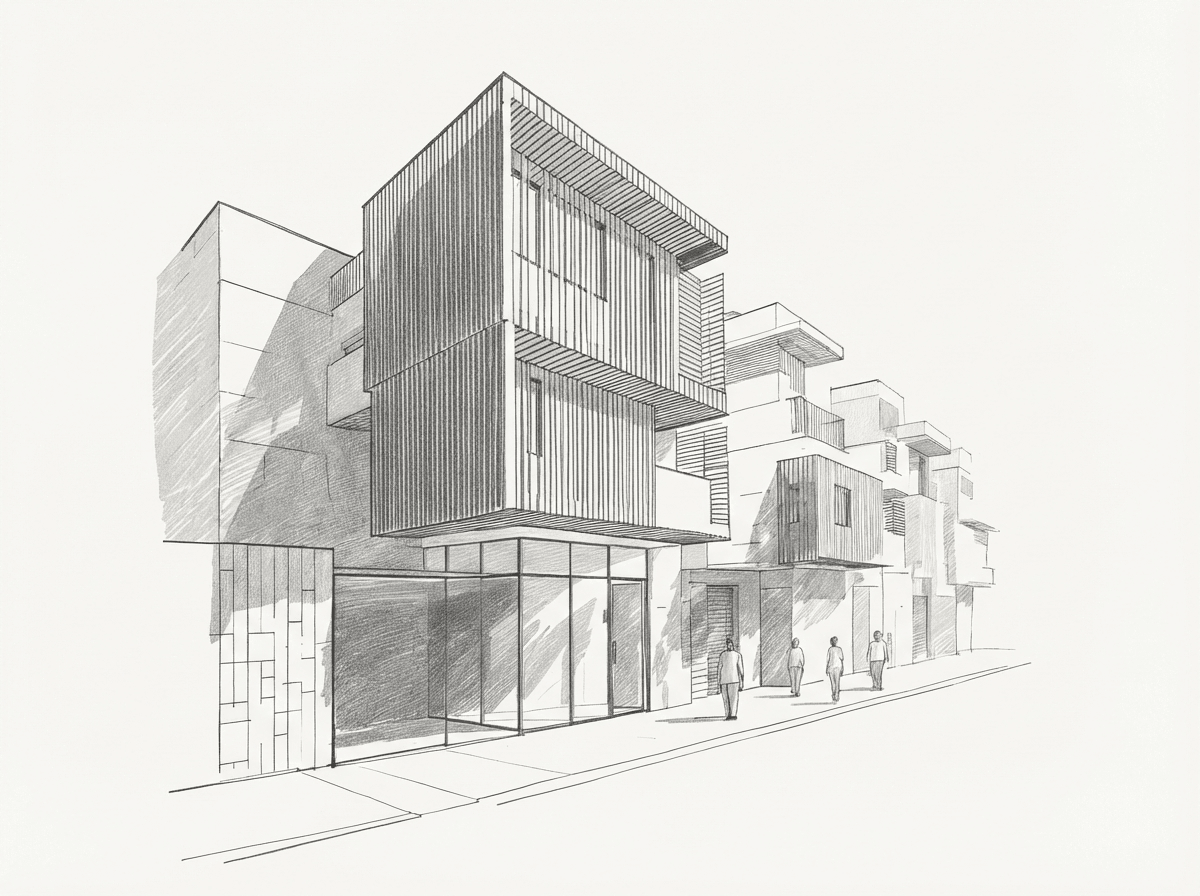
Take a rough sketch or massing model and transform it into a compelling architectural visualization.
Best practices for using Gendo outputs in client meetings and planning submissions.